
Whitehat Virtual Technologies


10 Must Have Managed Cloud Security Capabilities
Cloud environments offer flexibility, scalability, and better support for remote work, but they also introduce new security risks that many organizations are not prepared to handle internally.
Cloud environments offer flexibility, scalability, and better support for remote work, but they also introduce new security risks that many organizations are not prepared to handle internally.
Read full post on blog.whitehatvirtual.com

Meet the Proven Framework that Uncovers Hidden Gaps in IT Operations
The 250-Point IT Trust & Performance Audit™ When you’ve spent over 13 years managing IT for businesses across the U.S., you start to see patterns — the same weak points that cause downtime, security incidents, or slow performance. Over time, we built a list of those patterns, refined it through thousands of real-world fixes, and turned it into something powerful:the 250 Critical Checks that form the backbone of the Whitehat IT Trust & Performance Audit™.
The 250-Point IT Trust & Performance Audit™ When you’ve spent over 13 years managing IT for businesses across the U.S., you start to see patterns — the same weak points that cause downtime, security incidents, or slow performance. Over time, we built a list of those patterns, refined it through thousands of real-world fixes, and turned it into something powerful:the 250 Critical Checks that form the backbone of the Whitehat IT Trust & Performance Audit™.
Read full post on blog.whitehatvirtual.com

Azure Virtual Desktop: Auto Scaling, Reserved Instances, and More
Introduction Microsoft Azure Virtual Desktop (AVD) offers incredible flexibility for remote and hybrid work, but many businesses quickly discover that costs can spiral if resources aren’t managed effectively. Compute, storage, and licensing are the biggest drivers of Azure bills, and without a plan, you could be paying for idle machines or oversized environments.
Introduction Microsoft Azure Virtual Desktop (AVD) offers incredible flexibility for remote and hybrid work, but many businesses quickly discover that costs can spiral if resources aren’t managed effectively. Compute, storage, and licensing are the biggest drivers of Azure bills, and without a plan, you could be paying for idle machines or oversized environments.
Read full post on blog.whitehatvirtual.com
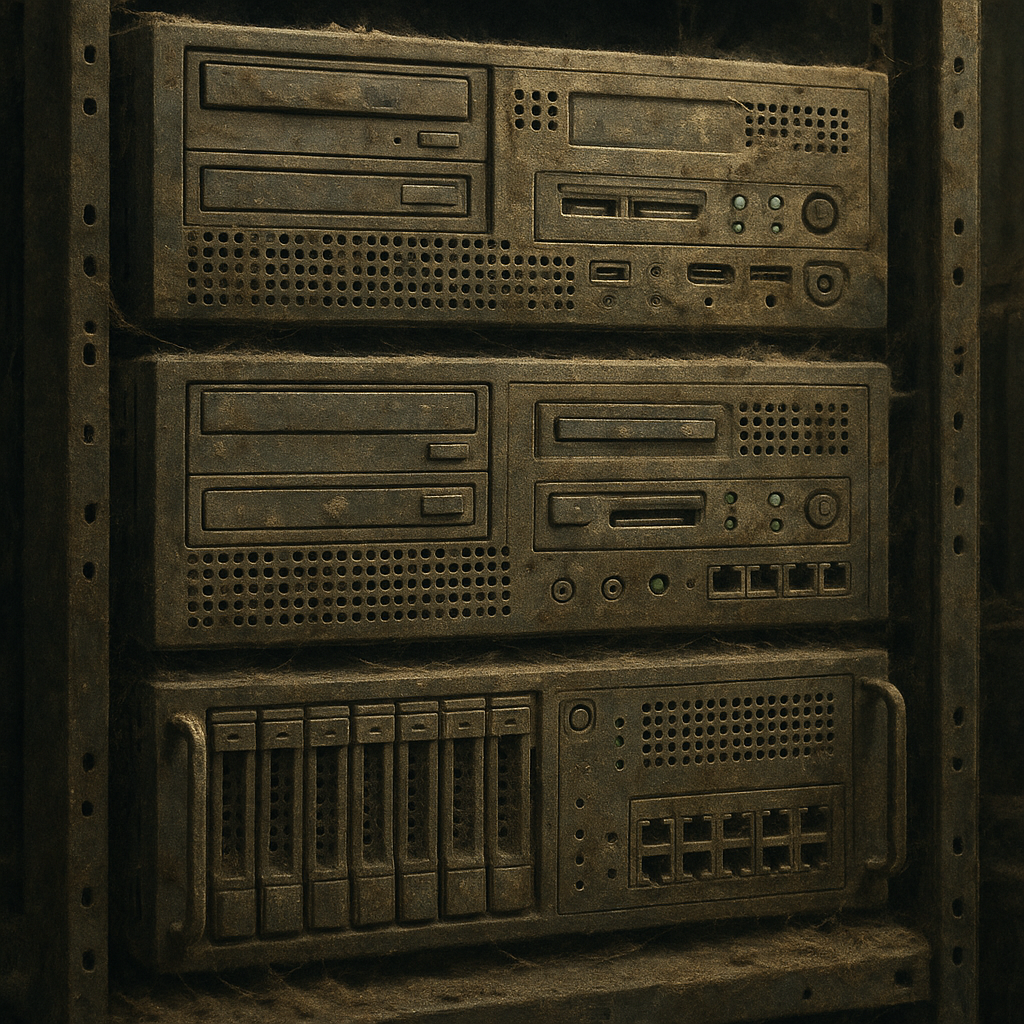
Server Refreshes: How to Modernize Without Bringing Business to a Halt
Servers are the muscle of your IT infrastructure. They power your applications, store your data, and keep your operations humming along. But like any piece of equipment, they age. And when they do, performance drops, risks increase, and costs creep higher.
Servers are the muscle of your IT infrastructure. They power your applications, store your data, and keep your operations humming along. But like any piece of equipment, they age. And when they do, performance drops, risks increase, and costs creep higher.
Read full post on blog.whitehatvirtual.com

When Your Servers Get Old, Everything Feels Slow
If your servers are more than 5 years old, they’re probably costing you more than you realize—in both performance and money. Aging servers mean slower applications, more downtime, higher maintenance costs, and a growing risk of security vulnerabilities.
If your servers are more than 5 years old, they’re probably costing you more than you realize—in both performance and money. Aging servers mean slower applications, more downtime, higher maintenance costs, and a growing risk of security vulnerabilities.
Read full post on blog.whitehatvirtual.com

Data Center Refreshes: How to Upgrade Without Disrupting the Business
If your data center could talk, what would it say? Probably something like:
If your data center could talk, what would it say? Probably something like:
Read full post on blog.whitehatvirtual.com

Your Data Center Needs a Refresh: Where to Start
If your data center hasn’t been significantly updated in the last 5–7 years, it’s likely underperforming—and possibly costing you more than you realize.
If your data center hasn’t been significantly updated in the last 5–7 years, it’s likely underperforming—and possibly costing you more than you realize.
Read full post on blog.whitehatvirtual.com
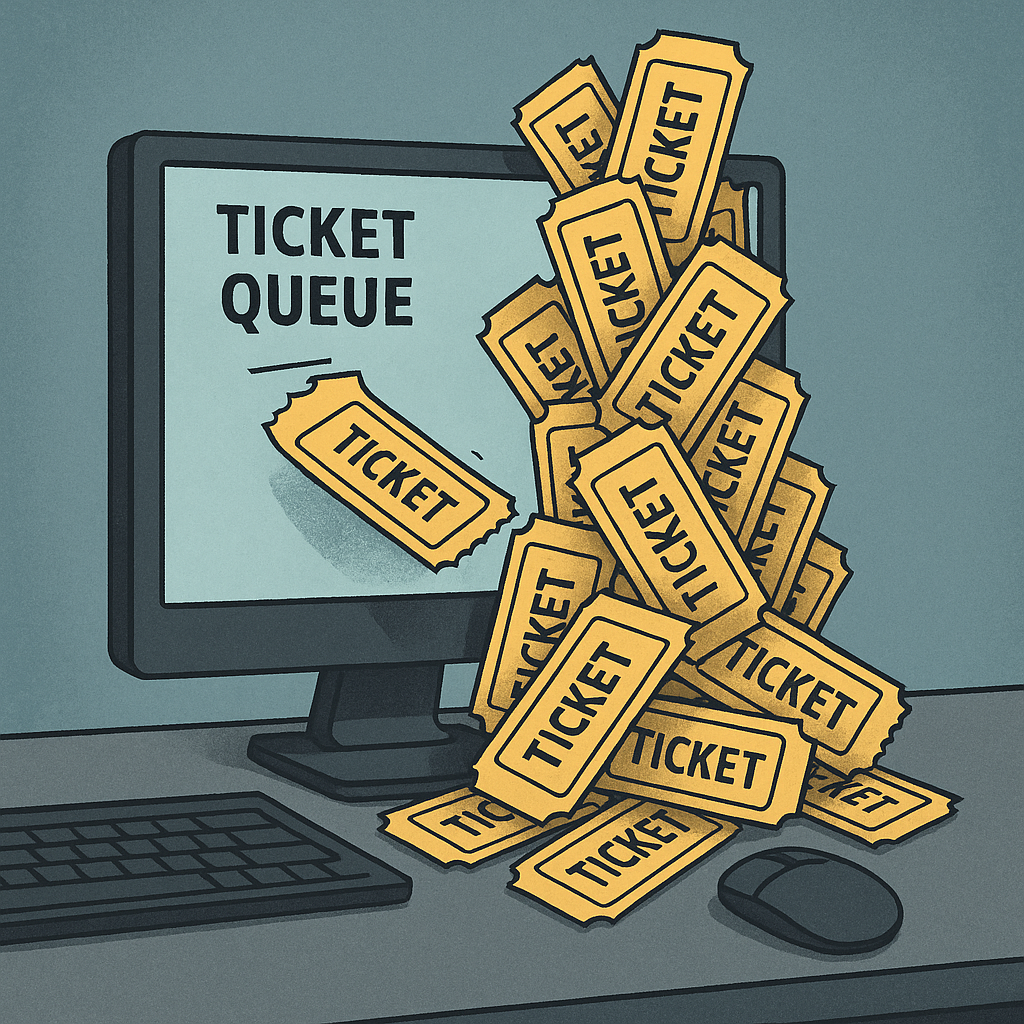
Help Desk Down? Why Losing Support Staff Hurts More Than You Think
It happens:Your help desk technician gives notice. Or two of them do. Suddenly, the people who answer every “I can’t log in” and “Why is my printer doing that?” are gone—and now those issues are landing on the wrong desks. And let’s be honest—if your CIO is resetting passwords, something’s gone sideways. Help Desk Isn’t Just a Support Function—It’s an Efficiency Engine When functioning properly, your help desk is the invisible force that keeps operations running smoothly. They're: Resolving 80% of user issues before they escalate Keeping ticket resolution times within SLA
It happens:Your help desk technician gives notice. Or two of them do. Suddenly, the people who answer every “I can’t log in” and “Why is my printer doing that?” are gone—and now those issues are landing on the wrong desks. And let’s be honest—if your CIO is resetting passwords, something’s gone sideways. Help Desk Isn’t Just a Support Function—It’s an Efficiency Engine When functioning properly, your help desk is the invisible force that keeps operations running smoothly. They're: Resolving 80% of user issues before they escalate Keeping ticket resolution times within SLAs Preventing interruptions to workdays across every department Acting as the eyes and ears for larger IT problems on the horizon Enforcing best practices for user behavior and security hygiene When your help desk coverage drops, even temporarily, the effects ripple out fast. What Happens When Help Desk Coverage Fails Here’s what we typically see: ⏱️ Response times skyrocket – Tickets sit in queues longer, users wait. 📣 Frustrated employees – Internal staff begins bypassing IT or creating workarounds (read: risks). 📉 Project delays – Higher-level IT staff are pulled into frontline support. 🧯 Band-aid solutions – Complex problems get temporary fixes to get users back online fast. 💸 Productivity loss – When 30 people each lose 30 minutes a day to small tech issues, that's real money. The kicker? Most of this doesn’t trigger a red alert. It just quietly chips away at efficiency and morale. Can You “Get By” Without a Help Desk Tech? Technically? Sure.Should you? Probably not. Without structured help desk coverage, your business relies on: Untrained staff solving technical issues on their own Managers stepping in to support their teams (with mixed results) Other IT roles burning time on tasks that aren’t aligned with their strengths That’s not sustainable—and it’s definitely not cost-effective. What a Strong MSP Can Do When Help Desk Staff Transition Out Based on decades of experience, here’s what a solid managed IT provider should deliver during help desk staff transitions: ✅ Tiered Support (Tier 1, 2, and 3) Let your higher-level IT team focus on infrastructure and projects while Tier 1 support handles the frontline noise—passwords, login issues, desktop problems. ✅ SLA-Driven Coverage A reliable MSP will adhere to clearly defined response and resolution times, even during high volume periods—keeping your user satisfaction high. ✅ Ticket Triage & Prioritization Instead of working through a ticket pile blindly, MSPs prioritize by severity, business impact, and service level agreements—so nothing falls through the cracks. ✅ User Satisfaction Metrics End-user experience matters. A good provider measures and tracks CSAT (customer satisfaction) to make sure your team isn’t just getting answers—but getting them efficiently and professionally. ✅ 24/7 or Extended Hour Support With internal staff gaps, it's harder to manage coverage outside of business hours. An MSP with around-the-clock support helps ensure uptime and coverage, even when your internal team clocks out. ✅ Documentation & Knowledge Management Help desk transitions are notorious for creating knowledge gaps. A good MSP maintains up-to-date SOPs, FAQs, and documentation for faster issue resolution and smoother handoffs. The Bottom Line: The Help Desk Isn’t Optional Your help desk is the nerve center of your IT ecosystem. Without it, even minor issues snowball into major productivity and morale drains. So if you’re facing a staffing gap—whether temporary or long-term—don’t try to tough it out. It costs more than it saves. The right MSP won't just “answer tickets”—they’ll stabilize your operations and keep IT aligned with business productivity, even in the face of unexpected departures.
Read full post on blog.whitehatvirtual.com

When Your Help Desk Staff Leaves, Everyone Feels It
When someone from your help desk team quits, the impact isn’t just internal—it hits your entire organization.
When someone from your help desk team quits, the impact isn’t just internal—it hits your entire organization.
Read full post on blog.whitehatvirtual.com
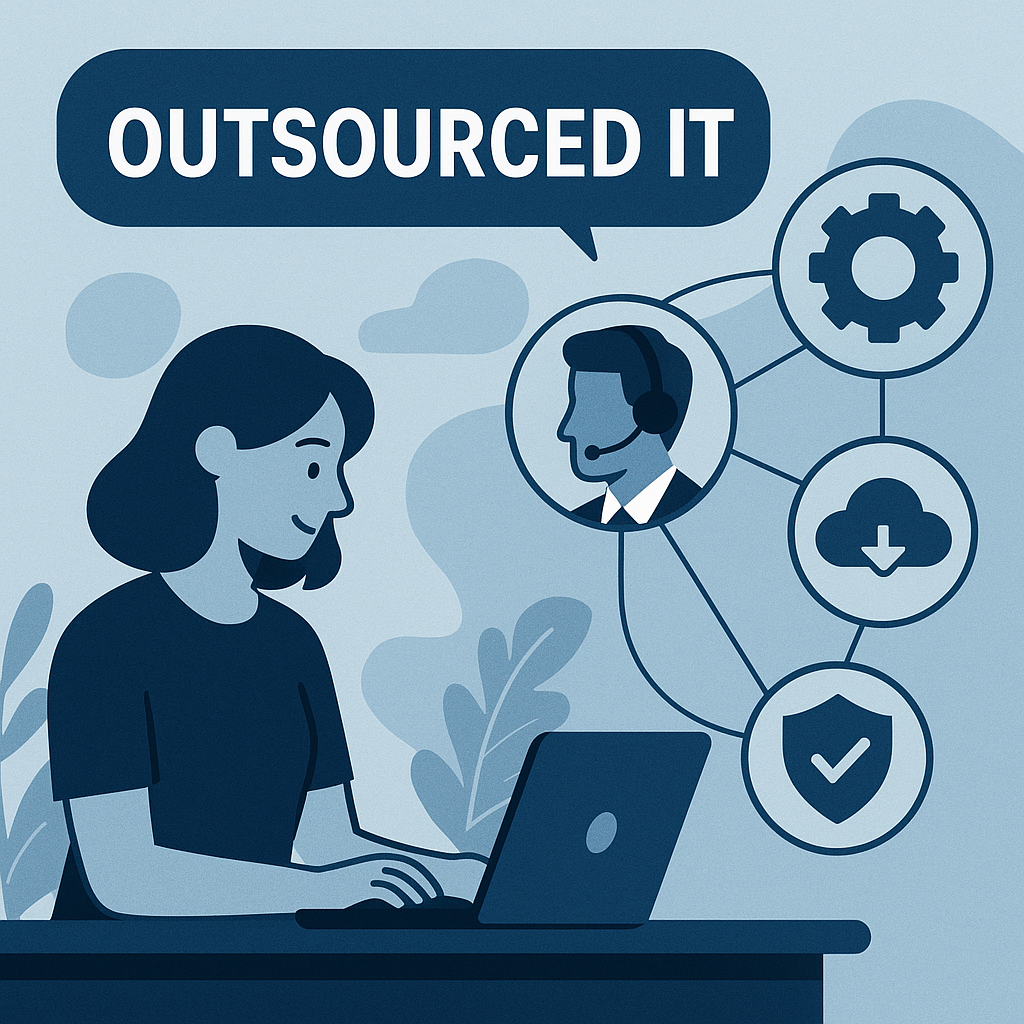
Outsourcing IT After a Staff Departure: Smart Move or Stopgap?
It starts with a goodbye email. Maybe it’s planned, maybe it’s not. Either way, your internal IT resource is out—and suddenly, simple tasks feel complicated.
It starts with a goodbye email. Maybe it’s planned, maybe it’s not. Either way, your internal IT resource is out—and suddenly, simple tasks feel complicated.
Read full post on blog.whitehatvirtual.com
Failed to load more articles
You're all caught up!
Check back later for more profile news.
n everything we do, our goal is to improve the last “18 inches” between the user and their screen.
We are continuously monitoring and optimizing our clients’ network and system performance to ensure peak end-user productivity.
More than just IT services, Whitehat is changing the way businesses operate on a day-to-day basis and perform long term.
10 Must Have Managed Cloud Security Capabilities
Cloud environments offer flexibility, scalability, and better support for remote work, but they also introduce new security risks that many organizations are not prepared to handle internally.
Cloud environments offer flexibility, scalability, and better support for remote work, but they also introduce new security risks that many organizations are not prepared to handle internally.
Read full post on blog.whitehatvirtual.com
Meet the Proven Framework that Uncovers Hidden Gaps in IT Operations
The 250-Point IT Trust & Performance Audit™ When you’ve spent over 13 years managing IT for businesses across the U.S., you start to see patterns — the same weak points that cause downtime, security incidents, or slow performance. Over time, we built a list of those patterns, refined it through thousands of real-world fixes, and turned it into something powerful:the 250 Critical Checks that form the backbone of the Whitehat IT Trust & Performance Audit™.
The 250-Point IT Trust & Performance Audit™ When you’ve spent over 13 years managing IT for businesses across the U.S., you start to see patterns — the same weak points that cause downtime, security incidents, or slow performance. Over time, we built a list of those patterns, refined it through thousands of real-world fixes, and turned it into something powerful:the 250 Critical Checks that form the backbone of the Whitehat IT Trust & Performance Audit™.
Read full post on blog.whitehatvirtual.com
Azure Virtual Desktop: Auto Scaling, Reserved Instances, and More
Introduction Microsoft Azure Virtual Desktop (AVD) offers incredible flexibility for remote and hybrid work, but many businesses quickly discover that costs can spiral if resources aren’t managed effectively. Compute, storage, and licensing are the biggest drivers of Azure bills, and without a plan, you could be paying for idle machines or oversized environments.
Introduction Microsoft Azure Virtual Desktop (AVD) offers incredible flexibility for remote and hybrid work, but many businesses quickly discover that costs can spiral if resources aren’t managed effectively. Compute, storage, and licensing are the biggest drivers of Azure bills, and without a plan, you could be paying for idle machines or oversized environments.
Read full post on blog.whitehatvirtual.com
Server Refreshes: How to Modernize Without Bringing Business to a Halt
Servers are the muscle of your IT infrastructure. They power your applications, store your data, and keep your operations humming along. But like any piece of equipment, they age. And when they do, performance drops, risks increase, and costs creep higher.
Servers are the muscle of your IT infrastructure. They power your applications, store your data, and keep your operations humming along. But like any piece of equipment, they age. And when they do, performance drops, risks increase, and costs creep higher.
Read full post on blog.whitehatvirtual.com
When Your Servers Get Old, Everything Feels Slow
If your servers are more than 5 years old, they’re probably costing you more than you realize—in both performance and money. Aging servers mean slower applications, more downtime, higher maintenance costs, and a growing risk of security vulnerabilities.
If your servers are more than 5 years old, they’re probably costing you more than you realize—in both performance and money. Aging servers mean slower applications, more downtime, higher maintenance costs, and a growing risk of security vulnerabilities.
Read full post on blog.whitehatvirtual.com
Data Center Refreshes: How to Upgrade Without Disrupting the Business
If your data center could talk, what would it say? Probably something like:
If your data center could talk, what would it say? Probably something like:
Read full post on blog.whitehatvirtual.com
Your Data Center Needs a Refresh: Where to Start
If your data center hasn’t been significantly updated in the last 5–7 years, it’s likely underperforming—and possibly costing you more than you realize.
If your data center hasn’t been significantly updated in the last 5–7 years, it’s likely underperforming—and possibly costing you more than you realize.
Read full post on blog.whitehatvirtual.com
Help Desk Down? Why Losing Support Staff Hurts More Than You Think
It happens:Your help desk technician gives notice. Or two of them do. Suddenly, the people who answer every “I can’t log in” and “Why is my printer doing that?” are gone—and now those issues are landing on the wrong desks. And let’s be honest—if your CIO is resetting passwords, something’s gone sideways. Help Desk Isn’t Just a Support Function—It’s an Efficiency Engine When functioning properly, your help desk is the invisible force that keeps operations running smoothly. They're: Resolving 80% of user issues before they escalate Keeping ticket resolution times within SLA
It happens:Your help desk technician gives notice. Or two of them do. Suddenly, the people who answer every “I can’t log in” and “Why is my printer doing that?” are gone—and now those issues are landing on the wrong desks. And let’s be honest—if your CIO is resetting passwords, something’s gone sideways. Help Desk Isn’t Just a Support Function—It’s an Efficiency Engine When functioning properly, your help desk is the invisible force that keeps operations running smoothly. They're: Resolving 80% of user issues before they escalate Keeping ticket resolution times within SLAs Preventing interruptions to workdays across every department Acting as the eyes and ears for larger IT problems on the horizon Enforcing best practices for user behavior and security hygiene When your help desk coverage drops, even temporarily, the effects ripple out fast. What Happens When Help Desk Coverage Fails Here’s what we typically see: ⏱️ Response times skyrocket – Tickets sit in queues longer, users wait. 📣 Frustrated employees – Internal staff begins bypassing IT or creating workarounds (read: risks). 📉 Project delays – Higher-level IT staff are pulled into frontline support. 🧯 Band-aid solutions – Complex problems get temporary fixes to get users back online fast. 💸 Productivity loss – When 30 people each lose 30 minutes a day to small tech issues, that's real money. The kicker? Most of this doesn’t trigger a red alert. It just quietly chips away at efficiency and morale. Can You “Get By” Without a Help Desk Tech? Technically? Sure.Should you? Probably not. Without structured help desk coverage, your business relies on: Untrained staff solving technical issues on their own Managers stepping in to support their teams (with mixed results) Other IT roles burning time on tasks that aren’t aligned with their strengths That’s not sustainable—and it’s definitely not cost-effective. What a Strong MSP Can Do When Help Desk Staff Transition Out Based on decades of experience, here’s what a solid managed IT provider should deliver during help desk staff transitions: ✅ Tiered Support (Tier 1, 2, and 3) Let your higher-level IT team focus on infrastructure and projects while Tier 1 support handles the frontline noise—passwords, login issues, desktop problems. ✅ SLA-Driven Coverage A reliable MSP will adhere to clearly defined response and resolution times, even during high volume periods—keeping your user satisfaction high. ✅ Ticket Triage & Prioritization Instead of working through a ticket pile blindly, MSPs prioritize by severity, business impact, and service level agreements—so nothing falls through the cracks. ✅ User Satisfaction Metrics End-user experience matters. A good provider measures and tracks CSAT (customer satisfaction) to make sure your team isn’t just getting answers—but getting them efficiently and professionally. ✅ 24/7 or Extended Hour Support With internal staff gaps, it's harder to manage coverage outside of business hours. An MSP with around-the-clock support helps ensure uptime and coverage, even when your internal team clocks out. ✅ Documentation & Knowledge Management Help desk transitions are notorious for creating knowledge gaps. A good MSP maintains up-to-date SOPs, FAQs, and documentation for faster issue resolution and smoother handoffs. The Bottom Line: The Help Desk Isn’t Optional Your help desk is the nerve center of your IT ecosystem. Without it, even minor issues snowball into major productivity and morale drains. So if you’re facing a staffing gap—whether temporary or long-term—don’t try to tough it out. It costs more than it saves. The right MSP won't just “answer tickets”—they’ll stabilize your operations and keep IT aligned with business productivity, even in the face of unexpected departures.
Read full post on blog.whitehatvirtual.com
When Your Help Desk Staff Leaves, Everyone Feels It
When someone from your help desk team quits, the impact isn’t just internal—it hits your entire organization.
When someone from your help desk team quits, the impact isn’t just internal—it hits your entire organization.
Read full post on blog.whitehatvirtual.com
Outsourcing IT After a Staff Departure: Smart Move or Stopgap?
It starts with a goodbye email. Maybe it’s planned, maybe it’s not. Either way, your internal IT resource is out—and suddenly, simple tasks feel complicated.
It starts with a goodbye email. Maybe it’s planned, maybe it’s not. Either way, your internal IT resource is out—and suddenly, simple tasks feel complicated.
Read full post on blog.whitehatvirtual.com
Failed to load more articles
You're all caught up!
Check back later for more profile news.