Let us help you with IT.
Discover leading Managed IT Service Providers across USA, Canada & the United Kingdom.
- 100s of leading MSPs
- Find a MSP near you
- Latest IT news for SMBs

Building the Right Tech Stack for Your Franchise
The short answer: A franchise tech stack should have a non-negotiable core (network infrastructure, cybersecurity, cloud platform, and core operations software) and a controlled-flexibility layer at the edges where local adaptation is appropriate. Franchises that define this line clearly grow faster, support franchisees more effectively, and build the foundation for AI-ready operations. Those that do not spend their growth budget cleaning up avoidable chaos. Why Does the Standardization vs. Flexibility Debate Keep Coming Up? The tension is real and it is legitimate. Franchisors want consiste
The short answer: A franchise tech stack should have a non-negotiable core (network infrastructure, cybersecurity, cloud platform, and core operations software) and a controlled-flexibility layer at the edges where local adaptation is appropriate. Franchises that define this line clearly grow faster, support franchisees more effectively, and build the foundation for AI-ready operations. Those that do not spend their growth budget cleaning up avoidable chaos. Why Does the Standardization vs. Flexibility Debate Keep Coming Up? The tension is real and it is legitimate. Franchisors want consistency, visibility, and control. Franchisees want the autonomy to run their business their way. When this goes unresolved, technology becomes a source of friction instead of a growth engine. The scale of the challenge makes it urgent. The U.S. franchise industry is on track to reach approximately 845,000 units in 2026, with more than 12,000 net new locations opening this year alone. 1 Multi-unit operators control 58.8% of all franchised locations while representing only 19.3% of franchisees.1 These are the franchisees driving the most growth, and they are the ones least able to absorb technology chaos across locations. At that scale, unresolved technology decisions compound fast. The most common mistake franchisors make is treating this as a binary: either standardize everything, or let each location decide for itself. Neither works. Full lock-down breeds resentment and kills adoption. Full freedom creates a patchwork of incompatible systems that makes your network impossible to support, secure, or scale. The answer is a framework, not a feeling. What Belongs in the Non-Negotiable Core? Some technology decisions are not franchise decisions. They are brand decisions. The following categories belong in the standardized core, with no exceptions. Network Infrastructure Every location should run on consistent, managed network hardware with the same configuration standards, the same security policies, and the same remote monitoring capability. When a franchisee in Phoenix needs support, your team should not be discovering a network setup they have never seen before. Inconsistent networks are the single biggest obstacle to scalable support. Cybersecurity Stack A breach at one location is a headline for your entire brand. Endpoint protection, multi-factor authentication (MFA), email security, and security awareness training cannot vary by location. The most dangerous assumption in franchise cybersecurity is that a local IT decision stays local. It will not. For a deeper look at the security risks specific to multi-location businesses, see Cybersecurity for Franchises: Protecting Your Multi-Location Business at sentryitsolutions.com/blog. Cloud and Communication Platform Whether your brand runs on Microsoft 365 or Google Workspace, every location needs to operate on the same collaboration environment. Cross-location visibility, reporting, and any future AI-powered workflows depend on it. A franchise system where half the locations use 365 and the other half use personal Gmail accounts does not have a data strategy. It has a liability. Core Operations Software POS, scheduling, inventory management: wherever your brand has defined operational standards, the software that supports them should match. This is where franchisors most often compromise early and pay for it late. The cost of a nonstandard operations system is not just the support headache. It is the reporting gap, the audit trail that does not exist, and the integration that will never work. Where Is Flexibility Appropriate? Flexibility belongs at the edges, in tools that support local operations without affecting system-wide visibility, security, or brand delivery. Examples of legitimate local flexibility include: Supplemental local marketing tools such as social scheduling apps or local email platforms, provided they do not hold customer data or connect to core systems Local service vendors that do not touch network or security infrastructure Hardware peripherals (monitors, printers, accessories) within an approved specification range Certain location-specific software integrations that go through a documented vetting process before approval The test is simple. If this decision goes wrong, does the blast radius extend past one location? If it can affect brand reputation, customer data, or another location's operations, it does not belong in the flexible layer. How Do You Draw the Line? Franchisees who understand why a standard exists are far more likely to follow it. The systems that do this well do not just hand down a list of approved vendors. They document the reasoning behind each requirement. Research from Franchise Creator found that franchisee satisfaction scores are 42% higher in systems that clearly define which standards are flexible, versus those where expectations feel arbitrary or constantly shifting.2 A practical tool: build a two-column matrix. Column one is "Brand Standards: Non-Negotiable." Column two is "Local Flexibility: Franchisee Choice." Every technology category gets a column. Every column gets a reason. Franchisees who participate in shaping standards through franchise advisory councils or technology working groups are more likely to embrace them. And those standards tend to get stronger from real-world input. The goal is a framework your franchisees trust enough to follow without being forced. What Does This Look Like as You Scale? The further a franchise grows, the more this distinction matters. Franchises using standardized, centralized technology platforms grow at roughly twice the industry average compared to those relying on fragmented systems. 2 When new location deployment becomes a repeatable playbook (hardware pre-specified, network configuration templated, onboarding documented), the cost and time to open each new location drops significantly. A location that opens four weeks earlier is one generating revenue four weeks earlier. Across a system in growth mode, that compounds. This is what Sentry's Technology Maturity Model (TMM) is designed around. The TMM moves through four stages: Operate, Secure, Integrate, Innovate. Your standardization decisions live in Operate and Secure. Without them in place, the Integrate and Innovate stages, where AI tools, workflow automation, and data-driven decision-making become possible, are not accessible. You cannot build something useful on an inconsistent foundation. For a closer look at what a standardized managed IT package for franchise systems actually includes, see our companion post: Managed IT Packages for Franchise Systems: What Every Franchisor Should Standardize at sentryitsolutions.com/blog. Where Do You Start? Start with a technology audit. Map what your locations are actually running, not what you think they are running, and not what the FDD says they should be running. The gap between policy and reality is where your risk lives and where standardization efforts need to focus first. If you have been operating without a clear standard, a phased approach works best. Lock in network and security first (highest risk, most immediate return), then cloud platform, then core operations software. Tackle the non-negotiable core before worrying about the flexible layer. Sentry Technology Solutions has guided franchise systems of all sizes through exactly this process, from the initial technology audit to full managed IT deployment across dozens of locations. Visit sentryitsolutions.com to start the conversation. Frequently Asked Questions What is the difference between IT brand standards and a franchise tech stack? IT brand standards are the documented policies that define what technology should look like at each location. The tech stack is the actual collection of systems and tools in use. Standards define the target; the tech stack is what you measure against it. They work together, but they are not the same thing. How do you enforce technology standards without damaging franchisee relationships? Transparency and involvement go a long way. When franchisees understand the reasoning behind a standard (brand risk, security exposure, scalability), compliance tends to follow. Involving franchisees in shaping standards through advisory councils or pilot programs gives them ownership of the outcome. Mandates without context breed resistance. Standards with context build buy-in. What if a franchisee already has technology investments that do not match the standard? A phased migration plan with clear timelines is usually the right answer. Forcing immediate replacement of functioning equipment creates financial friction and resentment. Identifying end-of-life dates and aligning replacement cycles with a standardization roadmap gives franchisees a path forward without demanding overnight compliance. Sentry has managed this transition for franchise systems at various stages of maturity. How does tech stack standardization connect to AI adoption? AI tools do not perform well in fragmented environments. Inconsistent data formats, systems that do not communicate with each other, and visibility gaps across locations give AI tools nothing reliable to work with. Standardization creates the clean, consistent data foundation AI requires. It is not just a prerequisite for AI readiness. It is the investment that determines whether your AI strategy delivers results or just delivers reports about its own limitations. For more on the technology stages that lead to AI readiness, see Why Tech Standardization Is a Competitive Advantage For Franchises at sentryitsolutions.com/blog. References 1. FRANdata, "U.S. Franchising's Economic Outlook in 2026: Jobs, Output, and Growth," frandata.com 2. Franchise Creator, "Balancing Franchisee Autonomy with Brand Standards," franchisecreator.com
Read full post on sentrytechsolutions.com
MSPdb™ News

The USCG Maritime Cyber Rules Texas Operators Keep Missing
Short version. The Coast Guard’s 2025 cybersecurity rule superseded NVIC 01-20. It did not change ... Learn More
Short version. The Coast Guard’s 2025 cybersecurity rule superseded NVIC 01-20. It did not change ... Learn More
Read full post on uprite.com

M&A: Your People Are the Hardest System to Integrate
The servers can wait. Here is what acquirers get wrong in the first 90 days.
The servers can wait. Here is what acquirers get wrong in the first 90 days.
Read full post on sentrytechsolutions.com


3 Hidden Dangers of Public Wi-Fi (And How to Stay Safe)
Picture this: You’re settling into a cozy corner of your favorite local café. The aroma of roasted espresso fills the air, and you're ready to tackle your inbox. You pop open your laptop, connect to the local public hotspot, and dive into work.The flexibility of working anytime and anywhere is incredibly tempting, but relying on free, public wireless networks can be exceptionally dangerous. While it might seem paranoid, it is easier than ever to stumble into a security nightmare when using public Wi-Fi.
Picture this: You’re settling into a cozy corner of your favorite local café. The aroma of roasted espresso fills the air, and you're ready to tackle your inbox. You pop open your laptop, connect to the local public hotspot, and dive into work.The flexibility of working anytime and anywhere is incredibly tempting, but relying on free, public wireless networks can be exceptionally dangerous. While it might seem paranoid, it is easier than ever to stumble into a security nightmare when using public Wi-Fi.
Read full post on coretechllc.com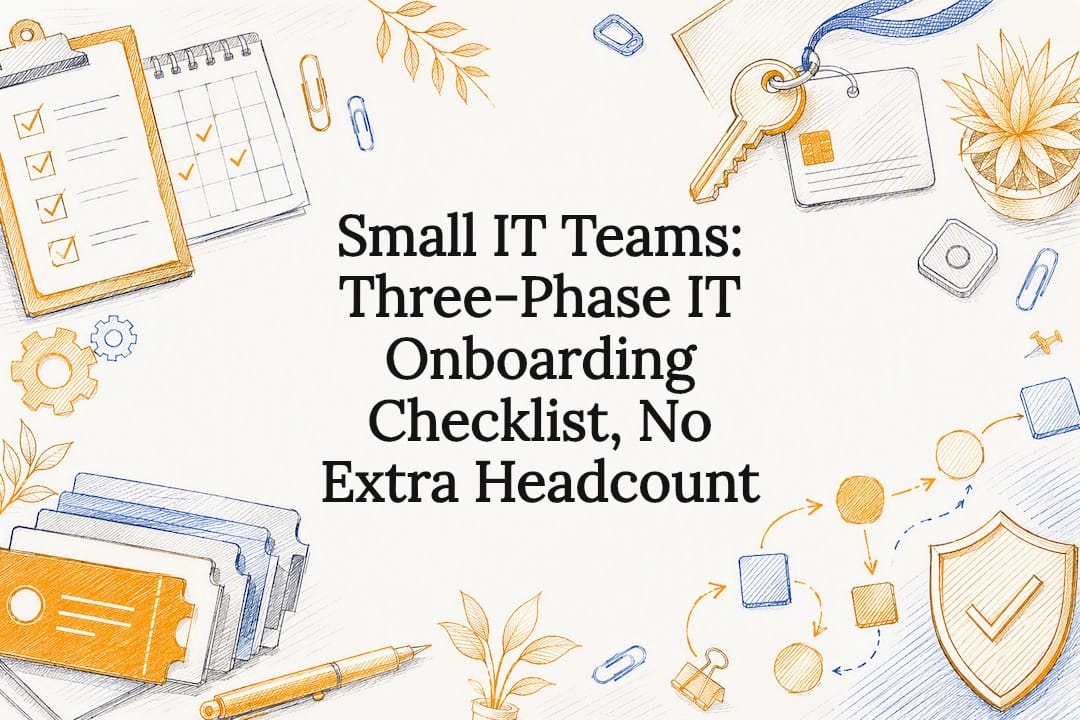
Small IT Teams: Three-Phase IT Onboarding Checklist, No Extra Headcount
Three-phase IT onboarding checklist for small IT teams: a copy-ready template with role-based packs, automation, and a day 7–30 access review to cut...
Three-phase IT onboarding checklist for small IT teams: a copy-ready template with role-based packs, automation, and a day 7–30 access review to cut...
Read full post on mytekrescue.com
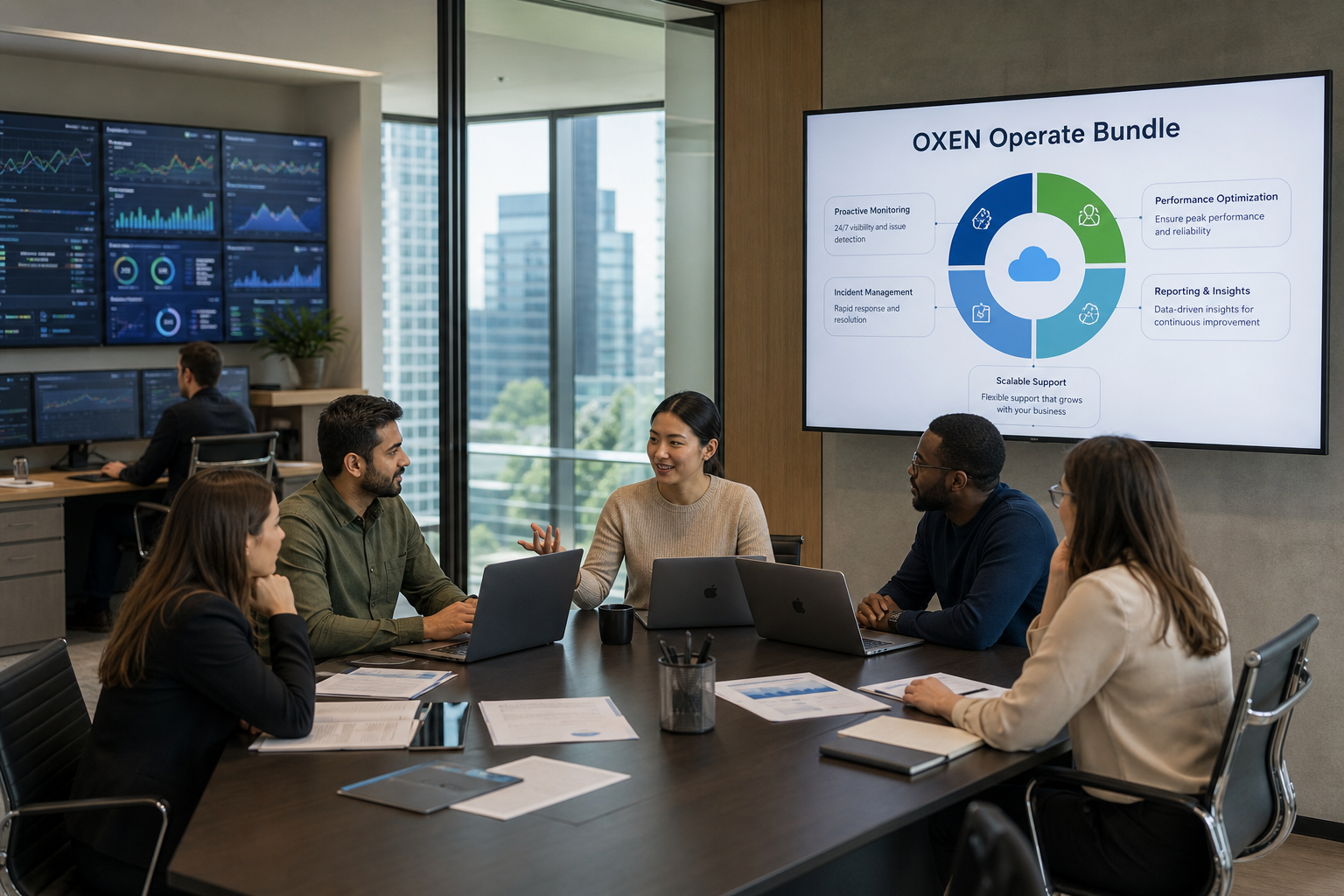
Breaking Down the OXEN Operate Bundle
Breaking Down the OXEN Operate Bundle: The Foundation of Business Continuity In today’s business environment, operational stability is not optional; it is a requirement. As organizations become increasingly dependent on technology, even minor disruptions can have significant financial, operational, and reputational consequences.
Breaking Down the OXEN Operate Bundle: The Foundation of Business Continuity In today’s business environment, operational stability is not optional; it is a requirement. As organizations become increasingly dependent on technology, even minor disruptions can have significant financial, operational, and reputational consequences.
Read full post on oxen.tech
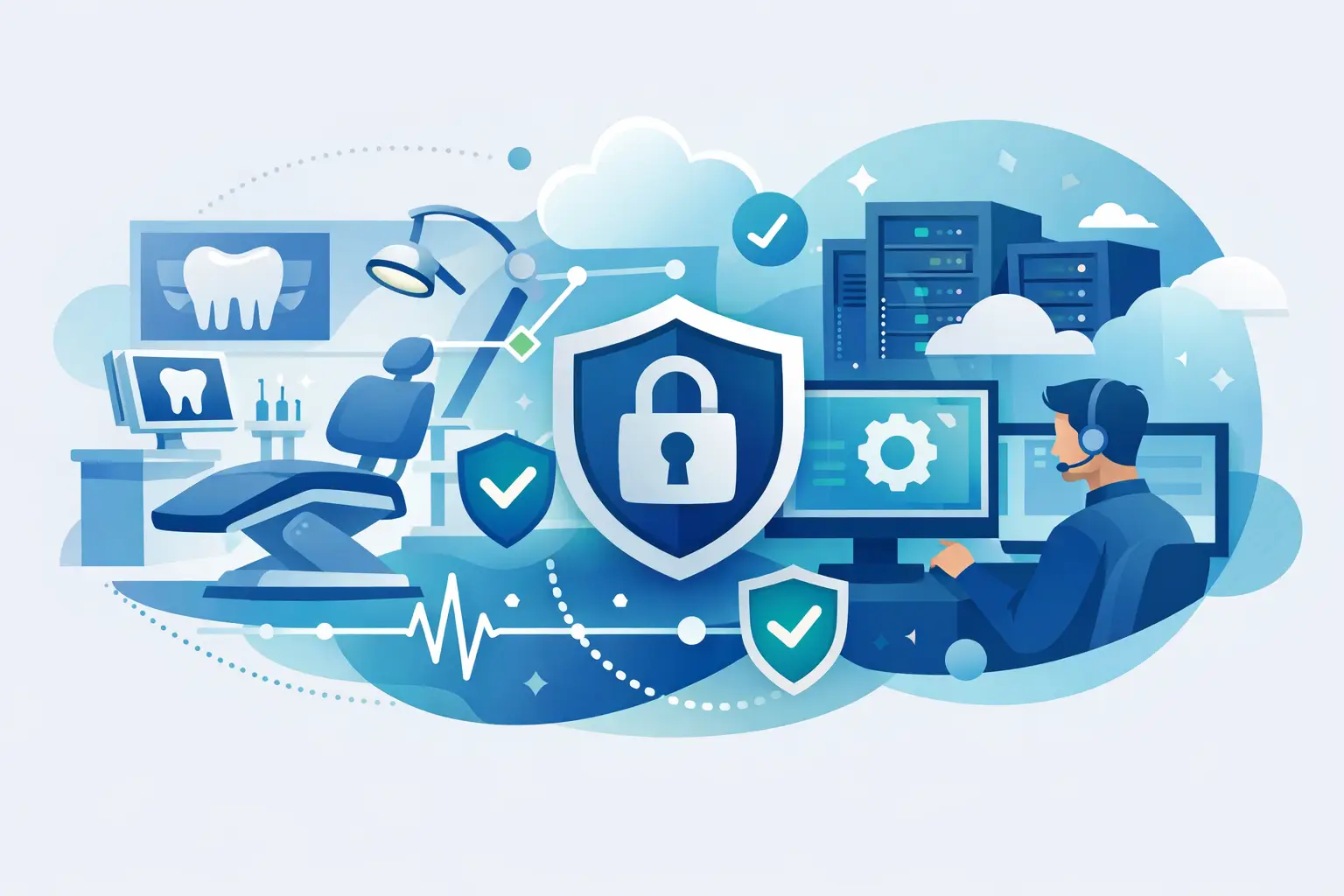
Dental Office IT Support That Protects Uptime
Dental office IT support keeps your practice secure, compliant, and productive with proactive monitoring, responsive help, backups, and clear costs too.
Dental office IT support keeps your practice secure, compliant, and productive with proactive monitoring, responsive help, backups, and clear costs too.
Read full post on rj-pro.net

Quantum-Safe Encryption: Why It’s Time to Future-Proof Your Data Today
Top 3 Takeaways The Threat Is Happening Now (“Harvest Now,… Read more
Top 3 Takeaways The Threat Is Happening Now (“Harvest Now,… Read more
Read full post on brightflow.net

Data Backup and Recovery: Understanding the Difference
You already have backups. But does that actually mean you can recover your data? At first, the question sounds like splitting hairs. If you’ve got backups, then you should be able to recover them, right? Here’s the part that isn’t obvious: plenty of businesses have lost their data for good that still had backups. They
You already have backups. But does that actually mean you can recover your data? At first, the question sounds like splitting hairs. If you’ve got backups, then you should be able to recover them, right? Here’s the part that isn’t obvious: plenty of businesses have lost their data for good that still had backups. They
Read full post on reliabletechnology.co
The Conference Room Where Every Call Starts With "Can You Hear Me"
Every office has that meeting room where every call starts with "Can you hear me?" Here's how to fix it without an enterprise budget.
Every office has that meeting room where every call starts with "Can you hear me?" Here's how to fix it without an enterprise budget.
Read full post on cnwr.com

What to Do When You Receive an MFA Approval You Didn’t Request
You’re working at your computer when your phone suddenly buzzes. “Approve sign-in?” But there’s a problem: You aren’t trying to sign in to anything. What should you do? The most important answer is simple: Do Not Approve It If you did not initiate the login, never approve an unexpected Multi-Factor Authentication (MFA) request. Select Deny or Report Suspicious Activity if that option is available. An unexpected MFA request can be a sign that someone is attempting to access your account....
You’re working at your computer when your phone suddenly buzzes. “Approve sign-in?” But there’s a problem: You aren’t trying to sign in to anything. What should you do? The most important answer is simple: Do Not Approve It If you did not initiate the login, never approve an unexpected Multi-Factor Authentication (MFA) request. Select Deny or Report Suspicious Activity if that option is available. An unexpected MFA request can be a sign that someone is attempting to access your account....
Read full post on kappaservices.com
Just Added to MSPdb™
MSP Jobs
All Jobs

MSP Marketplace
View All


Popular MSPs
View All