We get IT so you don't have to.
Discover leading Managed IT Service Providers across USA, Canada & the United Kingdom.
- 100s of leading MSPs
- Find a MSP near you
- Latest IT news for SMBs


Build a Microsoft 365 GRC Dashboard Leaders Actually Use | Sourcepass
Most SMBs have no shortage of security data. Microsoft 365 Secure Score, Microsoft Entra ID sign-in activity, Microsoft Defender alerts, endpoint security dashboards, backup reports, and managed security monitoring platforms generate a constant stream of information. The challenge is not collecting telemetry. The challenge is turning that telemetry into a governance, risk, and compliance (GRC) dashboard that helps leaders understand risk, make decisions, and track progress over time. When a board member, cyber insurer, auditor, or executive asks questions such as "How is our Microsoft 365 se
Most SMBs have no shortage of security data. Microsoft 365 Secure Score, Microsoft Entra ID sign-in activity, Microsoft Defender alerts, endpoint security dashboards, backup reports, and managed security monitoring platforms generate a constant stream of information. The challenge is not collecting telemetry. The challenge is turning that telemetry into a governance, risk, and compliance (GRC) dashboard that helps leaders understand risk, make decisions, and track progress over time. When a board member, cyber insurer, auditor, or executive asks questions such as "How is our Microsoft 365 security posture changing?" or "Are we improving against NIST CSF 2.0 objectives?", many organizations still rely on ad hoc reports, screenshots, and spreadsheets. That approach creates unnecessary effort and makes trend analysis difficult. A better approach is to build a Microsoft 365 GRC dashboard that translates technical security data into business-focused metrics. For Microsoft-first organizations, the necessary data already exists across Microsoft Entra ID, Microsoft Defender, endpoint management platforms, backup systems, and managed security services. The key is organizing that information into a consistent governance model. The NIST Cybersecurity Framework (CSF) 2.0 provides a strong foundation for this effort. NIST introduced the Govern function alongside Identify, Protect, Detect, Respond, and Recover to help organizations manage cybersecurity as a business risk rather than a purely technical issue. According to the NIST Cybersecurity Framework 2.0 Small Business Quick-Start Guide, these six functions provide "a comprehensive view of managing cybersecurity risk." [nvlpubs.nist.gov], [nvlpubs.nist.gov] This article explains how to build a Microsoft 365-centric GRC dashboard that leadership will actually use, how to select meaningful metrics, and how to align reporting with NIST CSF 2.0, cyber insurance requirements, and business objectives. Why a Microsoft 365 GRC Dashboard Needs a Governance Framework The most common mistake organizations make when building dashboards is focusing on available data instead of business questions. Executives rarely need to see every security alert, sign-in event, or configuration change. Instead, they need answers to questions such as: Is our security posture improving or declining? Which risks require attention this quarter? Where are we falling behind policy or framework expectations? Are recent investments reducing measurable risk? Can we demonstrate governance to insurers, auditors, and customers? NIST CSF 2.0 provides a structure for answering those questions. The framework organizes cybersecurity outcomes across six functions: Govern Identify Protect Detect Respond Recover NIST specifically notes that these functions collectively help organizations understand, assess, prioritize, and communicate cybersecurity risk. [nvlpubs.nist.gov], [nvlpubs.nist.gov] Start With Leadership Questions Before selecting metrics, determine what decisions leaders need to make. Examples include: Whether MFA adoption is improving Whether endpoint coverage meets organizational standards Whether backup and recovery objectives are being met Whether incident response maturity is increasing Whether risk exposure aligns with business tolerance The purpose of a GRC dashboard is not to report activity. It is to support governance decisions. Use NIST CSF 2.0 as the Common Language One of the advantages of NIST CSF 2.0 is that it gives technical and non-technical stakeholders a shared vocabulary. Executives, auditors, insurers, consultants, and IT teams can discuss cybersecurity outcomes using the same framework instead of translating between multiple security tools and reports. Resources such as NIST Cybersecurity Framework 2.0 Small Business Quick-Start Guide, NIST CSF 2.0 for SMBs: A Practical Implementation Guide, and NIST CSF as the SMB Compliance Baseline can help organizations establish that structure. Build a Microsoft 365 GRC Dashboard Around High-Signal Metrics A useful dashboard does not require dozens of charts. In most SMB environments, six to ten carefully selected indicators provide more value than a large collection of technical metrics. Govern and Identify Metrics Govern and Identify metrics help leadership understand ownership, accountability, and visibility. Potential indicators include: Microsoft Secure Score trends Percentage of documented asset owners Third-party application inventory reviews Identity governance review completion Administrative privilege review status Microsoft Entra ID reporting and governance assessments often provide much of the necessary data. Protect and Detect Metrics Protect and Detect functions typically contain the metrics leadership reviews most often because they relate directly to preventive controls and active risk management. Examples include: MFA coverage percentage Phishing-resistant MFA adoption Number of privileged accounts without Conditional Access protection Endpoint detection and response coverage Device compliance rates Phishing and malware blocks Risky sign-in trends Microsoft Defender, Microsoft Entra ID, managed EDR platforms, and Microsoft Intune provide telemetry that can support these measurements. Respond and Recover Metrics Many organizations underreport recovery-related metrics despite their importance to cyber resilience. Response and recovery indicators often include: Mean time to detect incidents Mean time to contain incidents Incident response exercise completion Backup success rates Restore testing frequency Recovery objective compliance Microsoft notes that Microsoft 365 Backup is designed to help protect SharePoint, OneDrive, and Exchange data while supporting business continuity and recovery objectives. [learn.microsoft.com] These metrics help demonstrate resilience rather than simply prevention. Visualize Trends Instead of Snapshots Leadership generally learns more from trend lines than from single-point measurements. A dashboard should answer questions such as: Is MFA adoption improving? Are endpoint coverage gaps shrinking? Are backup failures increasing or decreasing? Is incident response performance improving? Keep Visuals Simple Effective executive dashboards prioritize clarity over technical detail. Recommended dashboard components include: Trend charts Risk scorecards Exception counts Framework maturity indicators Quarterly movement summaries The objective is to highlight risk movement and decision points, not operational noise. Show Progress Against Target States NIST CSF 2.0 emphasizes current and target profiles as a way to assess maturity and prioritize improvements. [nvlpubs.nist.gov], [csrc.nist.gov] For example: Function Current Score Target Score Govern 70% 90% Identify 75% 90% Protect 82% 95% Detect 78% 90% Respond 71% 90% Recover 76% 90% The exact scoring methodology should remain consistent over time so trends remain meaningful. Connect Dashboard Metrics to Governance Decisions A dashboard only creates value when it influences decisions. Assign Ownership for Every Metric Each dashboard category should have clear accountability. Examples include: Identity and access: Internal IT or managed provider Endpoint security: Device management team Backup and recovery: IT and operations leadership Incident readiness: IT, operations, and executive sponsors Without ownership, metrics often become informational rather than actionable. Align Reviews With Business Cadence Most SMBs benefit from: Monthly operational reviews Quarterly executive governance reviews Annual framework and risk assessments Monthly meetings should focus on remediation activity. Quarterly reviews should focus on risk trends, investment priorities, and governance outcomes. Support Cyber Insurance and Client Requirements Modern cyber insurance applications frequently request evidence related to: MFA deployment Endpoint protection Backup testing Incident response readiness A well-designed Microsoft 365 GRC dashboard allows organizations to maintain evidence continuously rather than scrambling to assemble documentation when questionnaires arrive. Exportable reports from Microsoft Entra ID, Microsoft Defender, backup platforms, and managed security services can support these efforts. Over time, this creates a repeatable process for insurer reviews, customer assessments, and governance reporting. FAQ What is a Microsoft 365 GRC dashboard? A Microsoft 365 GRC dashboard is a reporting framework that combines governance, risk, and compliance metrics from Microsoft 365, Microsoft Entra ID, endpoint security platforms, backup systems, and incident response processes into a single view for leadership. What metrics should a Microsoft 365 GRC dashboard include? Most SMBs should focus on a limited number of indicators, including MFA coverage, phishing-resistant MFA adoption, Secure Score trends, endpoint protection coverage, backup success rates, restore testing results, and incident response metrics. How does NIST CSF 2.0 support a GRC dashboard? NIST CSF 2.0 provides six functions: Govern, Identify, Protect, Detect, Respond, and Recover. These functions offer a structured way to organize cybersecurity metrics and communicate risk consistently across technical and business stakeholders. [nvlpubs.nist.gov], [nvlpubs.nist.gov] Why should executives regularly review Microsoft 365 security metrics? Regular reviews help leadership identify risk trends, prioritize investments, evaluate control effectiveness, and demonstrate governance maturity to insurers, auditors, and customers. How often should a Microsoft 365 GRC dashboard be reviewed? Most organizations benefit from monthly operational reviews and quarterly executive reviews. This cadence provides enough time to identify trends while ensuring security risks receive appropriate attention. What Microsoft 365 data sources are commonly used for GRC reporting? Common sources include Microsoft Entra ID, Microsoft Secure Score, Microsoft Defender, Microsoft Intune, backup platforms, EDR solutions, incident response platforms, and governance assessment tools.
Read full post on blog.sourcepass.com
MSPdb™ News

HIPAA Cybersecurity Requirements for San Antonio Medical Practices
Short version. HIPAA does not publish a checklist. It requires a documented risk analysis, then ... Learn More
Short version. HIPAA does not publish a checklist. It requires a documented risk analysis, then ... Learn More
Read full post on uprite.com
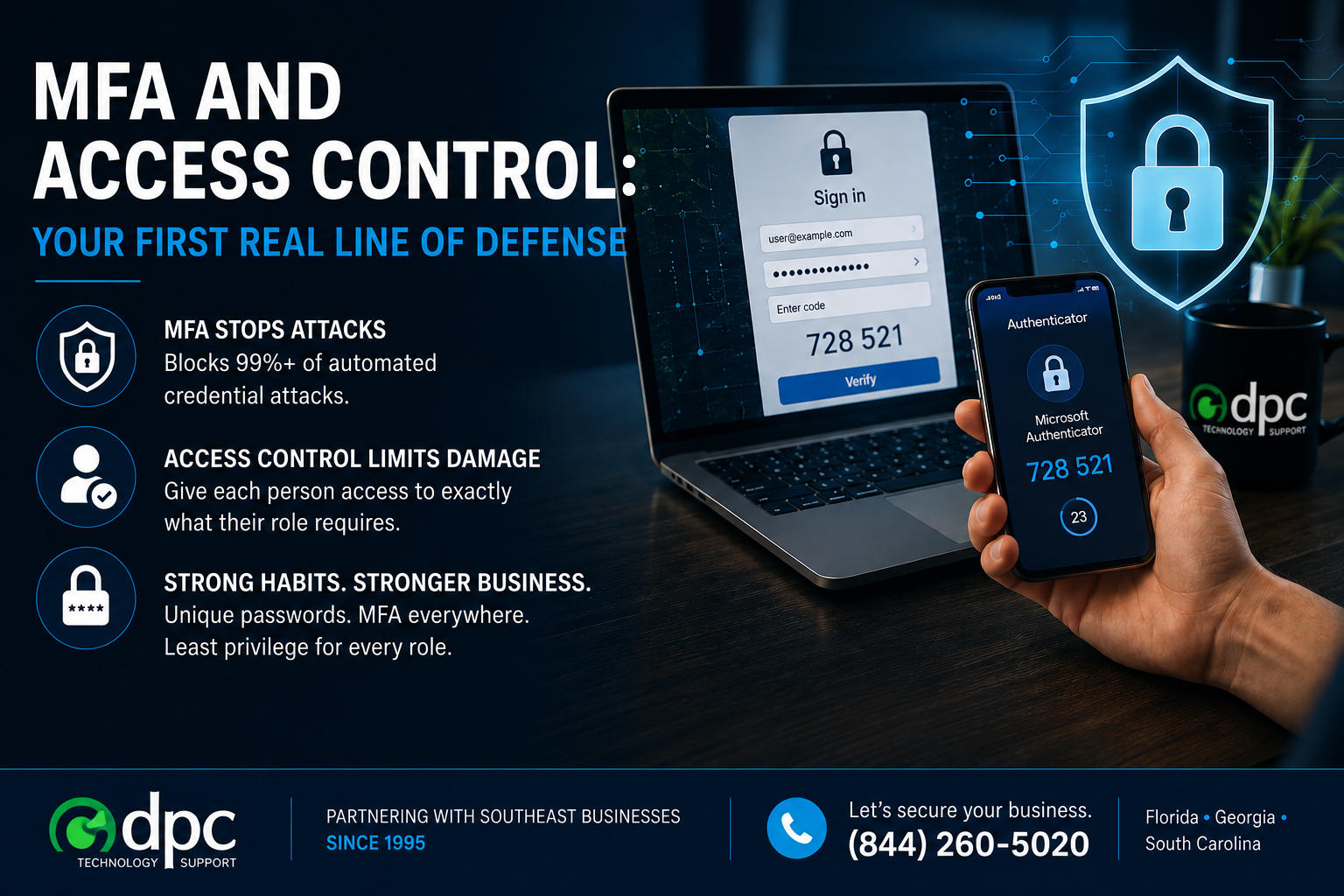
MFA and Access Control: Your First Real Line of Defense
If you do only one thing after reading this month's posts, do this one. Turn on multi-factor authentication everywhere you can. It is the single highest-return security move available to
If you do only one thing after reading this month's posts, do this one. Turn on multi-factor authentication everywhere you can. It is the single highest-return security move available to
Read full post on dpctechnology.com
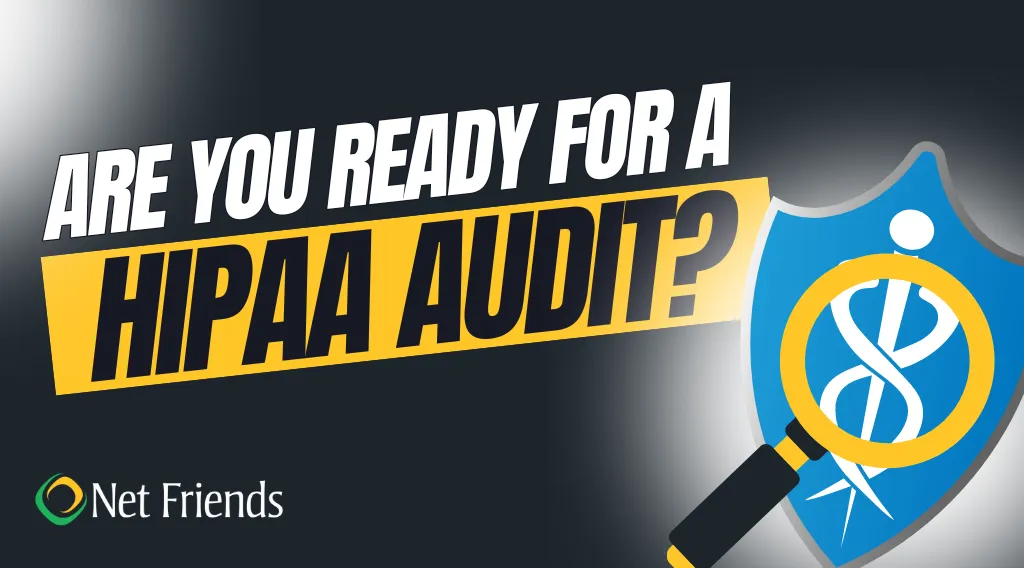
Are You Ready for a HIPAA Audit?
The Office for Civil Rights (OCR) recently announced that they will resume HIPAA compliance audits in 2024.
The Office for Civil Rights (OCR) recently announced that they will resume HIPAA compliance audits in 2024.
Read full post on netfriends.com

The Benefits Of IT Outsourcing For Stronger IT Control And Fewer Support Gaps
Delayed onboarding, unresolved helpdesk queues, exposed user accounts, procurement delays, and network interruptions do not stay inside IT. They show ...
Delayed onboarding, unresolved helpdesk queues, exposed user accounts, procurement delays, and network interruptions do not stay inside IT. They show ...
Read full post on charterts.com
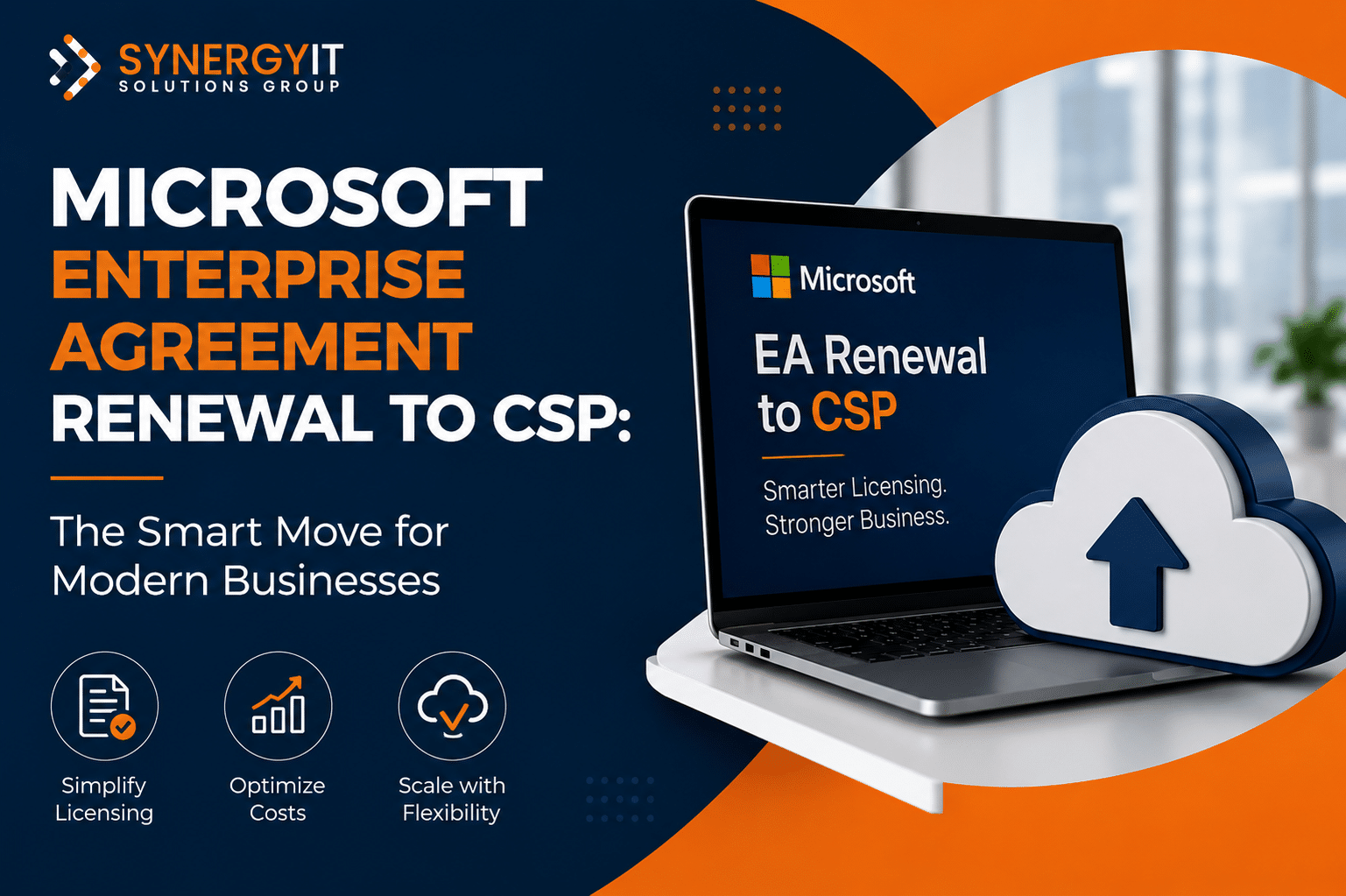
Microsoft Enterprise Agreement Renewal to CSP: The Smart Move for Modern Businesses
If your Microsoft Enterprise Agreement (EA) renewal is approaching, renewing the same agreement should not…
If your Microsoft Enterprise Agreement (EA) renewal is approaching, renewing the same agreement should not…
Read full post on blog.synergyit.ca
What Is A vCIO? Executive IT Guidance That Keeps Decisions Moving
A project lead is waiting on vendor approval. IT wants lower access risk, finance is watching cost, and compliance needs documentation before the cont...
A project lead is waiting on vendor approval. IT wants lower access risk, finance is watching cost, and compliance needs documentation before the cont...
Read full post on adrem.com

Why San Antonio Businesses Are Top Targets for Ransomware
San Antonio is not targeted because of its name. It is targeted because its business ... Learn More
San Antonio is not targeted because of its name. It is targeted because its business ... Learn More
Read full post on uprite.com

IT Support Planning Checklist for Multi-Location Businesses
If your company operates out of more than one office, warehouse, or retail location, IT problems rarely stay contained to a single site. A password reset issue at one office turns into a help desk backlog at three others, and an internet outage at your busiest location can stall orders company-wide. This IT support planning…
If your company operates out of more than one office, warehouse, or retail location, IT problems rarely stay contained to a single site. A password reset issue at one office turns into a help desk backlog at three others, and an internet outage at your busiest location can stall orders company-wide. This IT support planning…
Read full post on swifttechsolutions.com

AI Solutions for Business: Types, Platforms, and How to Choose
Artificial intelligence has moved from experiment to operating reality. According to McKinsey’s State of AI report (November 2025), 88 percent of organizations now use AI in at least one business function, up from 78 percent a year earlier. The harder question is no longer whether to adopt AI, but which AI solutions actually fit your
Artificial intelligence has moved from experiment to operating reality. According to McKinsey’s State of AI report (November 2025), 88 percent of organizations now use AI in at least one business function, up from 78 percent a year earlier. The harder question is no longer whether to adopt AI, but which AI solutions actually fit your
Read full post on itsolutions-inc.com
Microsoft Copilot: Why Some Teams See Results and Others Don’t
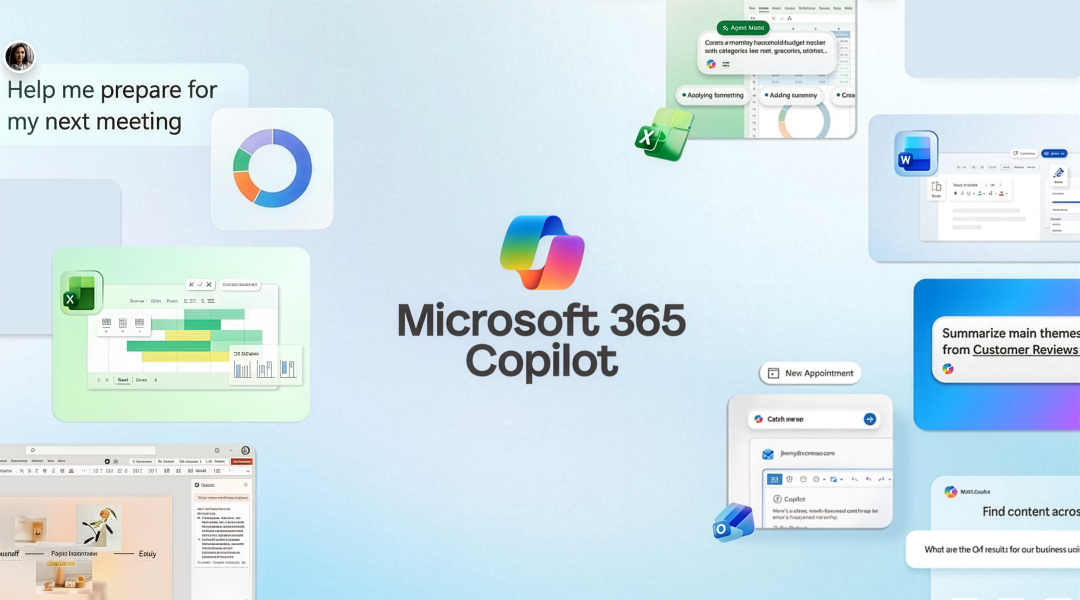
Image sourced from Microsoft The difference isn’t the technology. It’s how you prepare, adopt, and use it every day. There’s no shortage of conversation around Microsoft Copilot right now. There’s …
Image sourced from Microsoft The difference isn’t the technology. It’s how you prepare, adopt, and use it every day. There’s no shortage of conversation around Microsoft Copilot right now. There’s …
Read full post on mirazon.com
Just Added to MSPdb™


MSP Jobs
All Jobs
MSP Marketplace
View All

Popular MSPs
View All