We take IT off your plate.
Discover leading Managed IT Service Providers across USA, Canada & the United Kingdom.
- 100s of leading MSPs
- Find a MSP near you
- Latest IT news for SMBs


Can Microsoft 365 Backup Protect your Business Data? | Sourcepass MCOE
Moving email, files, and collaboration into Microsoft 365 can make it easy to assume that data protection is already taken care of. After all, Microsoft hosts the environment. But keeping cloud services available and being able to recover the exact information your business needs after deletion, corruption, or another incident are different requirements. Microsoft provides resiliency and recovery capabilities across Microsoft 365 and offers Microsoft 365 Backup for Exchange, OneDrive, and SharePoint. The service is specifically designed to support recovery following malicious or accidental
Moving email, files, and collaboration into Microsoft 365 can make it easy to assume that data protection is already taken care of. After all, Microsoft hosts the environment. But keeping cloud services available and being able to recover the exact information your business needs after deletion, corruption, or another incident are different requirements. Microsoft provides resiliency and recovery capabilities across Microsoft 365 and offers Microsoft 365 Backup for Exchange, OneDrive, and SharePoint. The service is specifically designed to support recovery following malicious or accidental data deletion. That leaves businesses with an important question: What Microsoft 365 data needs to be recoverable, how quickly do you need it back, and does your current data protection strategy meet those requirements? Does Microsoft 365 Automatically Back Up your Data? Microsoft provides built-in resiliency, retention, and recovery capabilities, while Microsoft 365 Backup is available as a separate pay-as-you-go service. Microsoft says the service can protect all or selected SharePoint sites, OneDrive accounts, and Exchange mailboxes. Rather than asking only whether Microsoft 365 is backed up, businesses should determine whether their current protection matches their actual recovery needs. Consider: Which Microsoft 365 workloads contain critical business data? What happens when important information is accidentally deleted? How far back might data need to be recovered? Does protection need to extend to Teams or identity data? How quickly must information be restored? Microsoft 365 Backup provides configurable recovery windows of three months, six months, one year, or two years for supported workloads. Businesses should compare those options against their own operational, security, and compliance requirements. In this episode of the Demystifying Microsoft Podcast, Sourcepass host Nathan Taylor is joined by Steve Brining, Cybersecurity Evangelist at Acronis, to discuss Microsoft 365 backup, recovery, retention, archiving, Teams data, identity protection, and the role third-party backup can play in a broader Microsoft 365 data protection strategy. What is the Difference Between Microsoft 365 Backup and Retention? Backup and retention can both preserve information, but they serve different purposes. What does Microsoft 365 Retention do? Microsoft Purview retention policies help organizations retain content, delete content, or retain it for a defined period before deletion. Depending on the configuration, policies can apply across supported Microsoft 365 locations and specific content. Retention is primarily about managing the information lifecycle and supporting governance requirements. What does Microsoft 365 Backup do? Backup focuses on recoverability. The simpler question is: "If something happens to this data, can we recover the version we need?" Microsoft 365 Backup provides restoration capabilities for supported Exchange, SharePoint, and OneDrive data. An organization may therefore have strong retention policies and still need a separate backup strategy if its operational recovery requirements go beyond what those policies are designed to address. How is Microsoft 365 Backup Different from Archiving? Backup and archiving address another important distinction in data protection. Backup focuses on recovery. It provides a way to restore data following deletion, corruption, unwanted changes, or other incidents. Archiving focuses on long-term preservation. Organizations may preserve information to meet legal, regulatory, governance, or historical requirements. A straightforward way to distinguish them is: Backup: How do we recover the data we need? Archive: How do we preserve information for as long as required? Organizations may need both, but their requirements and intended outcomes should be defined separately. When does Third-Party Microsoft 365 Backup make sense? Microsoft's native capabilities are one option for protecting Microsoft 365 data. Organizations can also evaluate independent third-party backup platforms based on their specific requirements. A third-party solution may be worth considering when the organization requires: Protection for additional Microsoft 365 workloads Independent backup storage Different retention options Granular recovery capabilities Centralized protection across multiple workloads Additional security controls around backed-up data For example, Acronis Backup for Microsoft 365 provides protection across Exchange Online, OneDrive for Business, SharePoint, supported Microsoft Teams content, and Microsoft Entra ID. The goal should not be choosing native or third-party backup by default. Instead, compare workload coverage, restoration capabilities, storage, security, administration, and cost against the organization's recovery requirements. Does Microsoft 365 Backup Protect Teams Data? Microsoft Teams deserves specific consideration because businesses increasingly use it for collaboration and information sharing. Microsoft's native Microsoft 365 Backup documentation currently identifies Exchange Online, OneDrive, and SharePoint as protected workloads. Acronis documents protection for Teams content including teams, channels, channel files, team mailboxes, meetings, and sites. However, its current documentation also identifies limitations, including the exclusion of private one-to-one and group chats and limitations around restoring channel conversations directly into Teams. Why does Granular Recovery Matter for Microsoft 365? Not every data-loss incident requires restoring an entire workload. An employee may delete an important email. A specific folder may need to be recovered. Information belonging to a former employee may be required later. Granular recovery helps administrators restore the affected information without treating every incident as a complete workload recovery. Microsoft 365 Backup supports full restoration for SharePoint sites and OneDrive accounts, along with Exchange mailbox item restoration capabilities. Acronis also offers recovery of individual emails, files, and supported collaboration data. This is why organizations should evaluate more than whether a platform successfully creates backups. Recovery should be tested to confirm that the specific information the business relies on can be located and restored. Should Microsoft Entra ID be part of your Backup Strategy? Microsoft 365 data protection increasingly extends beyond files and communications to identity. Microsoft Entra ID contains users, groups, policies, configurations, and other identity information that supports access to business resources. Organizations should consider what would need to be recovered if important identity information were accidentally deleted, misconfigured, or otherwise affected. Acronis offers Microsoft Entra ID backup capabilities covering identity information such as users, groups, policies, and configurations. As cloud identities become more central to business operations, identity recovery should be considered alongside email, files, and collaboration data when defining a Microsoft 365 recovery strategy. How should you Evaluate a Microsoft 365 Backup Solution? Start with your organization's recovery requirements rather than the product. Use these six questions to guide the evaluation: 1. What Microsoft 365 Data is Business-Critical? Identify the workloads and information employees rely on, including Exchange, OneDrive, SharePoint, Teams, and relevant identity data. 2. How Far Back Might you Need to Recover Data? Set recovery requirements based on operational, legal, regulatory, and business needs rather than relying solely on platform defaults. 3. How Quickly Must Data be Recoverable? Determine how long critical workloads and information can realistically be unavailable following an incident. 4. What Level of Recovery do you Need? Identify whether the business needs to restore complete workloads or individual files, emails, folders, mailboxes, sites, and other specific items. 5. How is the Backup Protected? Review where backups are stored, who can administer them, how access is controlled, and whether the architecture provides appropriate separation from the primary environment. 6. Has Recovery Been Tested? A successful backup job does not automatically prove that important information can be recovered when needed. Test restoration periodically to verify that the recovery process meets business requirements. How much does Microsoft 365 Backup Cost? Cost should be evaluated alongside workload coverage and recovery requirements. Microsoft currently lists Microsoft 365 Backup at $0.15 per GB per month of protected content using a consumption-based pricing model. Its pricing calculation can include live protected content as well as certain deleted and versioned content held for recovery. For example, 5 TB would equal approximately $768 per month if calculating 5,120 GB at $0.15 per GB, before considering how Microsoft determines the actual amount of billable protected content. Third-party products may use different licensing structures, including per-user models. A meaningful cost comparison should account for more than the initial price and consider workload coverage, storage, retention, recovery capabilities, administration, security, and expected data growth. Build a Microsoft 365 Recovery Strategy Around your Business Microsoft 365 already provides substantial resiliency and recovery functionality, but that does not eliminate the need to define your organization's own recovery requirements. The right strategy depends on what data matters, how long it needs to remain recoverable, how quickly it needs to come back, and which Microsoft 365 workloads your business relies on. If you are unsure whether your current Microsoft 365 backup, retention, and recovery strategy provides the protection your organization needs, contact the Sourcepass team. We can help evaluate your Microsoft 365 environment and identify where additional data protection or recovery capabilities may make sense. For more conversations about Microsoft 365, cybersecurity, cloud management, and the technology decisions facing businesses today, subscribe to the Demystifying Microsoft podcast.
Read full post on blog.sourcepass.com
MSPdb™ News
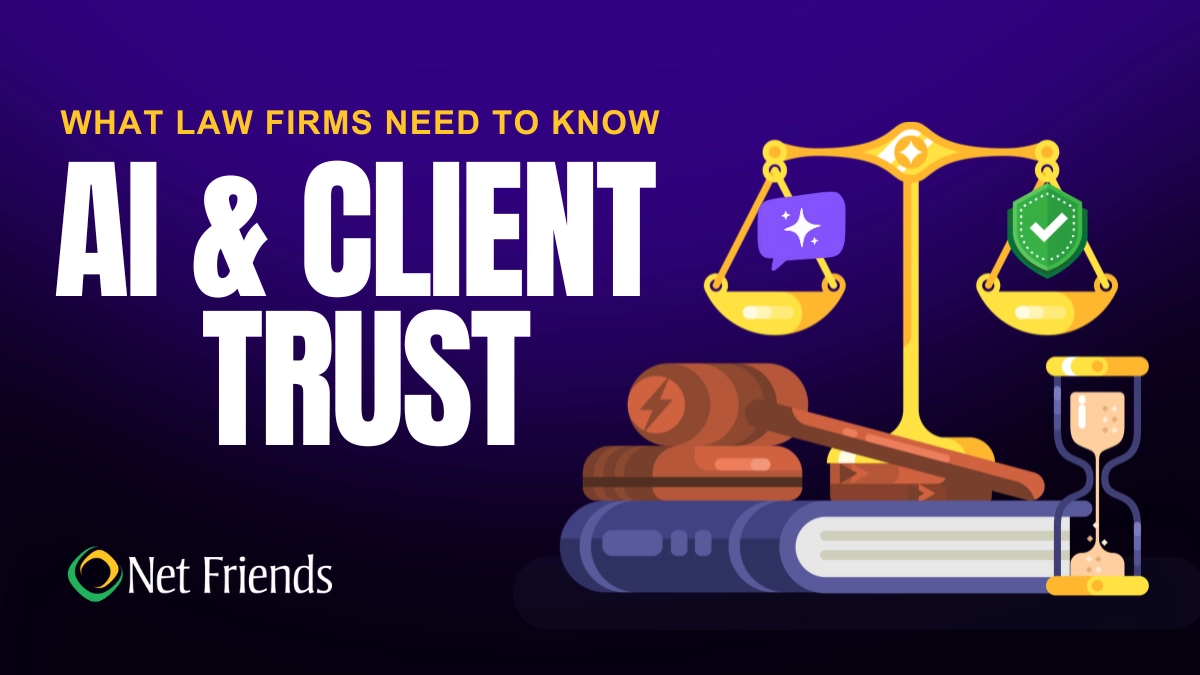
What Law Firms Need to Know About AI and Client Trust
Can AI keep client secrets? A practical guide to AI for North Carolina law firms, covering the ethics rules, safe uses, vendor vetting, and where attorneys must stay in charge.
Can AI keep client secrets? A practical guide to AI for North Carolina law firms, covering the ethics rules, safe uses, vendor vetting, and where attorneys must stay in charge.
Read full post on netfriends.com


Protecting Customer Outcomes in Volatile Times
In the AI Economy, technology value is shifting from what gets delivered to the measurable business outcomes those investments create.
In the AI Economy, technology value is shifting from what gets delivered to the measurable business outcomes those investments create.
Read full post on resources.compugen.com

AI Consulting in Chicago: What It Does and When You Need It

How Healthcare Data Privacy Changed, and What Security Risks Matter Most Today?
Healthcare data privacy has evolved from protecting physical medical records to securing electronic protected health information (ePHI) across a highly connected environment. While electronic health records made patient information easier to access and share for care, but digitization also expanded the number of systems where sensitive information can be exposed. The 2026 Verizon Data Breach Investigations Report found from 1,492 healthcare security incidents, including 1,438 confirmed disclosuresthat system intrusion accounted for 61% of healthcare breaches in its dataset, up from 53% in 202
Healthcare data privacy has evolved from protecting physical medical records to securing electronic protected health information (ePHI) across a highly connected environment. While electronic health records made patient information easier to access and share for care, but digitization also expanded the number of systems where sensitive information can be exposed. The 2026 Verizon Data Breach Investigations Report found from 1,492 healthcare security incidents, including 1,438 confirmed disclosuresthat system intrusion accounted for 61% of healthcare breaches in its dataset, up from 53% in 2025's report. Today, understanding how healthcare reached this point helps explain why protecting patient data now requires both HIPAA compliance and an active cybersecurity strategy.
Read full post on blog.centretechnologies.com

What Is Shadow AI? Where It Hides in a Small Business
Shadow AI is AI being used for work that the business never approved. Here are the four places it hides in a small business - personal sign-ups, features inside software you already own, meeting recorders and browser add-ons - and what to do about it, in order.
Shadow AI is AI being used for work that the business never approved. Here are the four places it hides in a small business - personal sign-ups, features inside software you already own, meeting recorders and browser add-ons - and what to do about it, in order.
Read full post on tvgconsulting.com

AI-Powered Sentiment and Priority Scoring: Stop Missing Urgent Client Requests
Every small business executive knows the feeling: a buried email from your best client that should have been escalated three hours ago. A Slack message marked “routine” that contained contract-threatening language. A support ticket that sat in the general queue while the client quietly shopped your competitor. AI-powered sentiment and priority scoring fixes this. Today.... <p>
Every small business executive knows the feeling: a buried email from your best client that should have been escalated three hours ago. A Slack message marked “routine” that contained contract-threatening language. A support ticket that sat in the general queue while the client quietly shopped your competitor. AI-powered sentiment and priority scoring fixes this. Today.... <p>
Read full post on xitx.com
Windows 10 ESU Year Two: How to Decide What Technology to Carry Into 2027
Every office has a few technology habits that nobody chose on purpose. A computer takes ten minutes to start, so its owner makes coffee while it loads. A spreadsheet copies data between two systems that were never connected. A device still runs an old operating system because it hosts one application nobody wants to touch.
Every office has a few technology habits that nobody chose on purpose. A computer takes ten minutes to start, so its owner makes coffee while it loads. A spreadsheet copies data between two systems that were never connected. A device still runs an old operating system because it hosts one application nobody wants to touch.
Read full post on kairosit.com

Co-Managed IT Services: What to Outsource When You Already Have an IT Team
Already have an IT team but need more capacity or specialist support? Learn what to delegate through co-managed IT services, what to keep in-house, and how to define responsibilities, handoffs and approvals before choosing a provider.
Already have an IT team but need more capacity or specialist support? Learn what to delegate through co-managed IT services, what to keep in-house, and how to define responsibilities, handoffs and approvals before choosing a provider.
Read full post on ctmsit.com
The Vendor Fraud Email That Already Knew Your Supplier's Name
The most convincing invoice fraud looks exactly like a normal bill. See how it works and the simple checks that keep the money where it belongs.
The most convincing invoice fraud looks exactly like a normal bill. See how it works and the simple checks that keep the money where it belongs.
Read full post on cnwr.com

When Everything Feels Like a Priority, How Do You Build an IT Budget?
If your roof is leaking and your kitchen is showing its age, both may need work. But only one of them is going to ruin your week. Your IT budget can put you in the same position. There may be plenty worth spending money on, but deciding what comes first isn’t always obvious. A few
If your roof is leaking and your kitchen is showing its age, both may need work. But only one of them is going to ruin your week. Your IT budget can put you in the same position. There may be plenty worth spending money on, but deciding what comes first isn’t always obvious. A few
Read full post on timefortitan.com
Just Added to MSPdb™


MSP Jobs
All Jobs

MSP Marketplace
View All

Popular MSPs
View All