IT is what IT is.
Discover leading Managed IT Service Providers across USA, Canada & the United Kingdom.
- 100s of leading MSPs
- Find a MSP near you
- Latest IT news for SMBs

Control Microsoft 365 App Consent and Third-Party Access | Sourcepass
Third-party applications are now a routine part of business operations. Teams connect reporting platforms, scheduling tools, AI assistants, collaboration add-ons, and workflow automations to Microsoft 365 every day. Most of these decisions are made to improve productivity, not introduce risk. However, every application connected to Microsoft 365 requires some level of permission. Over time, those permissions accumulate. An organization that actively manages identity security and email protection may still have dozens of third-party applications with access to mailboxes, files, contacts, Team
Third-party applications are now a routine part of business operations. Teams connect reporting platforms, scheduling tools, AI assistants, collaboration add-ons, and workflow automations to Microsoft 365 every day. Most of these decisions are made to improve productivity, not introduce risk. However, every application connected to Microsoft 365 requires some level of permission. Over time, those permissions accumulate. An organization that actively manages identity security and email protection may still have dozens of third-party applications with access to mailboxes, files, contacts, Teams conversations, or SharePoint content. This is why Microsoft 365 app consent has become an important cybersecurity and governance issue for SMBs. The challenge is not whether third-party applications should be allowed. The challenge is determining which applications should have access, what permissions they need, and how that access should be reviewed over time. Organizations that establish a clear approach to third-party access management can reduce unnecessary exposure while continuing to support business productivity and innovation. Why Microsoft 365 App Consent Is a Growing Risk Many organizations discover app-related risk gradually. A department connects a reporting tool. A user authorizes an AI meeting assistant. A team adopts a new productivity platform. Each connection may appear low risk when viewed independently. The cumulative effect is often more significant. Applications commonly request permissions to: Read or send email Access files and documents View contacts and directory information Interact with Teams and SharePoint Access organizational data across multiple users According to Microsoft's guidance on users and administrators can grant applications access to protected organizational resources, sometimes with broad permissions that extend across large portions of a Microsoft 365 environment. The security concern is not that every third-party application is unsafe. The concern is visibility and governance. Many leadership teams cannot easily answer questions such as: Which third-party applications have access to executive email? Which applications can access sensitive SharePoint content? What apps were approved by users without IT review? Which permissions are still required for business operations? If those questions cannot be answered, managing third-party access becomes difficult. For Microsoft-first organizations, app consent governance should be treated as part of broader identity security and access management practices rather than simply an administrative task. Restrict User Consent and Review App Permissions One of the most effective ways to reduce Microsoft 365 app consent risk is to replace unrestricted approvals with a structured governance model. Limit Broad User Consent In many environments, users can authorize applications without security review. While convenient, unrestricted approval processes increase the likelihood of unnecessary permissions being granted. Microsoft recommends limiting user consent and routing higher-risk requests through designated approval processes. Microsoft's guidance on application consent management and consent request evaluation explains how organizations can restrict user consent, allow trusted publishers, and evaluate requests before approval. This approach helps balance usability and security. Rather than blocking all new applications, organizations can permit lower-risk requests while requiring additional review for applications that request: Mail access File access Sensitive organizational data Tenant-wide permissions Administrative privileges This model supports business agility while reducing unnecessary exposure. Identify Existing Permissions Before building a stronger approval process, organizations need visibility into what has already been approved. Many SMBs discover applications that: Are no longer in use Duplicate existing capabilities Have broader permissions than originally intended Were approved without documented review Microsoft provides guidance for reviewing permissions granted to enterprise applications, allowing administrators to identify connected applications and evaluate existing access levels. This review often produces immediate risk-reduction opportunities. Applications that are unnecessary, abandoned, or excessively permissive can be removed or adjusted without disrupting normal business operations. Create a Lightweight Approval Process Strong governance does not require complex bureaucracy. Most SMBs benefit from a simple decision framework: Verify the publisher. Review requested permissions. Confirm the business need. Determine whether less privileged alternatives exist. Document approval decisions. Applications requesting access to mailboxes, files, Teams messages, or tenant-wide data should receive additional scrutiny before approval. A managed IT or security partner can support this review process by helping organizations evaluate application permissions and identify unnecessary access before it becomes an operational issue. Review Permissions and Reduce App Risk Over Time Microsoft 365 app consent governance should be treated as an ongoing operational process rather than a one-time project. New applications continuously enter the environment as users adopt new technologies, business requirements evolve, and SaaS vendors introduce additional integrations. Without periodic review, application sprawl can gradually increase risk. Establish Ownership and Reporting Most organizations do not need a complex governance program. A simple ownership model can provide meaningful improvement. Consider tracking: Total approved applications Applications requiring administrative approval Verified publisher status Applications with high-risk permissions Recently approved requests Revoked permissions These measurements create visibility and help leadership identify whether third-party access is becoming more controlled over time. Microsoft's guidance on app consent policies provides options for establishing consistent governance standards across the organization. Connect App Governance to Broader Security Programs Third-party access management increasingly intersects with broader business requirements. Cyber insurance providers, customer security assessments, compliance reviews, and vendor risk evaluations frequently include questions about cloud application governance. Organizations that can demonstrate they: Restrict user consent Review enterprise application permissions Maintain approval records Periodically validate access typically have stronger evidence of operational security maturity. The same governance process also improves incident response. When a suspicious application is identified, security teams can quickly determine what permissions exist, who approved the application, and how access should be removed. Support Innovation Without Losing Control The objective of app consent governance is not to prevent employees from adopting useful tools. The goal is to ensure that application access aligns with business requirements and security expectations. When organizations establish clear approval pathways, limit unnecessary permissions, and regularly review application access, they reduce tenant-wide exposure while continuing to benefit from new technologies. Over time, that discipline helps protect business data, strengthen identity security, and improve confidence in Microsoft 365 governance decisions. FAQ What is Microsoft 365 app consent? Microsoft 365 app consent is the process of granting a third-party or internal application permission to access organizational resources such as email, files, contacts, Teams data, or SharePoint content. Consent may be granted by individual users or administrators depending on the permissions requested. Why is Microsoft 365 app consent a security risk? App consent can create risk when applications receive access that exceeds business requirements. Organizations may lose visibility into which applications can access sensitive data, making it more difficult to govern cloud access and reduce unnecessary exposure. Should users be allowed to approve third-party applications? Many organizations allow limited user consent while requiring administrative review for higher-risk permissions. The appropriate approach depends on the organization's security requirements, regulatory obligations, and risk tolerance. How do I review app permissions in Microsoft 365? Administrators can review connected enterprise applications and their granted permissions through Microsoft Entra. Microsoft's guidance on reviewing enterprise application permissions provides detailed instructions for evaluating and managing application access. How often should app permissions be reviewed? Most SMBs benefit from reviewing application permissions at least quarterly and incorporating app reviews into broader security governance processes. Organizations with higher compliance requirements may choose more frequent reviews. What is third-party access management? Third-party access management is the process of controlling, reviewing, and governing how external applications access organizational systems and data. In Microsoft 365 environments, this includes evaluating application permissions, approval workflows, and ongoing access reviews.
Read full post on blog.sourcepass.com
MSPdb™ News

What Business Leaders Should Look for in an Enterprise AI Tool
Many organizations are moving from informal AI experimentation to a more deliberate approach.
Many organizations are moving from informal AI experimentation to a more deliberate approach.
Read full post on blog.starport.ca

Managed IT Services and Solutions: The Operational Guide for Growing Manufacturers

Penetration Testing: What It Is And What to Expect
Three Key Takeaways: You’ve patched your systems, trained your staff, deployed endpoint protection, and enabled MFA. But one question remains: if a skilled attacker targeted your organization today, would your defenses actually stop them? That’s where penetration testing, aka “pen” testing, comes in. What Is Penetration Testing? Penetration testing is an authorized, simulated attack on…
Three Key Takeaways: You’ve patched your systems, trained your staff, deployed endpoint protection, and enabled MFA. But one question remains: if a skilled attacker targeted your organization today, would your defenses actually stop them? That’s where penetration testing, aka “pen” testing, comes in. What Is Penetration Testing? Penetration testing is an authorized, simulated attack on…
Read full post on intrust-it.com

How Technology In The Workplace Keeps Daily Operations Moving
Project managers in a construction office are trying to send updated drawings when the network drops, server access stalls, and field crews wait for d...
Project managers in a construction office are trying to send updated drawings when the network drops, server access stalls, and field crews wait for d...
Read full post on adrem.com
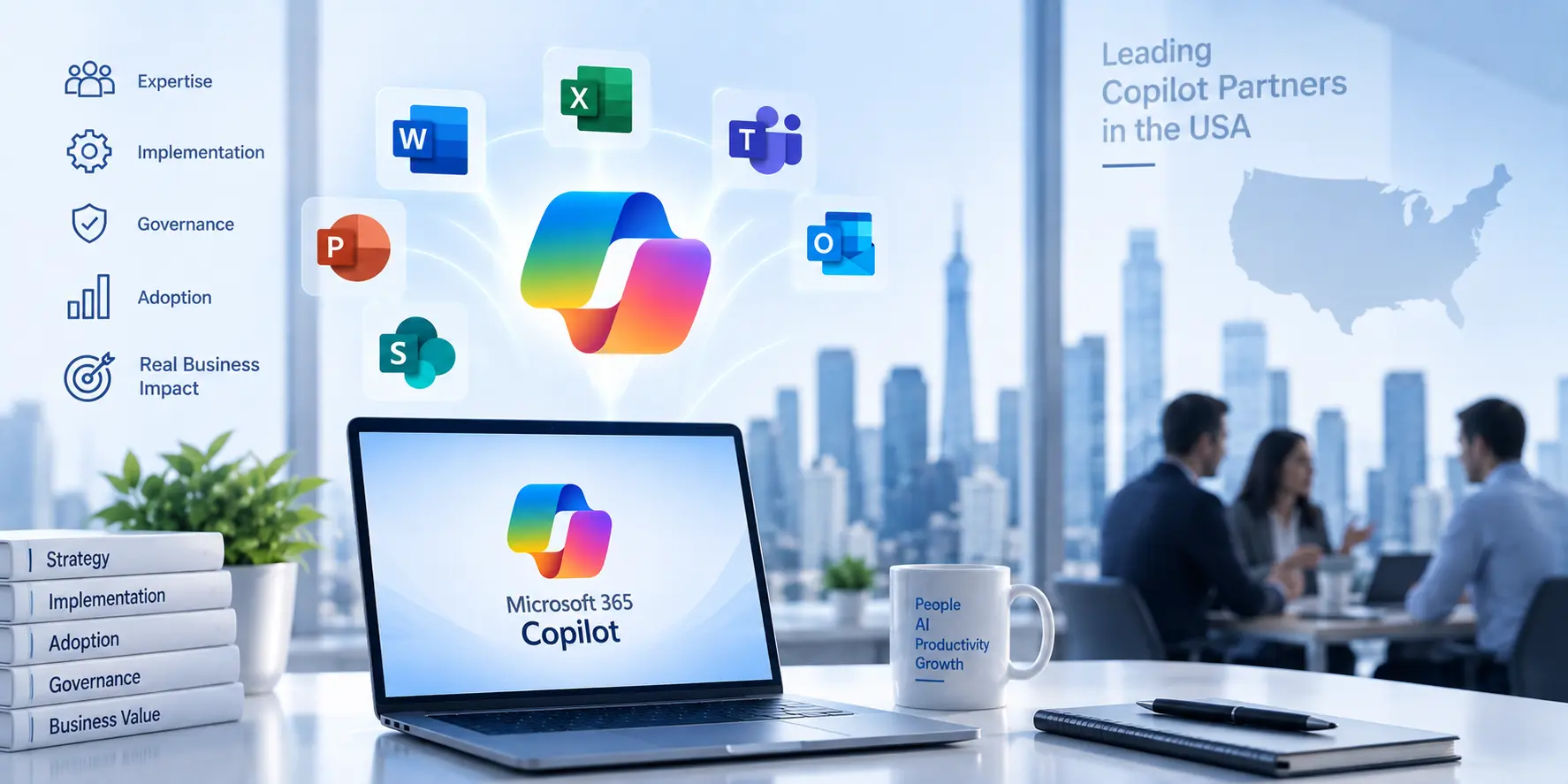
Best Microsoft Copilot Consulting Companies in the USA (2026)
The best Microsoft Copilot consulting companies in the USA for 2026 combine a real readiness assessment, strong security and governance, hands on adoption support, and proven Microsoft expertise, so you get value from Copilot rather than a stalled rollout. Whether you are comparing Microsoft Copilot consulting services, searching for the best Microsoft Copilot consultants, or
The best Microsoft Copilot consulting companies in the USA for 2026 combine a real readiness assessment, strong security and governance, hands on adoption support, and proven Microsoft expertise, so you get value from Copilot rather than a stalled rollout. Whether you are comparing Microsoft Copilot consulting services, searching for the best Microsoft Copilot consultants, or
Read full post on trndigital.com
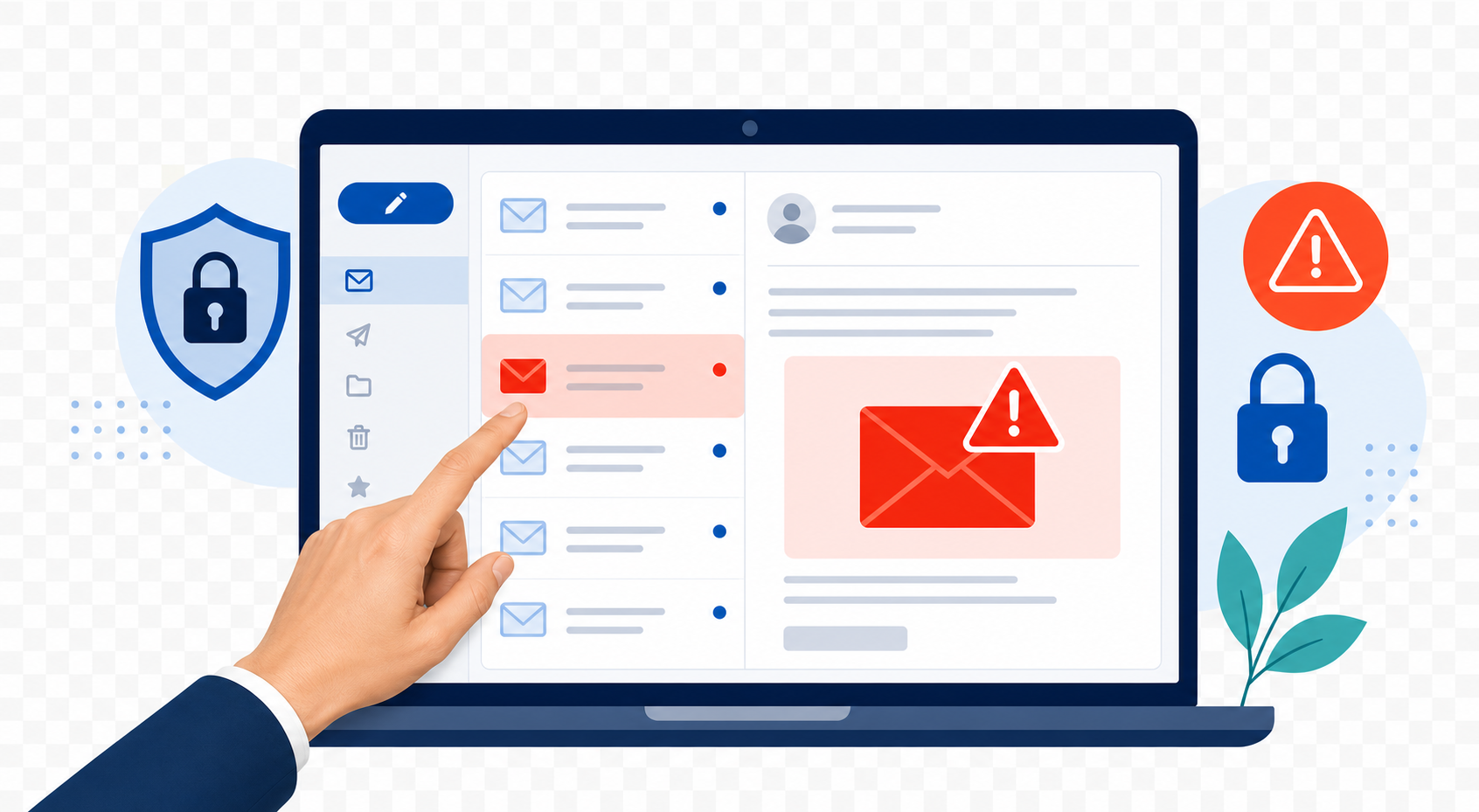
Think You Can Spot a Phishing Email? So Did They.
Think You Can Spot a Phishing Email? So Did They. Written By: Jasmine Woerner
Think You Can Spot a Phishing Email? So Did They. Written By: Jasmine Woerner
Read full post on oxen.tech

IT Support Vs Helpdesk: What Growing Teams Really Need
An employee gets locked out of Microsoft 365 ten minutes before a customer call, and the invoice file they need is behind that login. The difference i...
An employee gets locked out of Microsoft 365 ten minutes before a customer call, and the invoice file they need is behind that login. The difference i...
Read full post on 7tech.com

PHI vs PII: Classify Data Before It Becomes a HIPAA Breach
Clear, practical guide to PHI versus PII under U.S. HIPAA. Follow a four question checklist to classify records, secure BAAs, and avoid reportable breach...
Clear, practical guide to PHI versus PII under U.S. HIPAA. Follow a four question checklist to classify records, secure BAAs, and avoid reportable breach...
Read full post on mytekrescue.com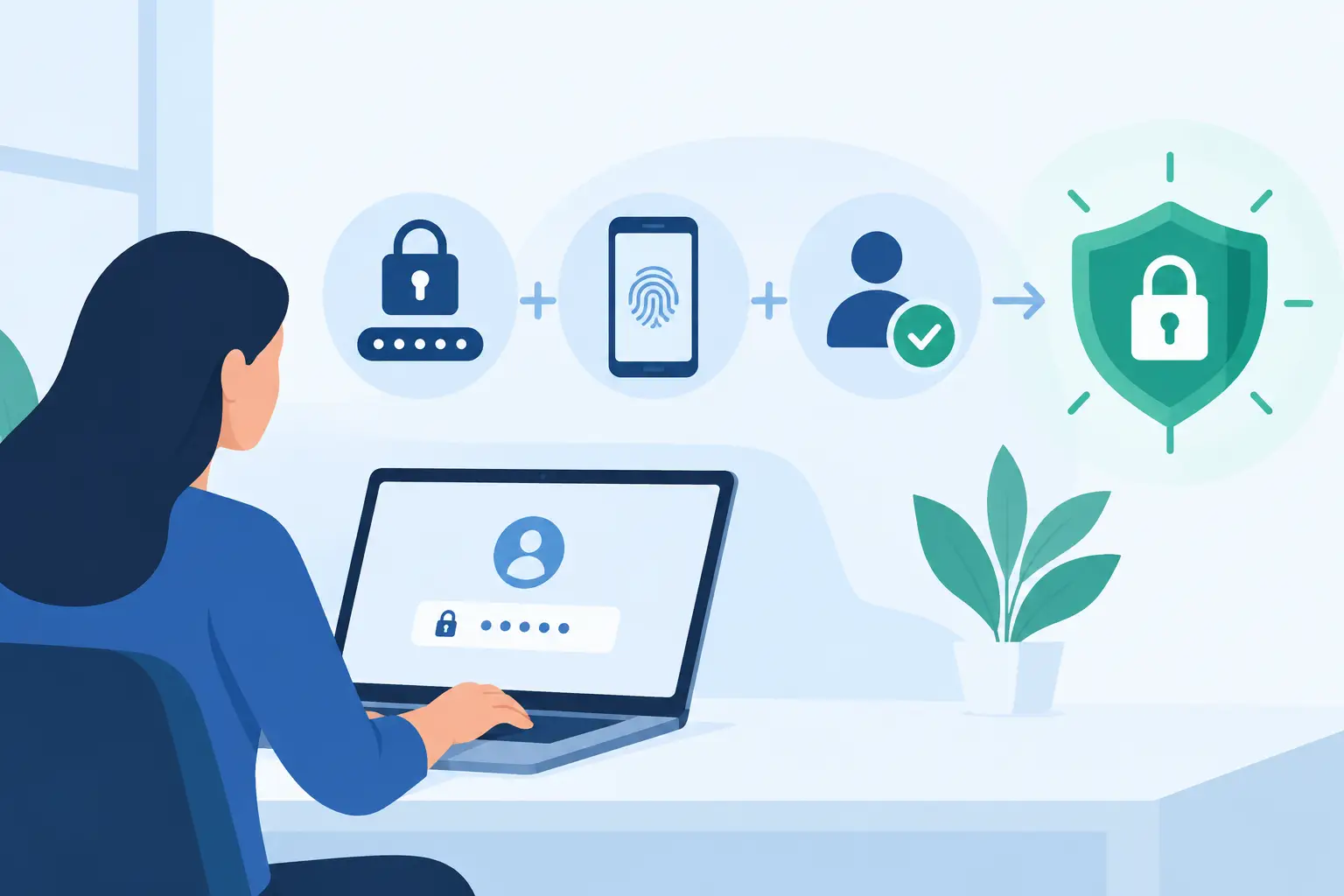
Why Is Multi Factor Authentication Necessary?
Why is multi factor authentication necessary? Learn how MFA protects business accounts, limits ransomware risk, and supports uptime, compliance, and trust.
Why is multi factor authentication necessary? Learn how MFA protects business accounts, limits ransomware risk, and supports uptime, compliance, and trust.
Read full post on rj-pro.net

When AI Sounds Like Your Executive Director: Protecting Nonprofits From Deepfake Fraud
Before You Read On, Ask Yourself... Could your team recognize a fraudulent request if it sounded exactly like your executive director? What if the person asking for an urgent payment appeared on a video call and looked completely ...
Before You Read On, Ask Yourself... Could your team recognize a fraudulent request if it sounded exactly like your executive director? What if the person asking for an urgent payment appeared on a video call and looked completely ...
Read full post on truadvantage.com
Just Added to MSPdb™



MSP Jobs
All Jobs

MSP Marketplace
View All


Popular MSPs
View All