We take IT off your plate.
Discover leading Managed IT Service Providers across USA, Canada & the United Kingdom.
- 100s of leading MSPs
- Find a MSP near you
- Latest IT news for SMBs

How FIDO2 Protects Microsoft 365 from Token Theft | Sourcepass MCOE
Security teams often assume that once MFA is enabled, the biggest identity risks are behind them. Unfortunately, that is no longer how many Microsoft 365 attacks work. Today's attackers frequently target authenticated sessions rather than credentials themselves. By stealing or relaying session tokens after a successful sign-in, they can gain access without knowing the user's password or triggering many of the traditional indicators associated with account compromise. FIDO2 addresses this problem differently. Instead of adding another code or approval step, it uses phishing-resistant auth
Security teams often assume that once MFA is enabled, the biggest identity risks are behind them. Unfortunately, that is no longer how many Microsoft 365 attacks work. Today's attackers frequently target authenticated sessions rather than credentials themselves. By stealing or relaying session tokens after a successful sign-in, they can gain access without knowing the user's password or triggering many of the traditional indicators associated with account compromise. FIDO2 addresses this problem differently. Instead of adding another code or approval step, it uses phishing-resistant authentication that prevents attackers from capturing or replaying credentials in the first place. Why MFA Does Not Stop Token Theft Not all MFA methods are created equal. SMS codes, one-time passwords, and push approvals all share the same weakness: they pass a secret through the browser that an attacker can capture and reuse. That is the line between standard MFA and phishing-resistant MFA. The reason comes down to what happens after you prove who you are. Once you authenticate, Microsoft hands your browser a session token. That token is what the attacker is after. It is a bearer credential. Whoever holds it is treated as you, no questions asked. Think of a hotel key card: you show ID at the front desk once, and after that the key opens the door without anyone re-checking who is holding it. Steal the token and you inherit the session. The password stays unknown. MFA is already satisfied. For a deeper look at session theft, OAuth abuse, and other post-authentication attack techniques, see our article on how MFA is being bypassed in Microsoft 365. Which MFA Methods Qualify as Phishing-Resistant MFA? Attack SMS / Email Code Authenticator Push or OTP FIDO2 / Passkey Windows Hello for Business Phishing (fake login page) Stolen Stolen Blocked Blocked SIM swap Stolen Not affected Blocked Blocked MFA fatigue (push bombing) Not applicable User can approve Blocked Blocked Adversary-in-the-middle proxy Relayed Relayed Blocked Blocked Session token theft (post sign-in) No protection No protection Limits exposure* Limits exposure* *Token theft happens after authentication succeeds, so it is contained through device binding and compliant-device policies rather than by the authenticator alone. How Attackers Steal Microsoft 365 Session Tokens The common method is adversary-in-the-middle (AiTM). The attacker stands up a reverse proxy and gets a user to click a link. The page looks and behaves like the real Microsoft sign-in, down to your company branding, and it carries a valid TLS certificate on a domain the attacker owns. The user signs in and completes MFA against the real Microsoft servers through that proxy. On the way back, the proxy quietly copies the session cookie. Tooling like Evilginx and EvilProxy has turned this into a point-and-click attack sold as a service. The tell, if you catch it, is the address bar. The domain will be wrong, and your password manager will not offer to fill credentials on a site it does not recognize. What makes this dangerous after the fact is how quiet it is. Every sign-in in the log looks successful and shows MFA satisfied. There are no bursts of failures and no push bombing. You are left correlating faint signals like a new IP appearing seconds after a legitimate one, which means watching the cloud session and the endpoint at the same time. What is FIDO2 in Microsoft 365? FIDO2 is a phishing-resistant authentication standard supported natively by Microsoft Entra ID. Instead of relying on passwords, text-message codes, or push notifications, FIDO2 uses public-key cryptography stored on a trusted device. Microsoft Entra ID uses FIDO2 as the foundation for passkeys and passwordless authentication, and supports credentials stored on security keys, Windows Hello for Business devices, and mobile passkey providers. How FIDO2 Prevents Token Theft and Phishing The defense rests on one design choice: the private key never leaves your device, and only the matching public key is registered with Microsoft Entra ID. FIDO2 protects Microsoft 365 accounts in two important ways: Why Fake Microsoft Login Pages Stop Working Every FIDO2 credential is bound to the legitimate service it was created for. A passkey or security key registered to login.microsoftonline.com will not authenticate a user on a look-alike domain, even if the page appears identical. Because the domain does not match, the sign-in fails automatically. Why Attackers Cannot Relay FIDO2 Credentials Adversary-in-the-middle attacks depend on capturing and relaying authentication data between the user and the legitimate service. FIDO2 removes that opportunity. The signed authentication response is tied to the legitimate origin and cannot be reused on another site, leaving the attacker with nothing that can be replayed to Microsoft 365. This is why FIDO2 is considered phishing-resistant MFA rather than simply a stronger MFA method. Can Passkeys be Phished? No, not in the way passwords and one-time codes can. The difference is where the user sits in the process. With a push notification or rotating code, the user is the last line of defense, and a convincing enough page can persuade them to approve. A passkey removes that decision entirely. There is no code to hand over and no prompt to socially engineer, because the verification happens between the device and the legitimate service rather than through the person. FIDO2 Authentication Options in Microsoft 365 All three use the same FIDO2 standard. They differ only in how the credential is stored and what hardware it needs. Option How the key is stored Best fit Trade-off to plan for FIDO2 security keys (for example, YubiKeys) On a dedicated physical device, non-exportable Global admins, privileged accounts, shared and high-risk devices Roughly 50 dollars per user for two keys, plus spares when one is lost Windows Hello for Business Sealed in the device TPM, unlocked by PIN or biometric Knowledge workers on managed Windows devices Requires a TPM; enforced through Conditional Access Microsoft Authenticator (passkey mode) Device-bound passkey on the phone; synced passkeys in preview Broad rollout where hardware keys do not scale Bluetooth and QR handshakes can be flaky; syncable passkeys are a risk-management call One point that trips people up: Windows Hello for Business counts as multi-factor because it combines device possession with a local PIN or biometric. The PIN is not your password and never syncs to the cloud, which is exactly why it holds up. FIDO2 Works Best as Part of a Layered Security Strategy FIDO2 stops the credential from being phished at sign-in. Two things close what remains once a session exists: Compliant or managed device policies. Requiring a trusted device forces the browser to interact with the local system, which a headless proxy cannot do. Be aware that a few apps honor a token without re-checking it, so treat this as a layer, not a guarantee. Real incident response. A password reset is no longer enough. You need to revoke session and refresh tokens, review registered enterprise apps and OAuth grants, and remove any authentication methods the attacker added. A sophisticated actor will enroll their own MFA to hold the account. How to Deploy FIDO2 Without Disrupting Users Treat this as a staged migration, not a switch you flip. Sort users into tiers. Privileged accounts get physical security keys. Managed-device users get Windows Hello for Business. Everyone else gets Authenticator passkeys. Passkey profiles in Entra let you set different rules for admins and frontline staff. Register methods before you enforce. Turning on a phishing-resistant policy before admins have registered a passkey is the fastest way to lock yourself out. Keep a break-glass account excluded from the policy. Pilot, then expand in waves. Start with security and admin cohorts, then finance, HR, and executives, then the rest. Validate browser and SSO behavior first, since some legacy and embedded mobile browsers fall back to push. Do not forget public personas. Executives who speak on stage and anyone with authority in your industry are prime impersonation targets. They belong in the top tier. Microsoft 365 FIDO2 Licensing Requirements Passkeys (FIDO2) come with every Microsoft Entra ID edition, including the free tier, at no extra cost. Enforcing them through Conditional Access authentication strength calls for Entra ID P1, already bundled in Business Premium and Microsoft 365 E3. Two moves to make now: In the Entra admin center, confirm your authentication methods are on the modern policy and that Passkeys (FIDO2) is enabled. Many tenants still carry legacy settings. Put one non-critical account behind a policy that requires phishing-resistant MFA, set a break-glass account aside, and live with it for a week. You will find where the QR handshake stalls before it reaches anyone who matters. This timeline is now urgent. Microsoft-provided SMS and voice authentication will be retired for most users on February 1, 2027, just over three months away, and affected users who have no other method will face a blocking passkey-registration prompt. Email one-time passcodes are not part of this announced retirement, so organizations should focus this migration on SMS and voice users. AiTM is a small share of attacks today, but it is climbing, and it now ships as a service to people with no skill of their own. FIDO2 removes the stolen token from the equation, and it is already available in your tenant. Why FIDO2 is Becoming the New MFA Standard AiTM attacks are a growing percentage of phishing attacks, and they continue to grow because the tooling is widely available and requires little technical expertise to operate. FIDO2 and passkeys give Microsoft 365 organizations a path to phishing-resistant MFA. As token theft, adversary-in-the-middle attacks, and MFA bypass techniques continue to evolve, FIDO2 helps eliminate the credential theft risks that traditional authentication methods still leave behind. Microsoft has already built the capability into Microsoft Entra ID. The challenge for most organizations is no longer access to the technology. It is deciding to make phishing-resistant authentication the new baseline. Not sure which users should get security keys, Windows Hello for Business, or mobile passkeys? The Sourcepass MCOE can help you assess your Microsoft 365 environment, identify high-risk accounts, and build a phishing-resistant MFA strategy that fits your business.
Read full post on blog.sourcepass.com
MSPdb™ News
What Law Firms Need to Know About AI and Client Trust
Can AI keep client secrets? A practical guide to AI for North Carolina law firms, covering the ethics rules, safe uses, vendor vetting, and where attorneys must stay in charge.
Can AI keep client secrets? A practical guide to AI for North Carolina law firms, covering the ethics rules, safe uses, vendor vetting, and where attorneys must stay in charge.
Read full post on netfriends.com


Protecting Customer Outcomes in Volatile Times
In the AI Economy, technology value is shifting from what gets delivered to the measurable business outcomes those investments create.
In the AI Economy, technology value is shifting from what gets delivered to the measurable business outcomes those investments create.
Read full post on resources.compugen.com

AI Consulting in Chicago: What It Does and When You Need It

How Healthcare Data Privacy Changed, and What Security Risks Matter Most Today?
Healthcare data privacy has evolved from protecting physical medical records to securing electronic protected health information (ePHI) across a highly connected environment. While electronic health records made patient information easier to access and share for care, but digitization also expanded the number of systems where sensitive information can be exposed. The 2026 Verizon Data Breach Investigations Report found from 1,492 healthcare security incidents, including 1,438 confirmed disclosuresthat system intrusion accounted for 61% of healthcare breaches in its dataset, up from 53% in 202
Healthcare data privacy has evolved from protecting physical medical records to securing electronic protected health information (ePHI) across a highly connected environment. While electronic health records made patient information easier to access and share for care, but digitization also expanded the number of systems where sensitive information can be exposed. The 2026 Verizon Data Breach Investigations Report found from 1,492 healthcare security incidents, including 1,438 confirmed disclosuresthat system intrusion accounted for 61% of healthcare breaches in its dataset, up from 53% in 2025's report. Today, understanding how healthcare reached this point helps explain why protecting patient data now requires both HIPAA compliance and an active cybersecurity strategy.
Read full post on blog.centretechnologies.com

What Is Shadow AI? Where It Hides in a Small Business
Shadow AI is AI being used for work that the business never approved. Here are the four places it hides in a small business - personal sign-ups, features inside software you already own, meeting recorders and browser add-ons - and what to do about it, in order.
Shadow AI is AI being used for work that the business never approved. Here are the four places it hides in a small business - personal sign-ups, features inside software you already own, meeting recorders and browser add-ons - and what to do about it, in order.
Read full post on tvgconsulting.com

AI-Powered Sentiment and Priority Scoring: Stop Missing Urgent Client Requests
Every small business executive knows the feeling: a buried email from your best client that should have been escalated three hours ago. A Slack message marked “routine” that contained contract-threatening language. A support ticket that sat in the general queue while the client quietly shopped your competitor. AI-powered sentiment and priority scoring fixes this. Today.... <p>
Every small business executive knows the feeling: a buried email from your best client that should have been escalated three hours ago. A Slack message marked “routine” that contained contract-threatening language. A support ticket that sat in the general queue while the client quietly shopped your competitor. AI-powered sentiment and priority scoring fixes this. Today.... <p>
Read full post on xitx.com
Windows 10 ESU Year Two: How to Decide What Technology to Carry Into 2027
Every office has a few technology habits that nobody chose on purpose. A computer takes ten minutes to start, so its owner makes coffee while it loads. A spreadsheet copies data between two systems that were never connected. A device still runs an old operating system because it hosts one application nobody wants to touch.
Every office has a few technology habits that nobody chose on purpose. A computer takes ten minutes to start, so its owner makes coffee while it loads. A spreadsheet copies data between two systems that were never connected. A device still runs an old operating system because it hosts one application nobody wants to touch.
Read full post on kairosit.com

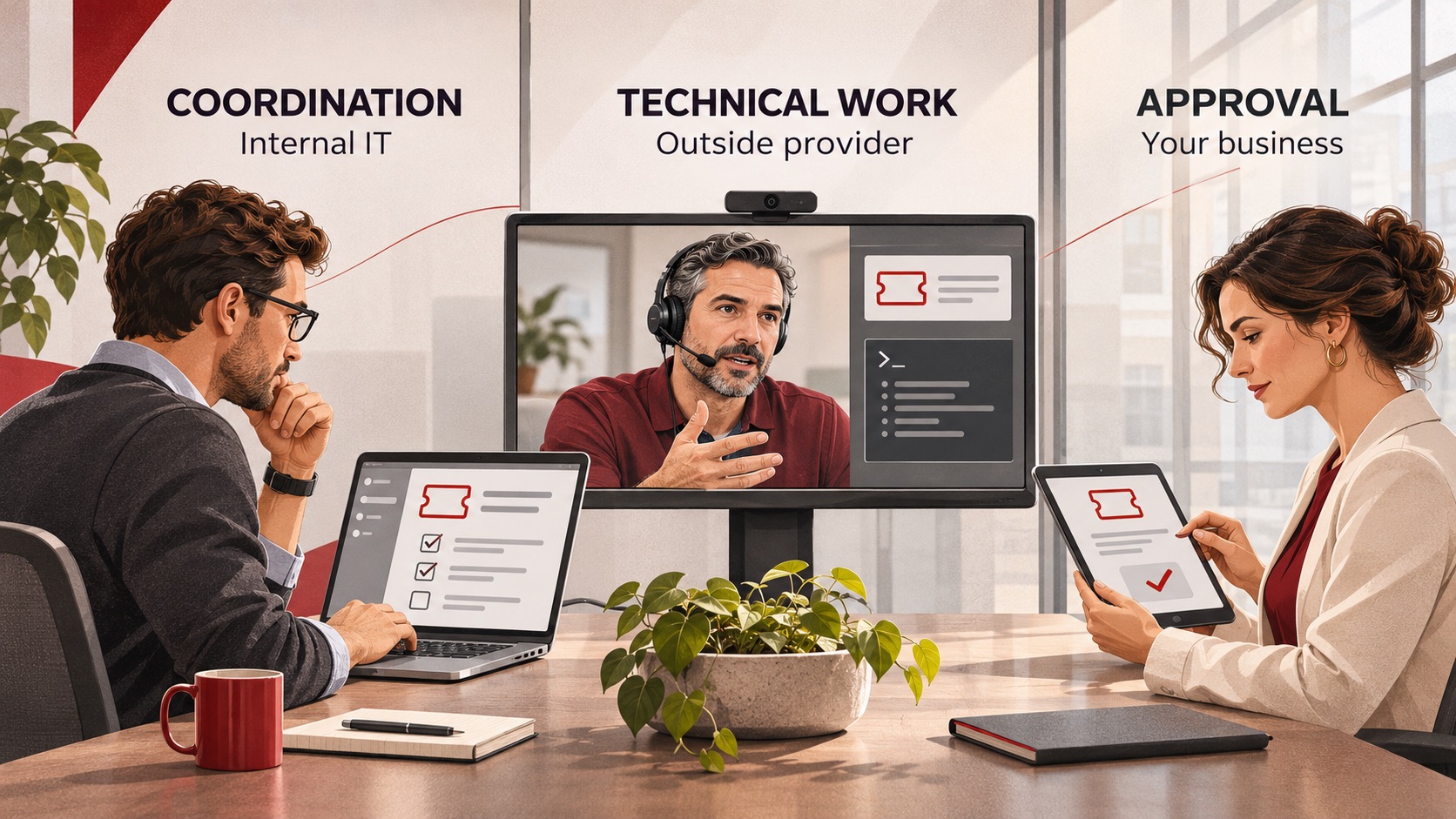
Co-Managed IT Services: What to Outsource When You Already Have an IT Team
Already have an IT team but need more capacity or specialist support? Learn what to delegate through co-managed IT services, what to keep in-house, and how to define responsibilities, handoffs and approvals before choosing a provider.
Already have an IT team but need more capacity or specialist support? Learn what to delegate through co-managed IT services, what to keep in-house, and how to define responsibilities, handoffs and approvals before choosing a provider.
Read full post on ctmsit.com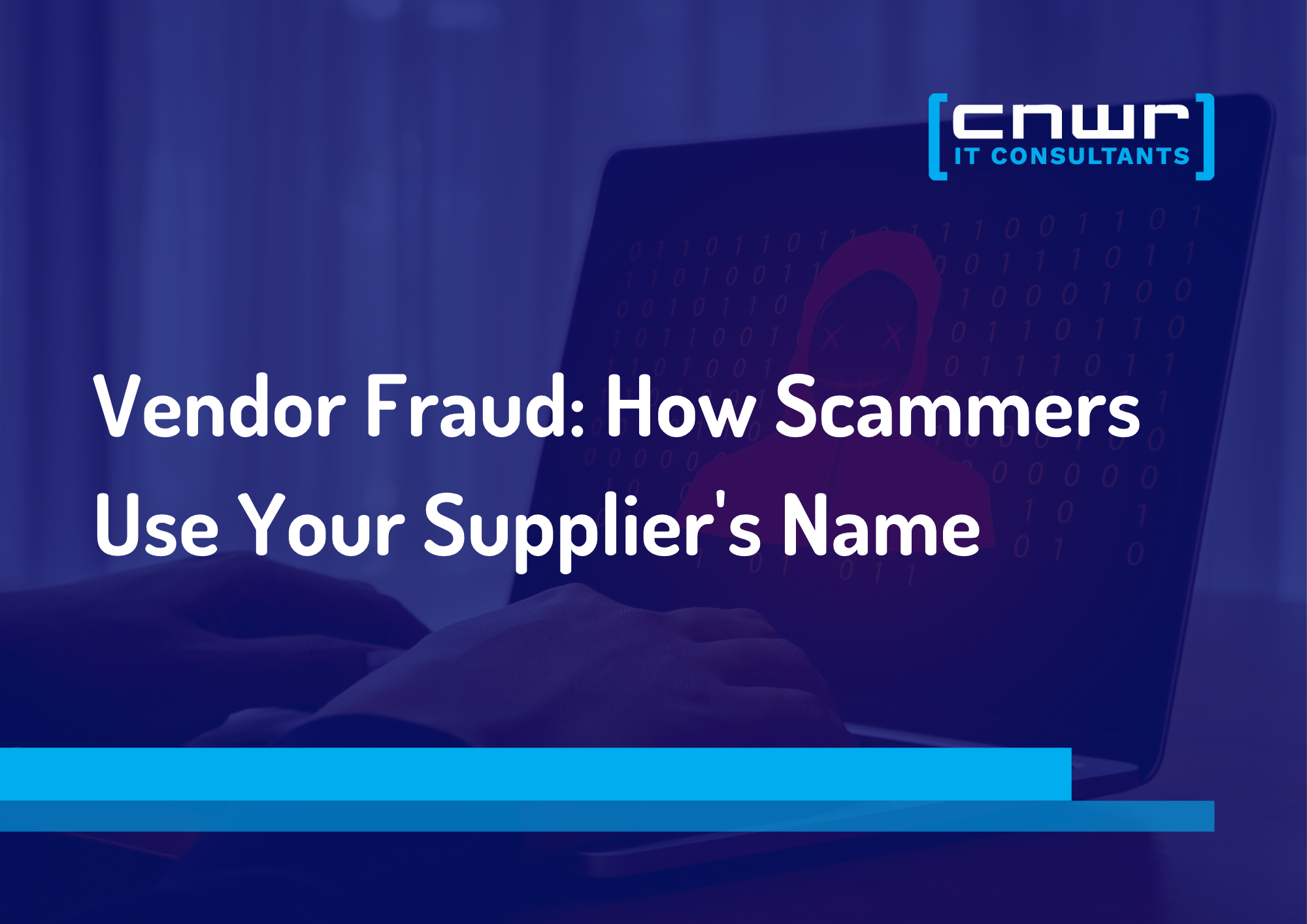
The Vendor Fraud Email That Already Knew Your Supplier's Name
The most convincing invoice fraud looks exactly like a normal bill. See how it works and the simple checks that keep the money where it belongs.
The most convincing invoice fraud looks exactly like a normal bill. See how it works and the simple checks that keep the money where it belongs.
Read full post on cnwr.com

When Everything Feels Like a Priority, How Do You Build an IT Budget?
If your roof is leaking and your kitchen is showing its age, both may need work. But only one of them is going to ruin your week. Your IT budget can put you in the same position. There may be plenty worth spending money on, but deciding what comes first isn’t always obvious. A few
If your roof is leaking and your kitchen is showing its age, both may need work. But only one of them is going to ruin your week. Your IT budget can put you in the same position. There may be plenty worth spending money on, but deciding what comes first isn’t always obvious. A few
Read full post on timefortitan.com
Just Added to MSPdb™


MSP Jobs
All Jobs

MSP Marketplace
View All

Popular MSPs
View All