
Tekscape
Tekscape guides and supports North American businesses through their digital transformation today into tomorrow.
Searching the MSPdatabase...
No results found for ""
Try a different company name or location

Your technicians are toggling between six tabs, copying call notes into the PSA by hand, and answering the same password-reset call for the third time today. The tools you bought to fix that are now part of the problem.
Your technicians are toggling between six tabs, copying call notes into the PSA by hand, and answering the same password-reset call for the third time today. The tools you bought to fix that are now part of the problem.
Read full post on getthread.com

Employee training tends to land at the bottom, treated as a compliance checkbox rather than a real defense. That is a mistake worth correcting before 2027 begins.
Employee training tends to land at the bottom, treated as a compliance checkbox rather than a real defense. That is a mistake worth correcting before 2027 begins.
Read full post on hocs.com
Imagine walking into the office one morning only to discover that important files are missing, systems are down, or your business has been hit with ransomware. You assume everything is fine because you have backups in place. But when you try to recover your data, you discover that your backups are outdated, incomplete, or not working as expected. Having a backup system is important, but it doesn't automatically mean your business is protected. There are several common misconceptions about data backup and recovery that can leave businesses vulnerable when something goes wrong. Let's break dow
Imagine walking into the office one morning only to discover that important files are missing, systems are down, or your business has been hit with ransomware. You assume everything is fine because you have backups in place. But when you try to recover your data, you discover that your backups are outdated, incomplete, or not working as expected. Having a backup system is important, but it doesn't automatically mean your business is protected. There are several common misconceptions about data backup and recovery that can leave businesses vulnerable when something goes wrong. Let's break down some of the most common backup and recovery myths and what businesses should understand instead.
Read full post on blog.rcsprofessional.com

CISSP, CMMC-RPA, and CMMC-CCA credentials reinforce LMT’s commitment to helping defense contractors navigate cybersecurity and compliance requirements. Rochester, NY, November 10, 2026 - LMT Technology Solutions is proud to announce that James Keeler, CISSP, CMMC: RPA has earned the Certified CMMC Assessor (CCA) certification, awarded by ISACA on May 15, 2026. Combined with his existing credentials, this achievement further demonstrates James’s commitment to cybersecurity excellence and strengthens LMT’s expertise in helping organizations navigate CMMC requirements.
CISSP, CMMC-RPA, and CMMC-CCA credentials reinforce LMT’s commitment to helping defense contractors navigate cybersecurity and compliance requirements. Rochester, NY, November 10, 2026 - LMT Technology Solutions is proud to announce that James Keeler, CISSP, CMMC: RPA has earned the Certified CMMC Assessor (CCA) certification, awarded by ISACA on May 15, 2026. Combined with his existing credentials, this achievement further demonstrates James’s commitment to cybersecurity excellence and strengthens LMT’s expertise in helping organizations navigate CMMC requirements.
Read full post on blog.lmttech.com
Your backup provider, scheduling tool, and reporting platform can all reach into your Microsoft 365 environment. Few organizations can say which of those connections are still active, what permissions they hold, or who approved them. When one of those vendors is compromised, the attacker gets the same access the vendor had. The risk is rising because AI has changed how quickly vulnerabilities are found and exploited. Many small businesses have more than 200 enterprise apps connected to their tenant, and each one is another possible way in. Third-party apps are a major Microsoft 365 securi
Your backup provider, scheduling tool, and reporting platform can all reach into your Microsoft 365 environment. Few organizations can say which of those connections are still active, what permissions they hold, or who approved them. When one of those vendors is compromised, the attacker gets the same access the vendor had. The risk is rising because AI has changed how quickly vulnerabilities are found and exploited. Many small businesses have more than 200 enterprise apps connected to their tenant, and each one is another possible way in. Third-party apps are a major Microsoft 365 security risk, how to audit and restrict app permissions in Microsoft Entra ID, how AI is changing vulnerability exploitation, and which security controls still give SMBs the strongest protection. In this episode of the Demystifying Microsoft podcast, host Nathan Taylor talks with cybersecurity leader Matt Lee about the SkyKick and ConnectWise cloud backup incident, the risk of over-privileged enterprise apps, and what AI-assisted attacks mean for IT leaders who are already stretched thin. Why are Backup and Other Third-Party Apps a Risk to Microsoft 365 Data? OAuth-based enterprise apps are a better option than handing vendors stored passwords. They tie access back to your own identities and support Conditional Access policies. The problem is how much access some of these apps need. A cloud backup service has to read all of your data, and to restore files it often needs to write data too. If an app with that level of access is compromised, all three parts of the CIA triad are exposed: Confidentiality: the attacker can read sensitive data. Integrity: the attacker can change records and files. Availability: the attacker can delete data, including the backups you would use to recover. How do you Audit Enterprise App Permissions in Microsoft Entra ID? Start by listing every enterprise application and service principal in your tenant, and check the permissions each one holds. Look closely at apps left behind by former vendors or a previous MSP. Organizations often find active credentials for tools nobody has used in years. Consumer apps turn up more often than you would expect. Security assessments of small business tenants regularly find apps like Amazon Alexa connected to corporate environments. For each app, ask: Is it still in use, and does anyone own it? Does it need write or delete access, or would read-only access work? Could elevated permissions be granted only when needed, such as during a restore? How do you Stop Users from Approving Third-Party Apps in Microsoft 365? Many tenants still let users consent to apps themselves. That is how unreviewed tools end up with access to company data. Restrict user consent in Microsoft Entra ID and send requests through the admin consent workflow, so IT reviews each app before it connects. This slows down access to new tools, but it means nothing gets into your environment without someone approving it. What to Do When a Third-Party Vendor with Microsoft 365 Access is Breached Check for the indicators of compromise (IOCs) the vendor or researchers have published. Do not assume you were not affected because you have not noticed anything unusual. If an MSP manages your environment, confirm they have a defined process for deciding when an event becomes an incident and for telling you about it. It is also worth asking the vendors that hold privileged access how they protect it: How often are access keys rotated, and are they separated for each customer tenant? Do they monitor sign-ins by their own service principal inside customer tenants? Would they detect their credentials being used from unfamiliar IP addresses before an outside party reported it? How is AI Changing the Way Vulnerabilities are Found and Exploited? AI tools can now spend large amounts of computing power searching for software flaws. Some in the security community call the predicted surge a "vuln apocalypse." The worst-case scenarios have not happened yet, but the early signs are clear: unusually large Microsoft Patch Tuesday releases, and far more AI-assisted findings than vendors can fix. Why can IT Teams not Patch Every Vulnerability Attackers only face technical obstacles. Defenders also must work around budgets, competing priorities, internal politics, and getting people to agree. Development teams rarely have spare sprint capacity for a growing backlog of bugs, and bug fixes don't drive sales the way new features do. Even vendors with good intentions end up triaging and fixing only the most severe issues first. Are Hard-to-Exploit Vulnerabilities Still Low Risk? Not anymore. Two patterns are worth planning around: One vulnerability in the wild usually means more will follow. Once attackers know a product fails in a certain way, AI tools can keep probing for related flaws of the same type or impact. Complexity no longer protects you. Flaws once rated lower because they required precise race conditions or memory manipulation can now be worked out in hours instead of weeks. Severity scores based on how hard a flaw is to exploit deserve a second look before you postpone a patch. How do Attackers use AI to Chain Vulnerabilities Together? Most attackers used to go through the first open door they found and stop there. AI-driven tools do not stop. They map every weakness they can find, connect them, and learn the pattern of mistakes an organization tends to make. AI is not thinking on its own. People are directing it. But it greatly increases how much ground a single attacker can cover. Defenders can use the same tools, and attackers adapt just as fast. In one recent case, a small group of security practitioners used AI-assisted analysis to decompile malware behind a hijacked Discord account and got the attacker's infrastructure taken down. Within hours, the attacker had relaunched on new hosting with repackaged code. What Cybersecurity Controls Protect Against AI-Driven Attacks? No IT leader can follow every new AI tool and threat while also running daily operations. The more sustainable approach is to strengthen the controls that make new threats less relevant to your environment. Why is Asset Inventory the First Security Control? You can not protect, patch, or monitor systems you do not know about. A complete inventory covers devices, BYOD endpoints with email access, websites and their patch status, and underlying technologies like PHP or Node.js. Recognized frameworks such as the CIS Controls and ENISA's NIS2 guidance give you a structure for building and maintaining that inventory. How does Reducing your Attack Surface Lower Risk? Attackers cannot exploit technology you do not run. A few examples: Legacy SSL VPN appliances have been a constant target. Cloud-based, identity-centered access removes the exposed public-facing device. Self-hosted CMS platforms like WordPress bring a whole set of plugin and PHP vulnerabilities. Static sites avoid most of them. Microsoft Entra ID–joined devices without hybrid identity, combined with blocking outbound SMB (Server Message Block) traffic, make some credential-theft attacks ineffective because there are no on-premises credentials to steal. How does a Defined Patching Process Improve Defensibility? Legal standards often depend on whether an organization acted reasonably. Following a recognized framework and keeping a documented patching policy, with set timelines for business-critical and non-critical systems, shows that diligence. It also means a larger patch volume is just more routine work, not a crisis. How can IT Teams Use AI to Strengthen Security Controls? The most reliable use of AI right now is building repeatable outputs, such as scripts, reports, and asset inventory programs that run the same way every time. That way you are not relying on a model to give the right answer on every run. Fewer tools also helps. Every vendor, API key, and platform adds its own code base and supply chain dependencies, so consolidating reporting and automation onto a well-structured data platform shrinks your exposure. Should Businesses Allow Employees to Use AI Tools? Employees are already using AI, approved or not, sometimes by moving files to personal devices to get work done faster. Blocking it completely takes a lot of tooling and a tightly configured environment, and it rarely works. A better approach is to provide approved, properly configured AI tools, train people to use them, and set up a clear path for requesting new ones. Early steam boilers were dangerous, but the businesses that waited for every risk to be solved fell behind. The goal is controlled adoption: deciding where the risk sits so a failure stays contained. Find Out Who has Access to your Microsoft 365 Data Before an Attacker Does AI-assisted attacks will keep getting faster, but they still need a way in. Organizations that know every app and asset in their environment, and limit what each one can access, leave attackers far fewer options. If you're unsure which third-party apps can access your Microsoft 365 tenant, or how your environment would hold up against AI-assisted attacks, contact the Sourcepass MCOE team. Our experts can review your app permissions, identify unnecessary exposure, and help you put controls in place that hold up as threats change.
Read full post on blog.sourcepass.com
Cyber insurance requirements are stricter in 2026. See what carriers expect and how Rochester businesses can avoid a denied claim before renewal.
Cyber insurance requirements are stricter in 2026. See what carriers expect and how Rochester businesses can avoid a denied claim before renewal.
Read full post on itinsightsroc.com

Compliance used to be something you prepared for in cycles. Get ready for the audit. Document controls. Update policies when needed. Then move on until the next round. That approach held up when requirements were more stable and audits were the main checkpoint. That is not the environment most organizations are operating in now. Compliance shows up everywhere. It touches how data is handled, how systems are configured, how access is managed, and how organizations demonstrate credibility to clients, partners, and insurers. As that scope has expanded, the role of compliance has shifted with it.
Compliance used to be something you prepared for in cycles. Get ready for the audit. Document controls. Update policies when needed. Then move on until the next round. That approach held up when requirements were more stable and audits were the main checkpoint. That is not the environment most organizations are operating in now. Compliance shows up everywhere. It touches how data is handled, how systems are configured, how access is managed, and how organizations demonstrate credibility to clients, partners, and insurers. As that scope has expanded, the role of compliance has shifted with it. It is no longer just about meeting requirements. It is about earning trust.
Read full post on synergyits.com
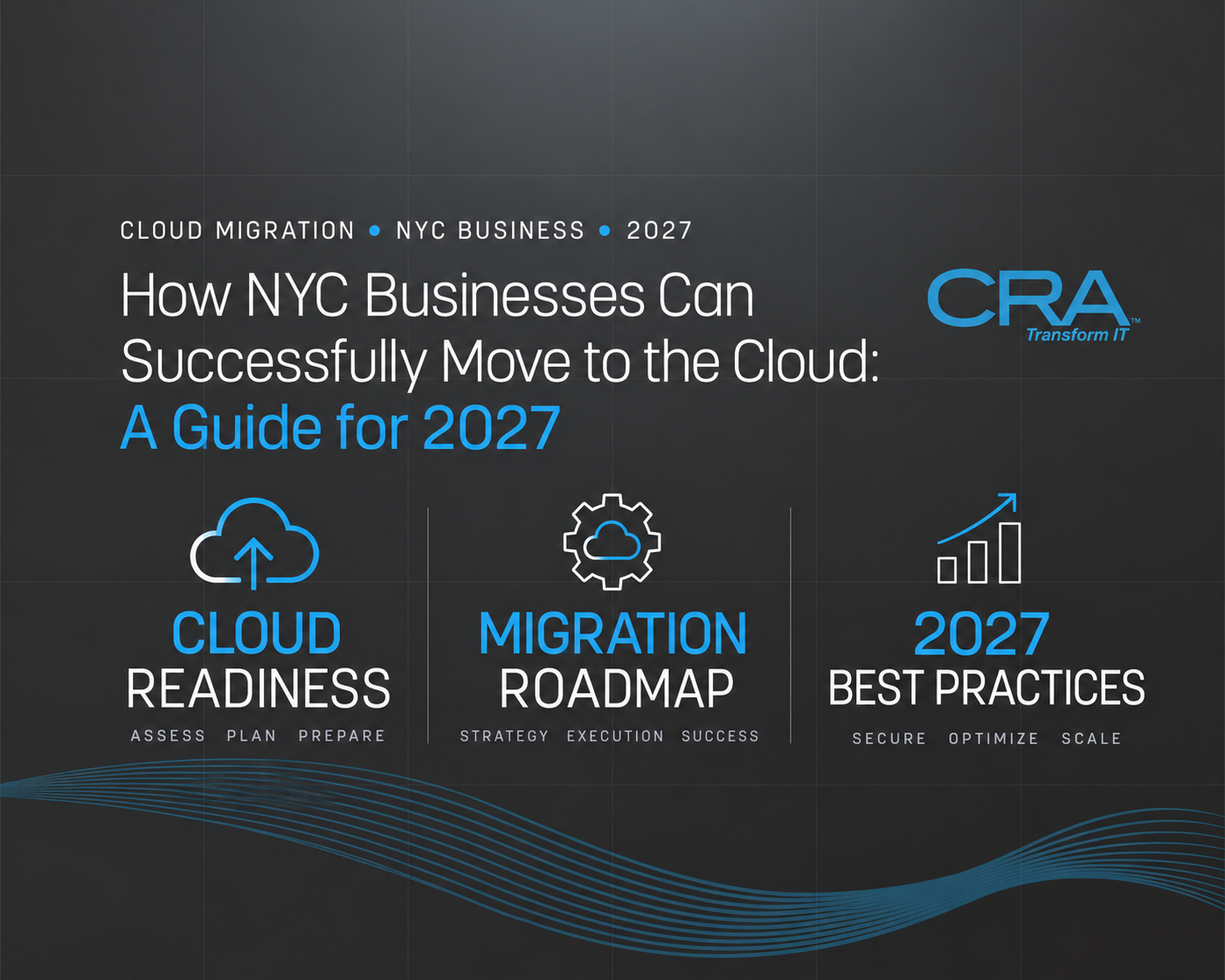
Moving to the cloud works for New York City businesses when you treat it as a phased business change: assess what you run, plan where each workload belongs, migrate in small tested steps, then optimize costs and performance once systems are live. The midsize NYC businesses that succeed with cloud adoption start with a readiness…
Moving to the cloud works for New York City businesses when you treat it as a phased business change: assess what you run, plan where each workload belongs, migrate in small tested steps, then optimize costs and performance once systems are live. The midsize NYC businesses that succeed with cloud adoption start with a readiness…
Read full post on consultcra.comNow listing 5,183 Managed Service Providers in the USA & Canada and counting...
Suggestions
We've received your information and will match you with qualified MSPs soon. Check your email for next steps.
Select all that apply
Select all that apply
Optional
Your info is used only to match you with MSPs. No spam.