IT starts here.
Discover leading Managed IT Service Providers across USA, Canada & the United Kingdom.
- 100s of leading MSPs
- Find a MSP near you
- Latest IT news for SMBs

Azure Migration Readiness: Block 64 Scan Explained
Migrating to Azure isn’t just about moving workloads from on-prem to the cloud — it’s about knowing whether your environment is technically, operationally, and financially ready to succeed in Azure long term. Many organizations move forward with an Azure migration plan based on assumptions, high-level discovery tools, or outdated inventories, only to uncover performance issues, compatibility gaps, or unexpected costs after migration begins. These challenges typically stem from limited visibility into real on-prem infrastructure behavior, including how workloads actually consume compute, stor
Migrating to Azure isn’t just about moving workloads from on-prem to the cloud — it’s about knowing whether your environment is technically, operationally, and financially ready to succeed in Azure long term. Many organizations move forward with an Azure migration plan based on assumptions, high-level discovery tools, or outdated inventories, only to uncover performance issues, compatibility gaps, or unexpected costs after migration begins. These challenges typically stem from limited visibility into real on-prem infrastructure behavior, including how workloads actually consume compute, storage, and network resources under peak demand. Without a proper Azure readiness scan, teams lack the data needed to accurately size Azure resources, predict Azure migration cost savings, and identify risks that could delay or derail the migration. A detailed Azure migration assessment closes these gaps by replacing assumptions with real workload intelligence—setting the foundation for a more predictable, cost-effective Azure migration. An Azure readiness scan, specifically a Block 64 Scan, provides a data-driven Azure migration assessment that identifies on-prem risks, capacity constraints, and optimization opportunities before migration begins. This early insight allows IT teams to migrate with confidence rather than reacting to costly issues post-deployment. Block 64 Scan Overview A Block 64 Scan is an advanced Azure readiness scan designed to evaluate on-prem environments using real workload telemetry instead of assumptions. It captures live performance data across servers and applications to determine how workloads will actually perform once migrated to Azure. By focusing on real usage patterns, the Block 64 Scan delivers a more accurate Azure migration assessment and removes guesswork from Azure sizing, architecture decisions, and cost projections. This results in a stronger, more defensible Azure migration plan aligned with actual operational demand. Capability What It Delivers Workload Analysis CPU, memory, disk, and IOPS utilization based on real usage Azure Readiness Identifies which workloads are Azure-ready vs. require remediation Risk Identification Flags unsupported OS versions and aging infrastructure Migration Accuracy Improves confidence in Azure VM sizing and architecture decisions Why Azure Migration Readiness Matters Without a comprehensive Azure readiness scan, organizations often migrate workloads that are poorly sized, inefficiently architected, or not optimized for cloud environments. This commonly results in degraded application performance, operational instability, and Azure cloud spend that exceeds initial forecasts. In many cases, these issues force teams into reactive resizing or re-architecture efforts after migration, increasing both cost and complexity. A proper Azure migration assessment, such as a Block 64 Scan, ensures workloads are aligned with Azure capabilities before migration begins. By analyzing real workload behavior, the scan helps teams rightsize resources, identify modernization opportunities, and validate expected Azure migration cost savings. This proactive approach reduces risk, accelerates time to value, and allows organizations to enter Azure with a clear, data-backed Azure migration plan rather than relying on trial and error. Common Problems Without Readiness Scans Risk Area Impact Under-sized Azure VMs Performance degradation and user complaints Over-provisioning Higher-than-expected Azure costs Legacy dependencies Application failures post-migration Hidden infrastructure limits Migration delays and rework What the Block 64 Scan Analyzes The Block 64 Scan evaluates the most critical technical and financial readiness factors that influence Azure success. This includes detailed analysis of infrastructure health, real workload behavior, application dependencies, and long-term scalability considerations that directly impact cloud performance and cost. By capturing live utilization data, the scan reveals inefficiencies that are often hidden in traditional assessments, such as over-provisioned resources, underutilized servers, and performance bottlenecks. Identifying these issues—and rising on-prem hardware costs—early gives organizations a clearer, data-backed view of whether Azure will deliver measurable performance improvements and Azure migration cost savings compared to maintaining on-prem infrastructure. This level of insight strengthens the overall Azure migration assessment and helps teams make informed decisions about modernization, rightsizing, and migration sequencing. Key Analysis Areas Category What’s Evaluated On-Prem Hardware Aging servers, firmware risk, and lifecycle status Capacity & Performance Peak vs. average utilization for accurate Azure sizing Application Dependencies Inter-system connections that impact migration sequencing Cost Optimization Rightsizing opportunities to improve cloud ROI How the Block 64 Scan Supports an Azure Migration Plan A successful Azure migration plan depends on reliable, workload-specific data rather than assumptions or high-level estimates. The Block 64 Scan translates detailed technical findings into actionable migration insights that align infrastructure decisions with broader business objectives, such as cost reduction, performance improvement, and scalability. By providing a comprehensive Azure migration assessment, the scan helps teams identify which workloads are best suited for rehosting, refactoring, or retirement. This clarity allows organizations to confidently prioritize workloads, model realistic Azure migration cost savings, and design a phased migration roadmap that minimizes operational disruption and risk. As a result, Azure adoption becomes a controlled, predictable process rather than a reactive one driven by post-migration issues. Migration Planning Benefits Planning Area Value Delivered Migration Strategy Identify rehost, refactor, or retire candidates Azure Sizing VM recommendations based on real workload behavior Cost Modeling Reliable forecasts for Azure migration cost savings Risk Reduction Fewer surprises during cutover Block 64 Scan vs. Traditional Azure Readiness Tools Many Azure migration assessment tools rely heavily on static inventories, configuration snapshots, or theoretical sizing models that fail to reflect real workload behavior under peak and variable demand. As a result, organizations often base their Azure migration plan on incomplete data, leading to inaccurate cost estimates, improper resource sizing, and cloud environments that underperform once workloads are live. The Block 64 Scan uses live workload telemetry to capture actual usage patterns across compute, storage, and network resources. This data-driven approach makes it significantly more reliable when comparing Azure vs on-prem infrastructure cost, identifying optimization opportunities, and validating long-term operational efficiency. By grounding decisions in real performance data, the Block 64 Scan reduces uncertainty and increases confidence in both migration outcomes and projected Azure migration cost savings. Readiness Tool Comparison Feature Traditional Tools Block 64 Scan Data Source Static Inventory Live workload telemetry Performance Accuracy Estimated Actual usage Cost Forecasting Approximate High-confidence Risk Detection Limited Deep dependency insight When Should You Run a Block 64 Scan? A Block 64 Scan is most valuable when organizations are actively evaluating whether Azure is more cost-effective than maintaining on-prem infrastructure. Rising on-prem hardware costs, upcoming hardware refresh cycles, aging infrastructure, or recurring performance concerns are strong indicators that a deeper Azure migration assessment is needed before committing to the cloud. Running an Azure readiness scan early in the planning process gives leadership the data required to clearly compare Azure vs on-prem infrastructure cost, validate projected Azure migration cost savings, and confidently approve a well-informed Azure migration plan. This proactive approach helps organizations avoid rushed decisions and ensures migration investments are backed by measurable, real-world data. Prepare for Azure with Confidence Azure migrations rarely fail because of Azure itself — they fail due to insufficient readiness. A Block 64 Scan delivers the clarity needed to reduce risk, optimize performance, and maximize Azure migration cost savings. With a data-backed Azure migration assessment, organizations can move forward knowing their Azure migration plan is built on real workload intelligence rather than assumptions. Ready to Assess Your Azure Readiness? If you’re planning an Azure migration or evaluating rising on-prem hardware costs, a Block 64 Scan is the fastest way to understand your true readiness and cost-saving potential. 👉 Request a Block 64 Scan from Datalink Networks to get a clear, data-driven Azure migration assessment and build an Azure migration plan with confidence.
Read full post on datalinknetworks.net
MSPdb™ News

AI Change Management: A Practical Plan for Small Businesses
AI change management for small businesses: how to pick one problem, earn staff trust, set security rules and measure results before you scale any AI tool.
AI change management for small businesses: how to pick one problem, earn staff trust, set security rules and measure results before you scale any AI tool.
Read full post on mytekrescue.com
Endpoint Security Management Guide for SMBs
This endpoint security management guide helps Southwest Florida businesses protect devices, limit disruption, and keep daily operations moving securely.
This endpoint security management guide helps Southwest Florida businesses protect devices, limit disruption, and keep daily operations moving securely.
Read full post on priscanova.com

What Industry Analysts Recommend for IT Infrastructure in Food and Beverage Manufacturing


How to Fix Placerville Office WiFi Issues
Learn how to fix Placerville office WiFi issues, reduce downtime, improve coverage, and protect your business network with practical, secure steps now.
Learn how to fix Placerville office WiFi issues, reduce downtime, improve coverage, and protect your business network with practical, secure steps now.
Read full post on rj-pro.net

Outsourced IT Support for Accounting Firms in Lodi: Is It Worth the Cost?
An accounting firm can lose valuable working time without experiencing a major technology failure. A tax application that refuses to open, a missing client document, or an email account that suddenly stops working can interrupt several employees at once. During tax season, these problems can put additional pressure on deadlines and client communication. For accounting
An accounting firm can lose valuable working time without experiencing a major technology failure. A tax application that refuses to open, a missing client document, or an email account that suddenly stops working can interrupt several employees at once. During tax season, these problems can put additional pressure on deadlines and client communication. For accounting
Read full post on rj-pro.net
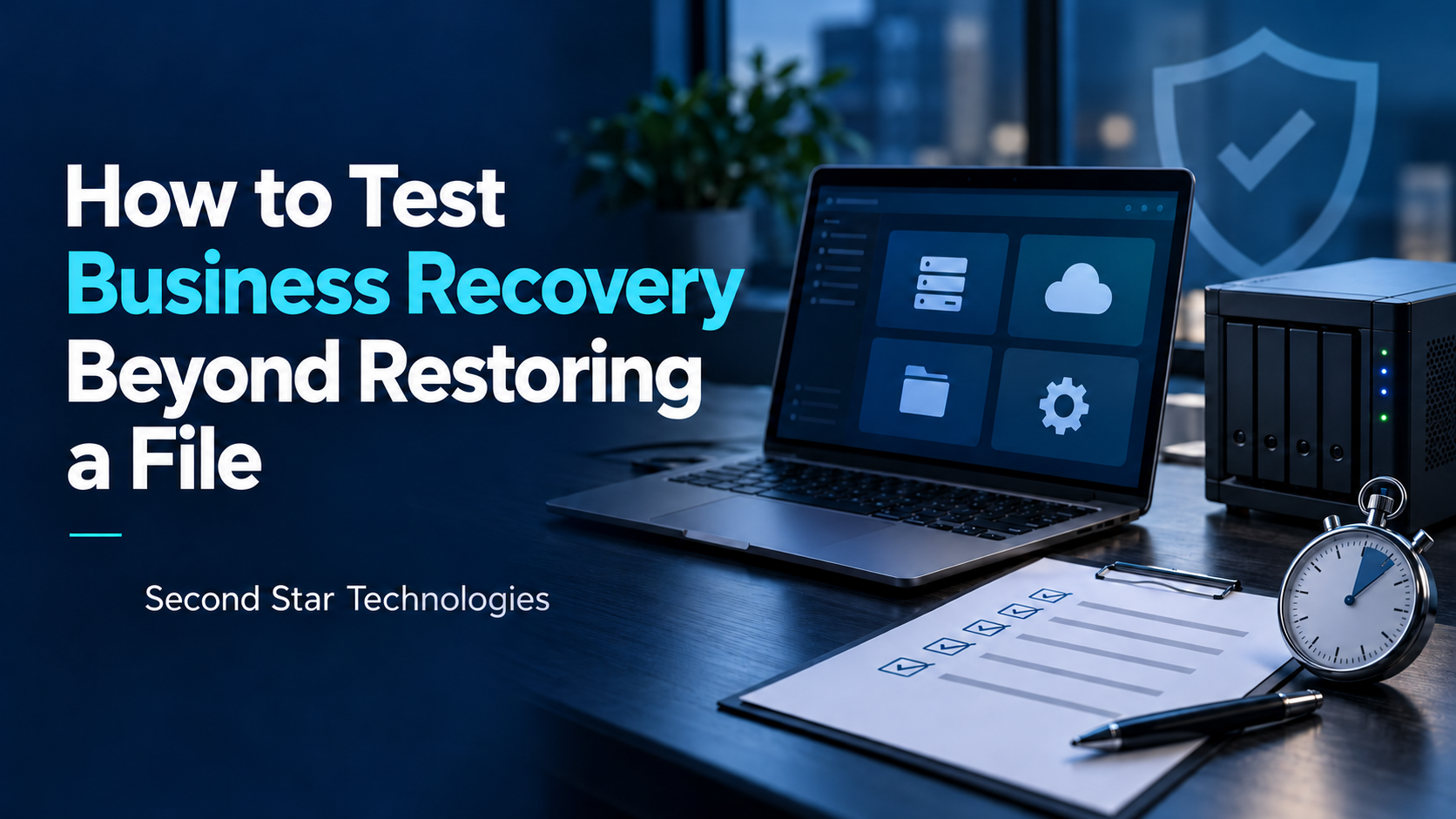
How to Test Business Recovery Beyond Restoring a File
To test business recovery, restore a selected business task in an isolated environment and have an authorized user complete it. Include the accounts, network services, applications and data that task needs. Check the restored environment before considering any return to production. Record the time taken, the data point recovered and the gaps that need another test.
To test business recovery, restore a selected business task in an isolated environment and have an authorized user complete it. Include the accounts, network services, applications and data that task needs. Check the restored environment before considering any return to production. Record the time taken, the data point recovered and the gaps that need another test.
Read full post on secondstartechnologies.com

Ransomware Protection for Business: An IT/OT Guide for Manufacturers

Firewall Security Is About Business Continuity, Not Technology
Firewall Security Is About Business Continuity, Not Technology When executive teams discuss business continuity, the conversation often centers around disaster recovery, data backups, insurance coverage, staffing, supply chains, and operational planning.
Firewall Security Is About Business Continuity, Not Technology When executive teams discuss business continuity, the conversation often centers around disaster recovery, data backups, insurance coverage, staffing, supply chains, and operational planning.
Read full post on oxen.tech
Data Retention Policy: What to Keep, How Long, and How
Build a data retention policy your small business can follow: retention periods for HIPAA, IRS and SEC records, secure destruction steps, and a simple schedule.
Build a data retention policy your small business can follow: retention periods for HIPAA, IRS and SEC records, secure destruction steps, and a simple schedule.
Read full post on mytekrescue.com

6 Best MSPs With Published Support Metrics (2026)
Most managed service providers talk about fast support. Very few publish the numbers to prove it. If you run operations across multiple locations, that gap between talk and proof is where your downtime lives. This is why published support metrics are a invaluable resource in picking your MSP. You have probably reviewed MSP websites loaded
Most managed service providers talk about fast support. Very few publish the numbers to prove it. If you run operations across multiple locations, that gap between talk and proof is where your downtime lives. This is why published support metrics are a invaluable resource in picking your MSP. You have probably reviewed MSP websites loaded
Read full post on wheelhouseit.com
Just Added to MSPdb™



MSP Jobs
All Jobs

MSP Marketplace
View All


Popular MSPs
View All