What's your biggest IT challenge?
Discover leading Managed IT Service Providers across USA, Canada & the United Kingdom.
- 100s of leading MSPs
- Find a MSP near you
- Latest IT news for SMBs

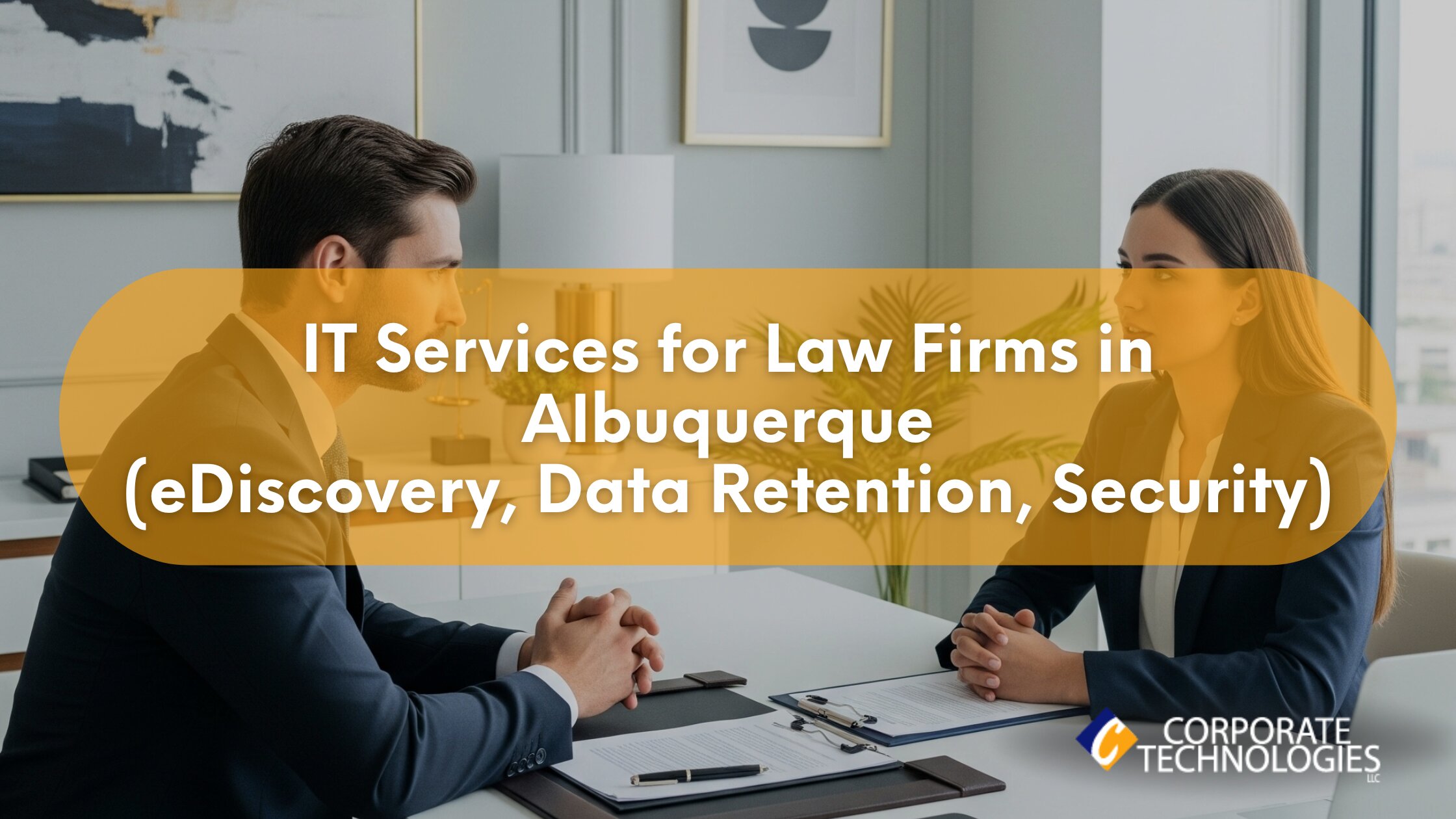
Managed IT Services in New Mexico for Law Firms in Albuquerque: Secure eDiscovery, Data Retention, and Compliance
Law firms in Albuquerque deal with the pressure of deadlines, clients, courts, and files that cannot be lost. One small IT issue can turn into a real legal problem of emails stopping, case files not opening, or a system update breaking something important. That’s why more firms are moving toward Managed IT Services in New Mexico that are built for legal work. Not generic office setups. Real support for eDiscovery, data retention, and security. The kind that understands how law firms actually work. Quick Summary Local Context: Why Albuquerque Law Firms Have Unique IT Risks Law firms in New Mexi
Law firms in Albuquerque deal with the pressure of deadlines, clients, courts, and files that cannot be lost. One small IT issue can turn into a real legal problem of emails stopping, case files not opening, or a system update breaking something important. That’s why more firms are moving toward Managed IT Services in New Mexico that are built for legal work. Not generic office setups. Real support for eDiscovery, data retention, and security. The kind that understands how law firms actually work. Quick Summary Local Context: Why Albuquerque Law Firms Have Unique IT Risks Law firms in New Mexico don’t work in a perfect setup. Even in Albuquerque, things can be uneven. Older buildings. Mixed internet quality. Power issues once in a while. Outside the city, it gets worse. Many firms serve clients across the state. That means remote access matters. Court filings from home. Secure file sharing. Video calls that don’t drop. Common local issues include: This is where Managed IT Services in New Mexico have to be realistic. Systems must keep working even when the environment is not ideal. Data and Benchmarks for Law Firm IT Measured benchmarks help law firms understand what “good IT” actually means. Here’s what shows up often in Albuquerque law firms: Firms using proactive IT services in Albuquerque usually see fewer system failures. Less panic. Less late-night fixes. How Managed IT Services Work for Law Firms Good Managed IT Services in New Mexico follow a clear, step-by-step process. No confusion. No tech talk overload. Just solving problems in the right order so law firms can work without constant interruptions. 1. Assessment (Week 1) This phase is about understanding the current setup and risks. They review: Nothing fancy here. Just identifying what’s broken, outdated, or risky. 2. Stabilization (Weeks 2–3) Next comes cleanup and fixing the obvious issues: This step alone reduces stress for staff and cuts down daily tech issues. 3. Security Baseline (Weeks 3–4) Core protections are put in place: For law firms, this step is critical, not optional. 4. Ongoing Monitoring After setup, systems are continuously supported: This is where consistent IT support in New Mexico delivers long-term stability. Compliance and Legal Risk in New Mexico Law firms don’t just worry about clients. They worry about rules. In New Mexico, that includes: Most compliance problems come from small gaps. Old email systems. No clear data retention policy. Staff using personal devices. Reliable IT support in Albuquerque helps close those gaps before they turn into bigger issues. Infrastructure Challenges Law Firms Face in Albuquerque Offices Not every law office is modern. Some are in buildings that were never designed for today’s tech. That creates problems. Practical setups often include: Providers offering Managed IT Services in New Mexico usually design systems with failure in mind. Cost Breakdown: What Law Firms Actually Pay Costs are one of the first questions firms ask. Monthly Managed IT Pricing Pricing depends on risk, not just size. One-Time Costs Hidden Cost Drivers Honest IT services in Albuquerque will talk about these early. Comparison: Choosing the Right IT Model Break/Fix In-House IT Managed IT Services For most firms, Managed IT Services in New Mexico sits in the middle. Not cheap, but stable. Case Example: Albuquerque Litigation Firm A mid-size litigation firm in Albuquerque, with 12 attorneys, was dealing with repeated email outages and backup systems that looked fine but weren’t actually working. The real problem showed up during an active case, when key files couldn’t be found. At that point, the risk was already high, and the pressure was on. The firm moved to managed services with secure backups, continuous monitoring, and proper eDiscovery support. Within 90 days, downtime stopped catching them off guard. Document searches became faster and more reliable. A full security review was completed with no findings. Results like this are common with dependable IT support in Albuquerque. Conversion Block: Is Your Firm at Risk? A simple local IT check can show issues fast. Typical review includes: Many firms start their move to Managed IT Services in New Mexico with a small audit like this. Final Thought Law firms don’t need flashy tech. They need systems that work every day quietly and securely. With the right Managed IT Services in New Mexico, Albuquerque firms reduce risk and focus on cases instead of crashes. FAQs 1. How much do managed IT services cost for law firms? Most Albuquerque firms pay between $125 and $185 per user each month. 2. What response time should law firms expect? Remote response in under 30 minutes is standard. On-site within 2–4 hours locally. 3. Do law firms still need on-site IT visits? Yes. Hardware failures, network issues, and audits still require physical support. 4. Can managed IT help with compliance? Yes. Providers help align systems with New Mexico breach laws and HIPAA, where applicable. 5. What services are typically included in Managed IT for law firms? Services like monitoring, backups, security, eDiscovery support, user helpdesk, and reporting are included.
Read full post on gocorptech.com
MSPdb™ News


Building a Zero Trust Security Strategy with Palo Alto Networks
Cybercriminals no longer rely on brute-force attacks alone. Today’s attackers steal identities, exploit trusted users,…
Cybercriminals no longer rely on brute-force attacks alone. Today’s attackers steal identities, exploit trusted users,…
Read full post on blog.synergyit.ca
Microsoft 365 E7 & Agent 365: What the Next Phase of Enterprise AI Means for Businesses
Artificial intelligence adoption is entering a new phase. Over the past few years, most organizations have focused primarily on experimentation by testing copilots, automating repetitive tasks, and exploring how generative AI can improve productivity. Now, however, the conversation has evolved beyond simple experimentation. Businesses are no longer asking whether AI can create value; instead, they are trying to determine how to deploy AI securely, govern it consistently across departments, monitor AI behavior at scale, prevent shadow AI risks, and generate measurable business outcomes from the
Artificial intelligence adoption is entering a new phase. Over the past few years, most organizations have focused primarily on experimentation by testing copilots, automating repetitive tasks, and exploring how generative AI can improve productivity. Now, however, the conversation has evolved beyond simple experimentation. Businesses are no longer asking whether AI can create value; instead, they are trying to determine how to deploy AI securely, govern it consistently across departments, monitor AI behavior at scale, prevent shadow AI risks, and generate measurable business outcomes from their AI investments. Microsoft’s general availability launch of Microsoft 365 E7 represents one of the company’s largest efforts to address these operational challenges at the enterprise level.
Read full post on datalinknetworks.net

Cybersecurity Risks for Mid-Size Manufacturers
Cybersecurity Risks for Mid-Size Manufacturers | LG Networks Your production line goes down on a Monday morning, again. Not because a machine failed or someone called in sick, but because someone locked you out of your own systems and wants $200,000 to give them back. You have 72 hours to decide, and a shipment is
Cybersecurity Risks for Mid-Size Manufacturers | LG Networks Your production line goes down on a Monday morning, again. Not because a machine failed or someone called in sick, but because someone locked you out of your own systems and wants $200,000 to give them back. You have 72 hours to decide, and a shipment is
Read full post on lgnetworksinc.com

Should Your Business Use Microsoft Copilot? An Honest Answer.
The short answer Wondering if your business should be using Copilot? The short answer is yes, if two specific conditions are in place. If either is missing, the right move is to get those conditions right first. Rushing into Copilot without them does not usually end with a failed AI project. It ends with a
The short answer Wondering if your business should be using Copilot? The short answer is yes, if two specific conditions are in place. If either is missing, the right move is to get those conditions right first. Rushing into Copilot without them does not usually end with a failed AI project. It ends with a
Read full post on midnightbluetech.com

Do More With Less: Cost-Effective IT Solutions Tailored for Nonprofits and Legal Service Providers
Managed IT services help nonprofits and legal firms cut costs while enhancing security and compliance through tailored strategies, proactive maintenance, cloud solutions, and staff training.
Managed IT services help nonprofits and legal firms cut costs while enhancing security and compliance through tailored strategies, proactive maintenance, cloud solutions, and staff training.
Read full post on splice.net

The Operational and Strategic Value of Consistency in IT Support
Few things make IT support feel more inefficient than having to explain the same problem over and over again.
Few things make IT support feel more inefficient than having to explain the same problem over and over again.
Read full post on blog.starport.ca

How to Respond to Double Extortion Ransomware
Understanding the Threat of Ransomware Double Extortion In today's digital age, the specter of ransomware looms large, with a concerning evolution known as double extortion ransomware emerging as a significant threat to organizations of all sizes. This nefarious tactic does not only encrypt critical data, rendering it inaccessible but further amplifies the pressure on
Understanding the Threat of Ransomware Double Extortion In today's digital age, the specter of ransomware looms large, with a concerning evolution known as double extortion ransomware emerging as a significant threat to organizations of all sizes. This nefarious tactic does not only encrypt critical data, rendering it inaccessible but further amplifies the pressure on
Read full post on alvaka.net

AI Copilot 1.0 Webinar Recording: Beyond the Hype
On June 23, 2026, Datasmith hosted a live webinar on Microsoft Copilot with Julie Hodges, a Microsoft Copilot Specialist from
On June 23, 2026, Datasmith hosted a live webinar on Microsoft Copilot with Julie Hodges, a Microsoft Copilot Specialist from
Read full post on datasmithnetworks.com

How China’s JDY Is Quietly Mapping the U.S. Military
In the high-stakes theater of modern cybersecurity, we are conditioned to watch for the loud attacks” the explosive ransomware strikes that paralyze hospitals or the massive data breaches that dominate news cycles. Yet while we…
In the high-stakes theater of modern cybersecurity, we are conditioned to watch for the loud attacks” the explosive ransomware strikes that paralyze hospitals or the massive data breaches that dominate news cycles. Yet while we…
Read full post on thrivenextgen.com

From Compliance Checkbox to Culture: Building a Team That Actually Learns New Tech
Most technology training fails because it stops at the compliance checkbox. To build a team that actually learns new tech, leaders must replace one-time training events with a continuous learning culture: short, role-specific lessons, ongoing reinforcement, manager-led adoption, and clear connections between new tools and the work people do every day.
Most technology training fails because it stops at the compliance checkbox. To build a team that actually learns new tech, leaders must replace one-time training events with a continuous learning culture: short, role-specific lessons, ongoing reinforcement, manager-led adoption, and clear connections between new tools and the work people do every day.
Read full post on sentrytechsolutions.com
Just Added to MSPdb™


MSP Jobs
All Jobs

MSP Marketplace
View All


Popular MSPs
View All