Welcome to the MSP database.
Discover leading Managed IT Service Providers across USA, Canada & the United Kingdom.
- 100s of leading MSPs
- Find a MSP near you
- Latest IT news for SMBs
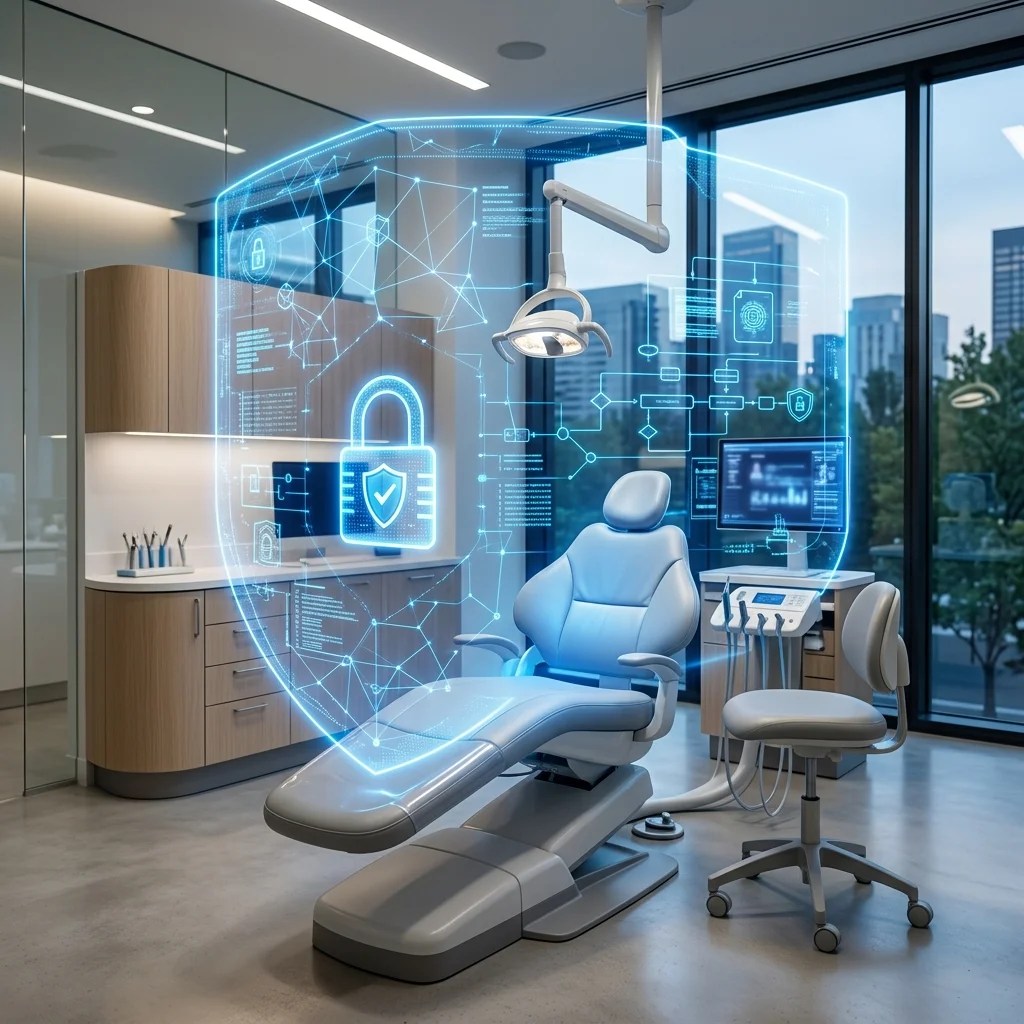
Top IT Security Gaps in Dental Practices: How to Identify and Prevent Dentrix and DEXIS Vulnerabilities
Dental IT & Cyber Security Top IT Security Gaps in Dental Practices: How to Identify and Prevent Dentrix and DEXIS Vulnerabilities Published by Business PC Support IT Security Team • 2,650 Words Dental practices are prime targets for cybercriminals. In fact, cybersecurity statistics show that small healthcare facilities, including multi-chair dental clinics, are hit by ransomware and data breaches more frequently than almost any other small business sector. The reason is simple: dental offices store high-value, sensitive Protected Health Information (PHI) and financial records, yet they freque
Dental IT & Cyber Security Top IT Security Gaps in Dental Practices: How to Identify and Prevent Dentrix and DEXIS Vulnerabilities Published by Business PC Support IT Security Team • 2,650 Words Dental practices are prime targets for cybercriminals. In fact, cybersecurity statistics show that small healthcare facilities, including multi-chair dental clinics, are hit by ransomware and data breaches more frequently than almost any other small business sector. The reason is simple: dental offices store high-value, sensitive Protected Health Information (PHI) and financial records, yet they frequently suffer from critical IT Security Gaps due to outdated setups, lack of technical monitoring, and legacy software configurations. Many dental practices in Sacramento and Northern California rely heavily on specialized practice management and imaging software, most notably Dentrix (by Henry Schein) and DEXIS imaging systems. While these tools are clinical industry standards, they possess specific underlying database architectures and configurations that, if left unmanaged, create massive security vulnerabilities. Failing to secure these systems leaves your practice vulnerable to ransomware, patient identity theft, and severe HIPAA compliance fines. Ransomware Alert: Cybercriminals do not just target your patient files; they explicitly look for and target your Dentrix database and DEXIS image folder. If they encrypt these databases, your entire clinical workflow stops—meaning no schedules, no x-rays, and no patient charting. Why Dental Software Engines Present Security Gaps To secure your practice, you must understand the underlying technical structure of your clinical applications. Both Dentrix and DEXIS rely on database engines that require strict configuration hardening: Dentrix and the FairCom c-treeACE Database: Dentrix utilizes the FairCom c-tree database engine to store all patient records, medical histories, billing details, and scheduling data. Historically, this database engine was designed for ease of installation on local networks rather than modern cybersecurity defense. If your server is not hardened, this database can be accessed, read, or modified by unauthorized devices connected to your office Wi-Fi. DEXIS and Shared File Repositories: DEXIS and other imaging software (like Eaglesoft or Apteryx) store high-resolution patient X-rays and scans in central, shared folders on your local server. To allow clinical workstations to pull up X-rays instantly, installers often configure these directories with wide-open, unauthenticated sharing permissions (e.g., “Full Control” for “Everyone”). If malware breaches a single front desk computer, it can easily write to and encrypt the entire shared DEXIS repository. Understanding Eaglesoft and SQL Anywhere Database Security In addition to Dentrix, many clinical offices in Northern California utilize Patterson Eaglesoft for practice management. Unlike Dentrix, Eaglesoft utilizes the SAP Sybase SQL Anywhere database engine. The SQL Anywhere engine is a powerful relational database that runs as a local system service on your office server. However, it presents a distinct set of security challenges. A major vulnerability in default SQL Anywhere installations is the use of hardcoded, default database administrative passwords. Many legacy dental IT setups leave these default credentials active, meaning anyone with access to the local network can log into the SQL database directly and export patient medical data. Furthermore, database encryption is often disabled by default during initial setups to prevent performance degradation on older servers. Securing Eaglesoft requires an experienced IT security team to run encryption protocols on the SQL database files at rest, rotate database passwords, and restrict port access to authorized treatment room IPs only. The Top 5 IT Security Gaps in Dental Offices Based on our security audits of clinics across Northern California, these are the five most common IT security gaps and how to resolve them: 1. Lack of Local Network Segmentation In many dental clinics, all devices—front desk computers, clinical treatment room computers, digital X-ray sensors, Smart TVs in the waiting room, and guest Wi-Fi—are connected to the same single local network. This is a massive security gap. If a patient connects their infected phone to your waiting room guest Wi-Fi, that device can scan your network and target the local Dentrix server. Similarly, if a smart TV is compromised, hackers can pivot to access clinical workstations. Implement VLANs (Virtual Local Area Networks): Segment your office network into distinct virtual networks. Keep clinical systems (workstations, servers, imaging) on a separate secure VLAN, waiting room smart devices on an IoT VLAN, and patients on a completely isolated Guest Wi-Fi VLAN. Firewall Configuration: Set up a commercial-grade firewall (such as Fortinet or SonicWall) with strict routing rules that prevent any communication between the Guest VLAN and the Secure Clinical VLAN. 2. Unencrypted Local and Offsite Backups Many dental offices utilize external USB hard drives for local backups, often rotated manually by the office manager. This practice presents two major gaps: physical theft/loss and ransomware vulnerability. If a backup drive is plugged into the server when ransomware strikes, the ransomware will encrypt the backup drive along with the server. If the office manager takes an unencrypted USB drive home and it is lost or stolen, it constitutes a massive, reportable HIPAA breach. Use Immutable Cloud Backups: Implement automated, cloud-based backups that are isolated from the primary network. Immutable backups cannot be deleted or modified by ransomware, guaranteeing restore capability. Enforce AES 256-Bit Encryption: Ensure all backup data is encrypted before it leaves the server and remains encrypted while stored in the cloud. Automate Restore Tests: Set a recurring monthly task for your IT team to run full restore tests on your Dentrix database to verify file integrity. 3. Wide-Open Shared Folders (DEXIS and Eaglesoft) As mentioned, imaging systems require shared directory access. Leaving these folders open to the entire network is a major compliance risk. Restrict NTFS and Share Permissions: Configure shared image folders to only allow access from specific, verified clinical AD accounts. Block access for any general, generic, or non-clinical accounts. Disable SMB v1: Legacy Server Message Block (SMB v1) protocols are highly vulnerable to exploits like EternalBlue (which spread the WannaCry ransomware). Force SMB v2 or v3 across your local network. 4. Secure Remote Support Controls To manage their practices remotely, many dentists and office managers set up third-party remote control tools (such as...
Read full post on businesspcsupport.comMSPdb™ News

What Is a Local LLM — And Should Your Business Run One?
A practical guide to local LLM hardware, costs, and when it makes sense to deploy AI privately Quick Answer: A local LLM (large language model) is an AI model that runs entirely on your own hardware — no cloud connection, no third-party data access, no per-query costs. For businesses that handle sensitive data or run
A practical guide to local LLM hardware, costs, and when it makes sense to deploy AI privately Quick Answer: A local LLM (large language model) is an AI model that runs entirely on your own hardware — no cloud connection, no third-party data access, no per-query costs. For businesses that handle sensitive data or run
Read full post on bestructured.com
Incident Response Lifecycle Explained Step by Step Guide
Understanding the Incident Response Lifecycle Today’s digital landscape presents organizations with a constant barrage of security threats, ranging from ransomware to data breaches and advanced persistent threats. The incident response lifecycle serves as a structured, systematic process to detect, assess, and address these threats effectively. By understanding and refining this lifecycle, companies can significantly strengthen
Understanding the Incident Response Lifecycle Today’s digital landscape presents organizations with a constant barrage of security threats, ranging from ransomware to data breaches and advanced persistent threats. The incident response lifecycle serves as a structured, systematic process to detect, assess, and address these threats effectively. By understanding and refining this lifecycle, companies can significantly strengthen
Read full post on alvaka.net

TKS Newsletter – 2026 June
We’re entering the era of agentic AI. Smart, autonomous systems that don’t only assist people, but act on their behalf. Unlike traditional tools that wait for someone to click, type or browse, agentic AI can read data, talk to other systems, and complete entire tasks end-to-end.
We’re entering the era of agentic AI. Smart, autonomous systems that don’t only assist people, but act on their behalf. Unlike traditional tools that wait for someone to click, type or browse, agentic AI can read data, talk to other systems, and complete entire tasks end-to-end.
Read full post on turnkeysol.com


How to Integrate Microsoft Licensing with Your Broader IT Strategy
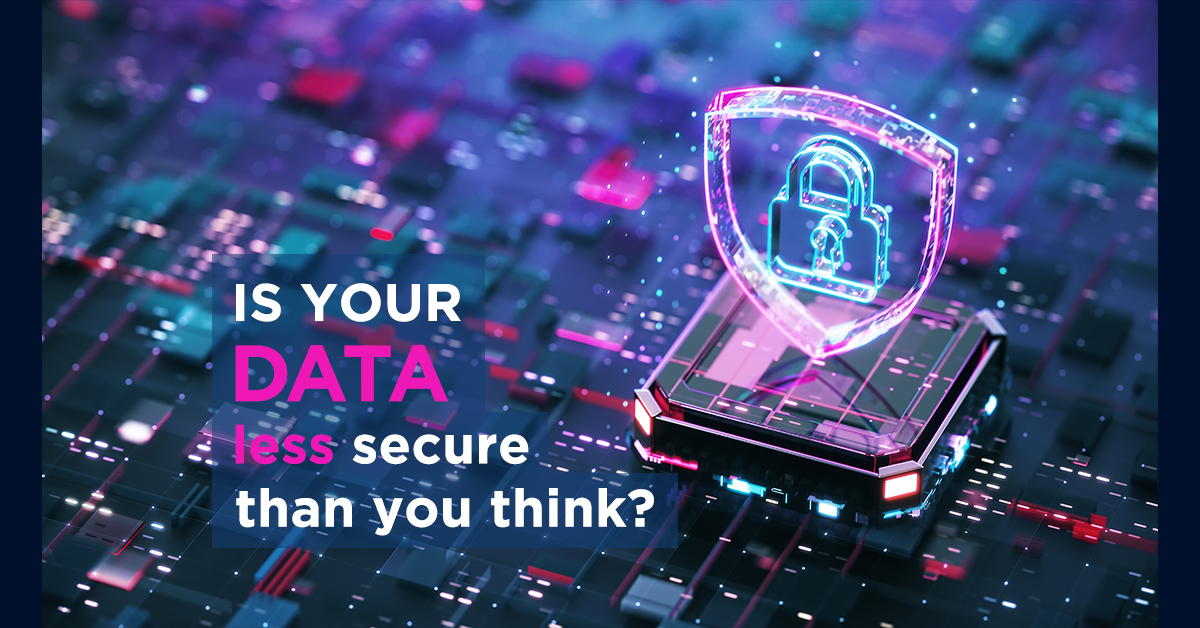
Are Your Data Security Gaps Putting Your Business at Risk?
Most businesses believe their data security is under control. But confidence and reality don’t always line up. As companies grow, systems multiply, cloud apps get added, older platforms stay in place, and access permissions stack up. And that increases risk…
Most businesses believe their data security is under control. But confidence and reality don’t always line up. As companies grow, systems multiply, cloud apps get added, older platforms stay in place, and access permissions stack up. And that increases risk…
Read full post on skysailtechnologies.com
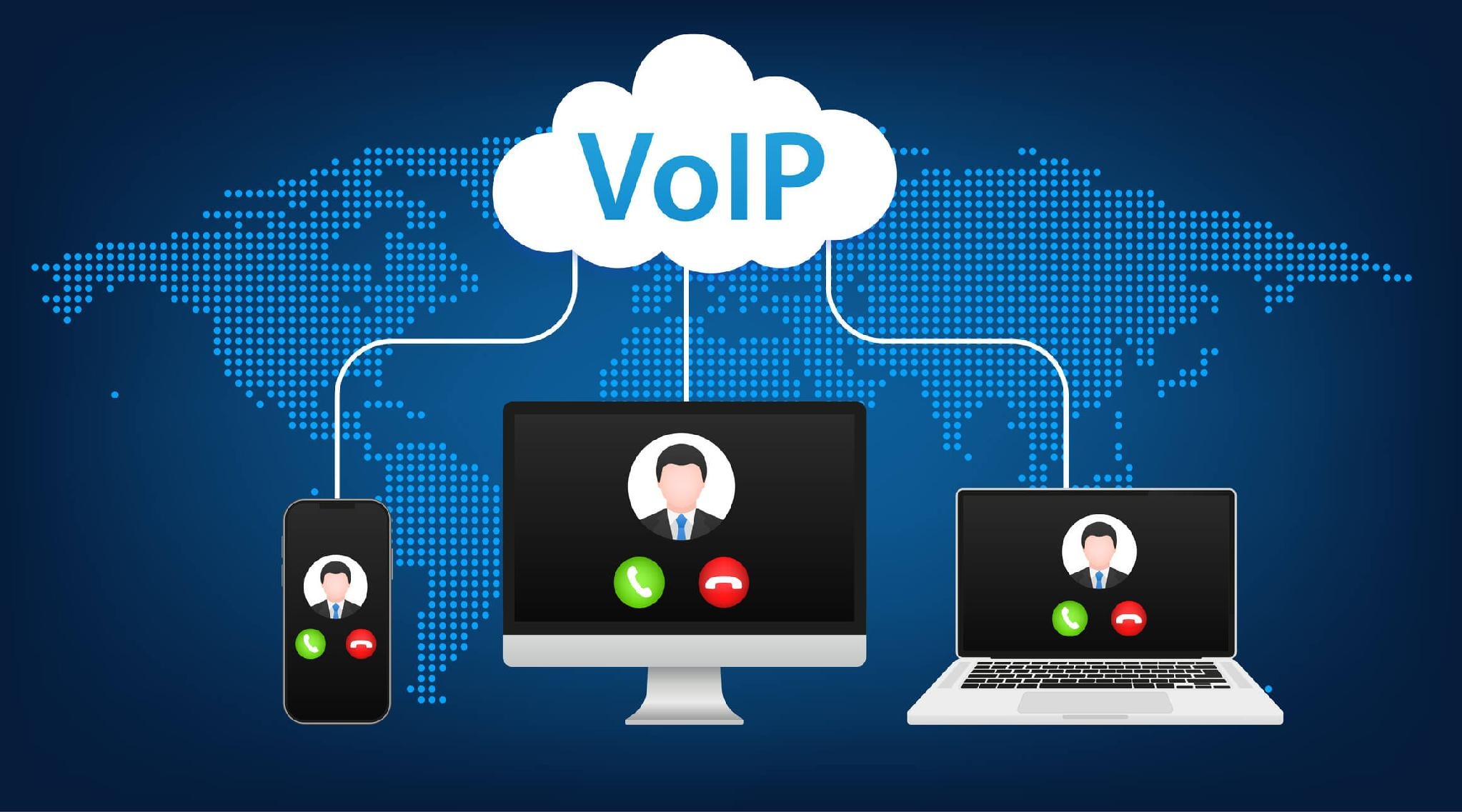
VoIP Resource Allocation Strategies That Maximize Efficiency for Small to Medium Businesses
In today’s digital environment, smart VoIP resource allocation is a must for small and midsize businesses that want reliable, cost-effective communications. VoIP (Voice over Internet Protocol) cuts calling costs but needs deliberate planning and management to deliver consistent call quality. This article walks through practical strategies – bandwidth prioritization, cost control, and QoS optimization –
In today’s digital environment, smart VoIP resource allocation is a must for small and midsize businesses that want reliable, cost-effective communications. VoIP (Voice over Internet Protocol) cuts calling costs but needs deliberate planning and management to deliver consistent call quality. This article walks through practical strategies – bandwidth prioritization, cost control, and QoS optimization –
Read full post on mis.tech
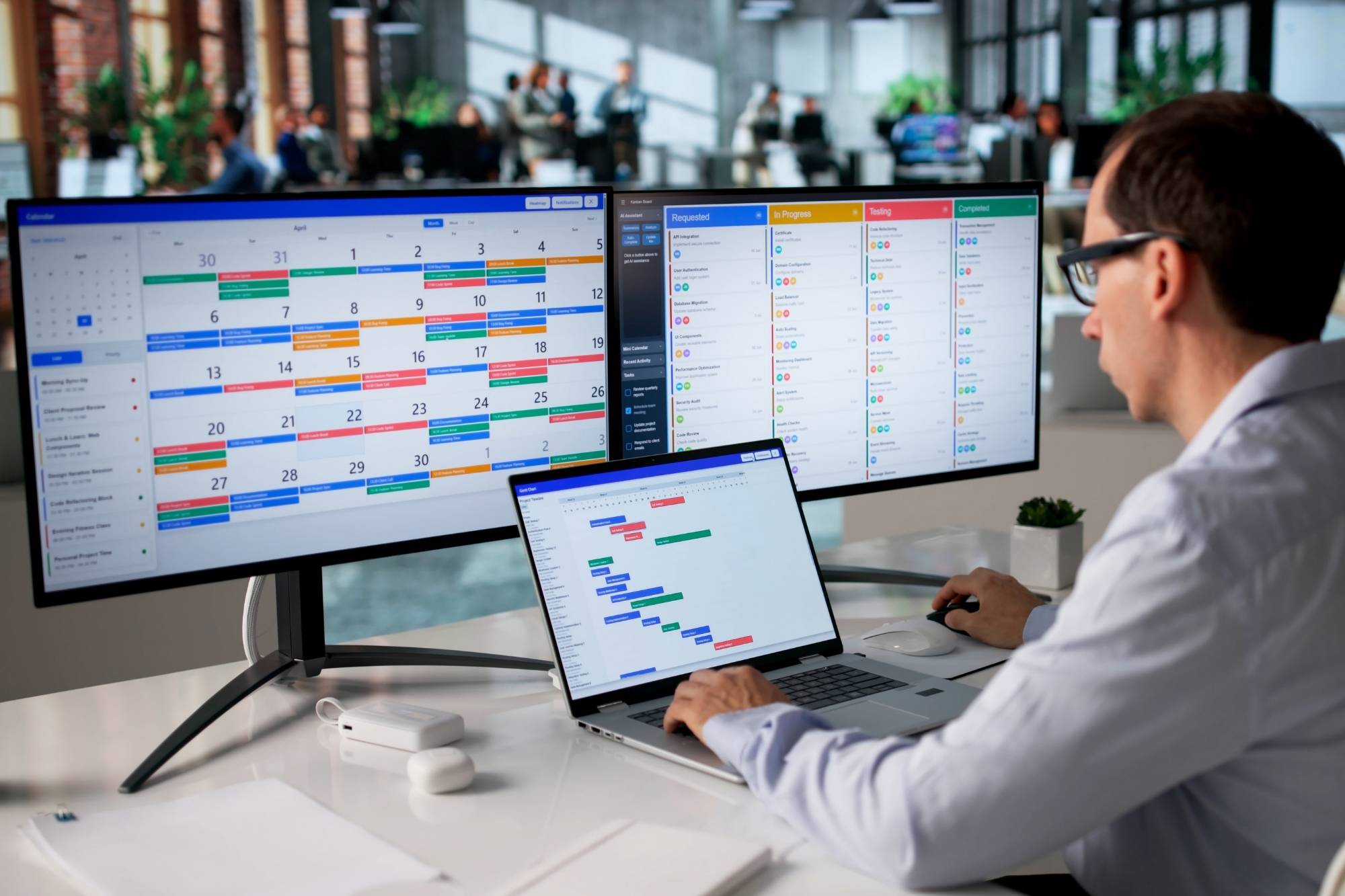
AI and HIPAA compliance: What your practice needs before AI touches patient data
An HR analyst at a 3,000-person hospital system used Microsoft Copilot to look up employee benefits. Routine query, nothing unusual. The response came back with patient treatment notes pulled from a SharePoint folder that had been sitting there for four years with broad permissions that nobody had ever cleaned up. One query. Forty-seven patient records
An HR analyst at a 3,000-person hospital system used Microsoft Copilot to look up employee benefits. Routine query, nothing unusual. The response came back with patient treatment notes pulled from a SharePoint folder that had been sitting there for four years with broad permissions that nobody had ever cleaned up. One query. Forty-seven patient records
Read full post on focushcs.com
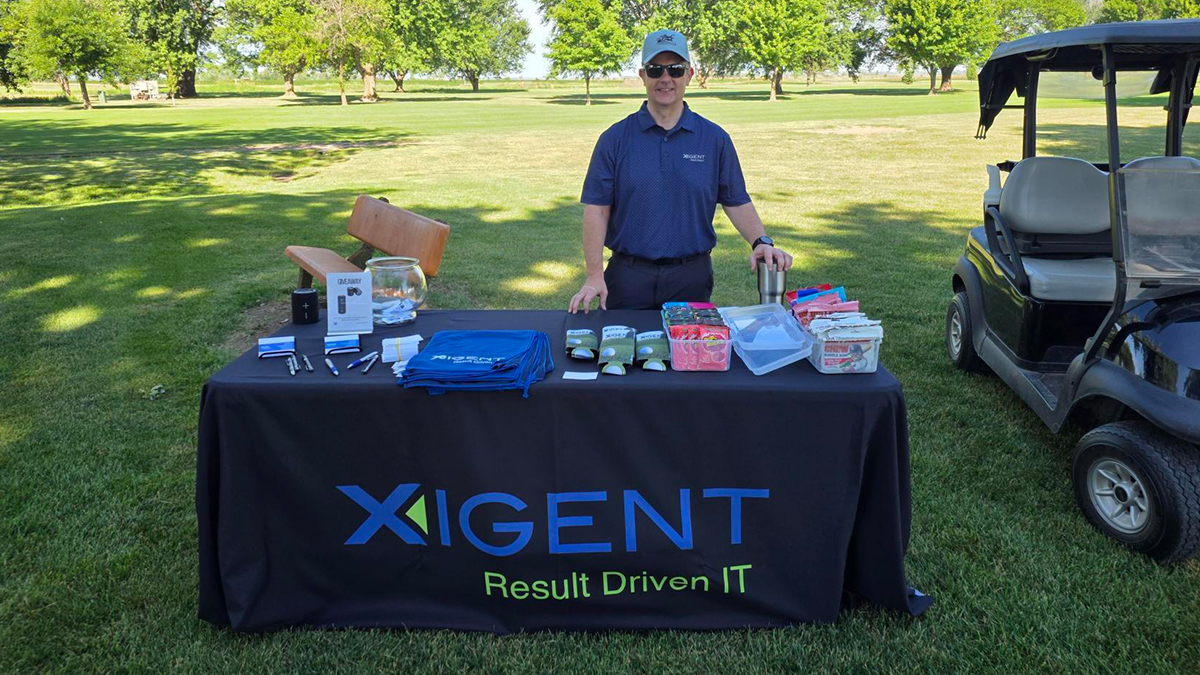
Xigent Proud to Sponsor the 2026 Burgess Foundation Golf Tournament
Supporting local healthcare while building stronger community connections at the Burgess Foundation Golf Tournament A Day of Connection for a Meaningful Cause Last week, Xigent had the opportunity to sponsor the Burgess Foundation Golf Tournament, joining other organizations and community members for a great day on the course in support of a meaningful cause. Hosted
Supporting local healthcare while building stronger community connections at the Burgess Foundation Golf Tournament A Day of Connection for a Meaningful Cause Last week, Xigent had the opportunity to sponsor the Burgess Foundation Golf Tournament, joining other organizations and community members for a great day on the course in support of a meaningful cause. Hosted
Read full post on xigentsolutions.com

Why New CNC Machines Keep Dropping Off the Network
Many manufacturers invest in new CNC machines expecting faster production, better automation, and improved efficiency. But after installation, some facilities begin noticing a different problem instead.
Many manufacturers invest in new CNC machines expecting faster production, better automation, and improved efficiency. But after installation, some facilities begin noticing a different problem instead.
Read full post on andromeda.tech

Sage Intacct Construction vs. Deltek ComputerEase
Compare Sage Intacct Construction vs Deltek ComputerEase to evaluate WIP reporting, job costing, payroll, reporting flexibility, multi-entity accounting, and long-term scalability.
Compare Sage Intacct Construction vs Deltek ComputerEase to evaluate WIP reporting, job costing, payroll, reporting flexibility, multi-entity accounting, and long-term scalability.
Read full post on swktech.com
Just Added to MSPdb™

MSP Jobs
All Jobs
MSP Marketplace
View All


Popular MSPs
View All