Time to find your perfect IT partner.
Discover leading Managed IT Service Providers across USA, Canada & the United Kingdom.
- 100s of leading MSPs
- Find a MSP near you
- Latest IT news for SMBs

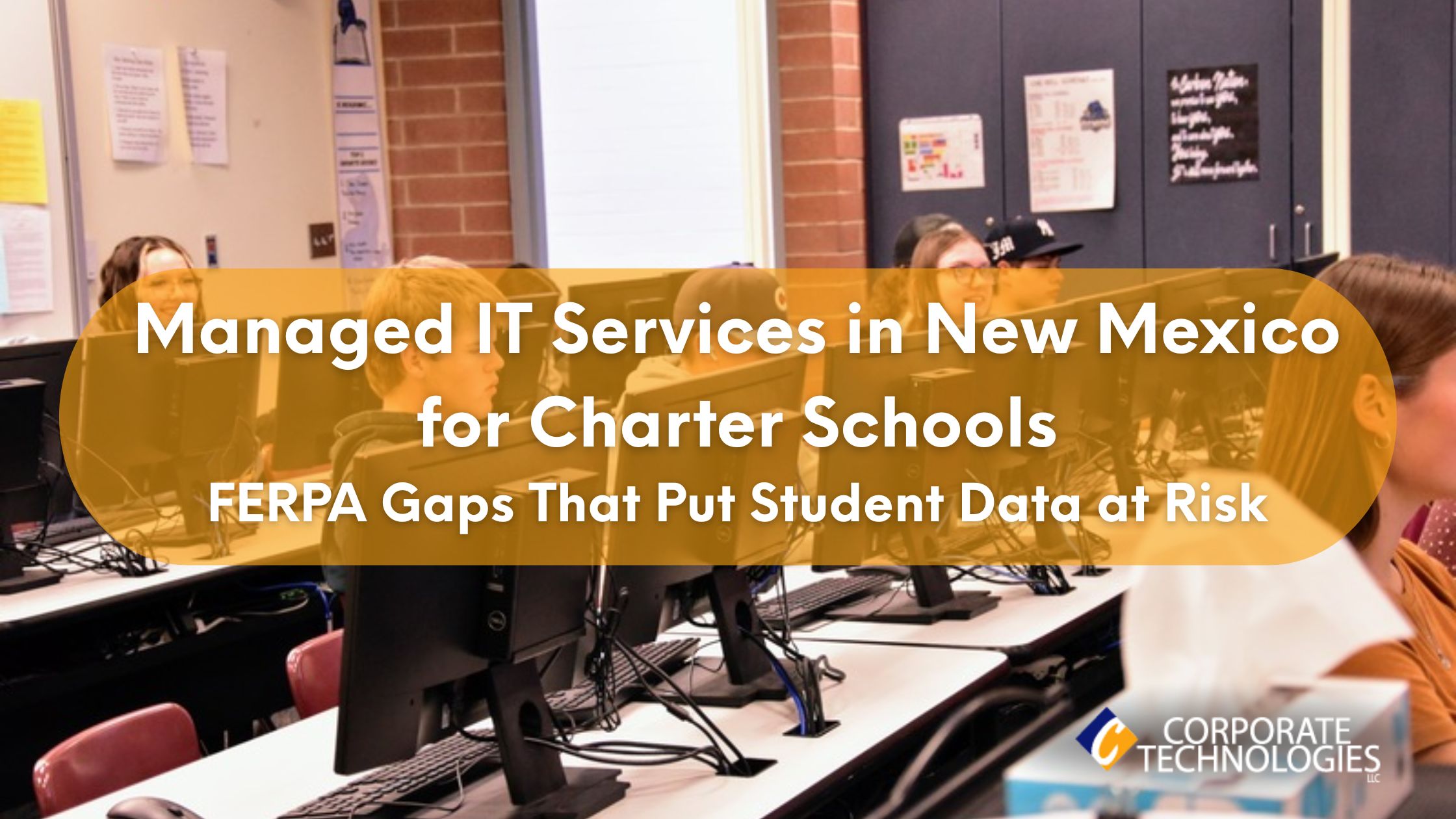
Managed IT Services in New Mexico for Charter Schools: FERPA Gaps That Put Student Data at Risk
Charter schools in New Mexico operate under tight budgets, limited IT staffing, and growing compliance pressure. While most leaders know FERPA matters, many don’t realize how easily daily IT decisions can create violations. That’s where things quietly go wrong. Most charter schools don’t lose data because of hackers. They lose it because systems are messy, access is loose, and no one is really watching. This article breaks down what’s being missed, why it matters, and how Managed IT Services in New Mexico fit into real school life. Quick FERPA-Focused Summary for Charter School Administrators
Charter schools in New Mexico operate under tight budgets, limited IT staffing, and growing compliance pressure. While most leaders know FERPA matters, many don’t realize how easily daily IT decisions can create violations. That’s where things quietly go wrong. Most charter schools don’t lose data because of hackers. They lose it because systems are messy, access is loose, and no one is really watching. This article breaks down what’s being missed, why it matters, and how Managed IT Services in New Mexico fit into real school life. Quick FERPA-Focused Summary for Charter School Administrators Why New Mexico Charter Schools Face Unique IT Security Risks Charter schools across Albuquerque, Santa Fe, Las Cruces, and smaller rural towns don’t operate like large public districts. They run lean. Local realities include: Many schools rely on reactive IT support in New Mexico, fixing issues only after systems fail. That approach no longer works when FERPA violations can trigger audits, parent complaints, and reputational damage. FERPA Compliance: Where Charter Schools Are Falling Short FERPA doesn’t require advanced cybersecurity frameworks, but it does require reasonable safeguards. That’s where most charter schools struggle. Common gaps we see: None of these feels catastrophic day-to-day. But together, they form a compliance failure. Managed IT Services in New Mexico help charter schools move from informal practices to documented, enforceable controls. What FERPA-Aligned IT Support Actually Looks Like Charter schools don’t need enterprise complexity. They need consistency. Phase One: Risk Discovery (Week 1) This phase is about seeing the real picture. No assumptions. Deliverable: A short written risk summary. Clear problems. Clear fixes. No vague advice or technical noise. Phase Two: Stabilization (Weeks 2–3) This is where daily stress starts to drop. Result: Fewer access mistakes. Fewer daily IT issues. Less abuse of shared logins. Phase Three: FERPA Security Baseline (Week 4) This step protects schools when questions come up. This phase matters most during audits or parent record requests. Phase Four: Continuous Monitoring Security doesn’t stop after setup. This is where Managed IT Services in New Mexico clearly outperform break/fix models. Systems stay watched, not ignored. Infrastructure Constraints in New Mexico Campuses Security planning has to match local conditions. Charter schools here often deal with: Practical setups include: Good IT support in New Mexico adapts to these realities instead of forcing expensive designs. Real Cost of Downtime for Charter Schools When systems go down, it’s not just tech. Local estimates show: Managed environments reduce downtime by 60–70% compared to reactive models. Pricing Breakdown for Managed IT Services (Charter Schools) Monthly Costs (Per User) One-Time Costs Hidden Fees to Watch For Transparent Managed IT Services in New Mexico contracts spell these out upfront. Why Break/Fix and In-House Models Fail Charter Schools Break/Fix IT In-House IT Managed IT Charter schools rarely need full-time engineers, but they do need full-time coverage. How a New Mexico Charter School Closed a Major FERPA Risk in 30 Days A mid-sized charter school relied on shared admin accounts for SIS access. It felt easier. One laptop went missing. Student grades and discipline records were exposed, and no one could track who accessed what. The school moved to managed support. Role-based access was enforced. MFA was added for admins. Devices were encrypted and tracked. Backups were tested regularly. Access incidents dropped to zero. Backup recovery time fell from six hours to twenty minutes. FERPA documentation was completed within thirty days. This pattern shows up again and again across New Mexico charter schools. Free FERPA Readiness Checklist for New Mexico Charter Schools Before your next audit, ask: If any answer is “no,” it’s time to review your setup with a local provider offering Managed IT Services in New Mexico. Final Thoughts Charter schools don’t ignore FERPA on purpose. They just don’t have time to chase IT details. That’s why Managed IT Services in New Mexico matter for schools. Not because of tech. Because of the structure. Because someone is always watching. Effective IT support in New Mexico helps schools to have a lower number of surprises, late nights, and uncomfortable parent calls. That peace is worth more than most people expect. FAQs 1. How much do Managed IT Services in New Mexico cost for charter schools? Most charter schools in New Mexico usually pay $110 to $165 per user monthly, based on security needs, device count, and system condition. 2. Do charter schools still need on-site IT staff? Typically no. Remote support is provided on a daily basis, and only onsite visits are made when physical work is required to be done on hardware, wiring, or the network. 3. Is FERPA compliance guaranteed? No provider can guarantee FERPA compliance. Strong controls, monitoring, and access rules simply reduce risk and limit damage when mistakes happen. 4. What response time should a charter school expect? Critical issues like SIS outages or security alerts are typically addressed within 15-30 minutes. 5. What services are included in managed IT services for a charter school? Security monitoring, backups, access control, patching, and reporting.
Read full post on gocorptech.com
MSPdb™ News

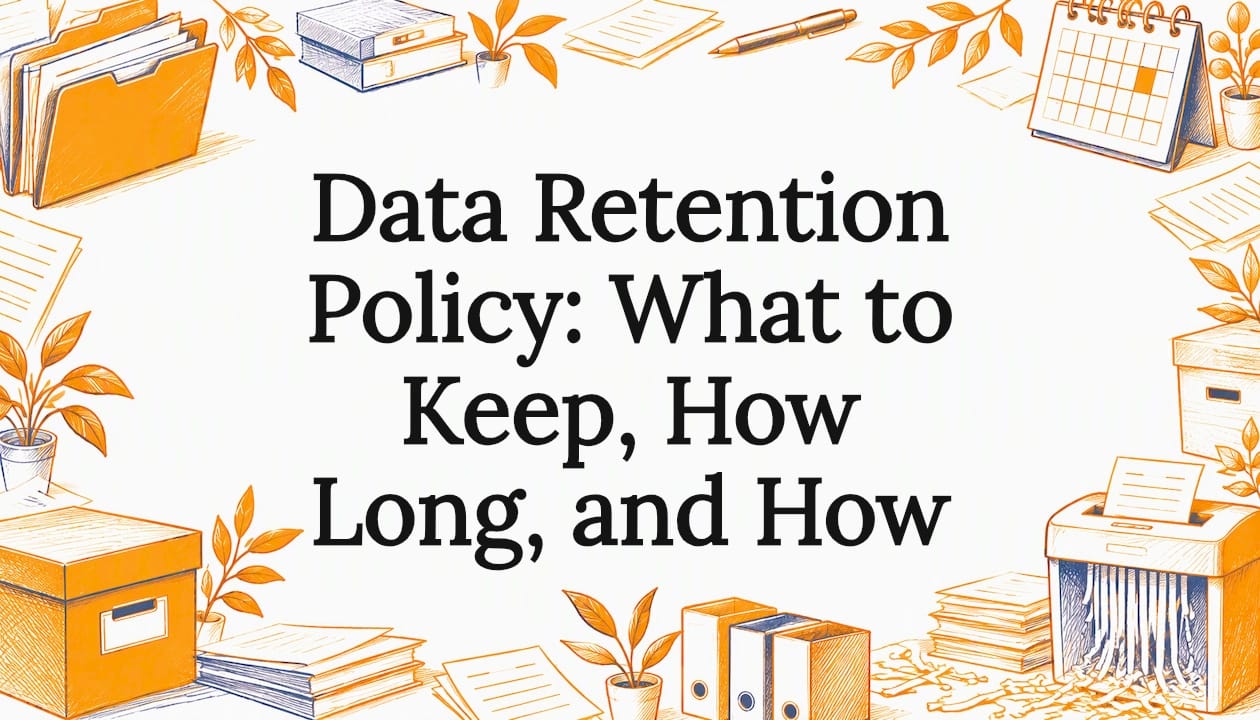
Data Retention Policy: What to Keep, How Long, and How
Build a data retention policy your small business can follow: retention periods for HIPAA, IRS and SEC records, secure destruction steps, and a simple schedule.
Build a data retention policy your small business can follow: retention periods for HIPAA, IRS and SEC records, secure destruction steps, and a simple schedule.
Read full post on mytekrescue.com
Co-Managed IT vs. Fully Managed IT for Manufacturing: Which Is Better?


Microsoft 365 Versus Google Workspace Compared
Microsoft 365 versus Google Workspace: compare security, collaboration, costs, and support to choose the right platform for your growing business needs.
Microsoft 365 versus Google Workspace: compare security, collaboration, costs, and support to choose the right platform for your growing business needs.
Read full post on rj-pro.net

6 Best MSPs With Published Support Metrics (2026)
Most managed service providers talk about fast support. Very few publish the numbers to prove it. If you run operations across multiple locations, that gap between talk and proof is where your downtime lives. This is why published support metrics are a invaluable resource in picking your MSP. You have probably reviewed MSP websites loaded
Most managed service providers talk about fast support. Very few publish the numbers to prove it. If you run operations across multiple locations, that gap between talk and proof is where your downtime lives. This is why published support metrics are a invaluable resource in picking your MSP. You have probably reviewed MSP websites loaded
Read full post on wheelhouseit.com
Why Are My Emails Going to Spam?
Email remains one of the most important communication tools for businesses, but even legitimate messages do not always reach the inbox. A customer may report
Email remains one of the most important communication tools for businesses, but even legitimate messages do not always reach the inbox. A customer may report
Read full post on pc-net.com

Your Donor Database Is Becoming an AI Tool. Who’s Setting the Rules?
Do you know which applications your staff use already include AI? Does approving a donor management platform also mean approving its AI features? Who decides what donor and constituent information those features can access? When nonprofit leaders think ...
Do you know which applications your staff use already include AI? Does approving a donor management platform also mean approving its AI features? Who decides what donor and constituent information those features can access? When nonprofit leaders think ...
Read full post on truadvantage.com
Managed IT services for healthcare practices: what to ask before you choose
By Bill Ledebuhr, Director of Operations, Fantastic IT · October 23, 2026 Before you choose a managed IT provider for your medical practice, get clear answers to five questions: who can access your systems, whether your backups have been tested, who answers when the EHR (electronic health record) goes down, who owns each task between
By Bill Ledebuhr, Director of Operations, Fantastic IT · October 23, 2026 Before you choose a managed IT provider for your medical practice, get clear answers to five questions: who can access your systems, whether your backups have been tested, who answers when the EHR (electronic health record) goes down, who owns each task between
Read full post on fantasticit.com

When Trusted Technology Becomes a Security Risk
We use the internet every day without giving much thought to what keeps our communications secure. We visit websites, sign into business applications, exchange sensitive data, and trust the lock icon in our browsers. Behind these everyday actions is an interconnected system of software, encryption, digital certificates, and trust. Recent security events involving critical PHP vulnerabilities and a certificate authority incident involving eMudhra serve as timely reminders of what can happen when weaknesses emerge within these foundational technologies. The incidents are unrelated, but the
We use the internet every day without giving much thought to what keeps our communications secure. We visit websites, sign into business applications, exchange sensitive data, and trust the lock icon in our browsers. Behind these everyday actions is an interconnected system of software, encryption, digital certificates, and trust. Recent security events involving critical PHP vulnerabilities and a certificate authority incident involving eMudhra serve as timely reminders of what can happen when weaknesses emerge within these foundational technologies. The incidents are unrelated, but they reinforce the same message: Cybersecurity isn’t only about stopping an attacker from getting in. It’s about continuously understanding, monitoring, and protecting the layers of technology your organization depends on. PHP2Shell: A Threat to Web Infrastructure On October 21, emergency patches were issued for two critical PHP vulnerabilities, CVE-2026-109618 and CVE-2026-109619, both carrying a CVSS 4.0 score of 9.2. The vulnerabilities can enable unauthenticated remote code execution, potentially allowing an attacker to execute commands on a vulnerable web server without first authenticating. The risk is particularly significant because the vulnerabilities exist at the PHP runtime level. Potentially affected environments include PHP installations handling web requests through PHP-FPM, Apache mod_php, php-cgi, FrankenPHP, and LiteSpeed. Patched releases include PHP 8.2.35, 8.3.36, 8.4.27, and 8.5.12. Organizations running PHP 8.1 or earlier warrant additional attention because those branches are no longer receiving normal upstream security releases. For businesses, however, the challenge goes beyond knowing a patch exists. The bigger question is whether you know where PHP exists in your environment. PHP may be supporting an e-commerce site, customer portal, legacy application, container, or appliance without being immediately visible to the teams responsible for security. That makes accurate asset inventory and continuous vulnerability management just as important as the patch itself. When the Technology That Creates Trust Becomes the Threat A separate security incident involving certificate authority eMudhra highlights another type of foundational risk. TLS certificates help establish encrypted connections and verify that users are connecting to the intended service. Certificate authorities sit at the center of that trust model. Private keys associated with eight eMudhra intermediate certificate authorities were found to have been generated using severely inadequate cryptographic values. Six were associated with TLS certificates and two with code signing. The weakness meant the corresponding private keys could effectively be recovered using information contained in the public certificates, potentially allowing an attacker to generate fraudulent certificates that appeared to have been signed by a trusted certificate authority. The affected certificates were subsequently retracted or distrusted, but the incident highlights a broader challenge. Systems that do not benefit from modern browser-based revocation mechanisms, including some containers, Linux systems, embedded devices, IoT environments, developer tools, and applications using independent trust stores, may require additional remediation. Importantly, there is currently no public indication that the affected eMudhra keys were maliciously exploited. Two Vulnerabilities, One Message At first glance, a PHP vulnerability and a cryptographic weakness involving a certificate authority have little in common. From a cybersecurity perspective, however, they expose the same reality: Your organization does not control every technology it relies on. Security isn't defined solely by your firewall, endpoint protection, or password policies. It also depends on operating systems, programming languages, cloud and hosting providers, certificate authorities, open-source components, third-party applications, software vendors, and countless dependencies operating behind the scenes. As Kodi Oshiro, SOC Manager at Datalink Networks, explains: “Organizations can’t control when the next critical vulnerability is discovered. They can control how prepared they are to identify their exposure, respond quickly, and reduce risk.” Kodi Oshiro, SOC Manager, Datalink Networks That preparedness is what separates a newly disclosed vulnerability from a potential business crisis. What Organizations Should Be Doing Modern cybersecurity requires organizations to continuously: Identify internet-facing assets and understand the technologies supporting them. Monitor and triage new vulnerability disclosures as they emerge. Prioritize vulnerabilities based on actual organizational exposure and risk. Patch, mitigate, or isolate vulnerable systems quickly. Monitor endpoints, servers, and networks for indicators of compromise. Keep operating systems, browsers, applications, containers, and trust stores current. Understand certificate and PKI dependencies across the environment. Maintain an incident response plan before a critical vulnerability becomes an active security incident. In short, security is a process, not a product. For organizations without a dedicated security team, the constant stream of vulnerabilities can feel overwhelming. But the takeaway from incidents like these shouldn't be fear. It should be preparedness. You cannot prevent the next critical vulnerability from being discovered. You cannot control every software vendor, open-source project, or certificate authority your business depends on. What you can control is how quickly your organization can determine whether it is affected and how effectively it can respond. Moving From Reactive to Ready At Datalink Networks, our security team helps organizations strengthen that capability through security monitoring, vulnerability management, endpoint and network protection, infrastructure visibility, and incident response. When a critical vulnerability like PHP2Shell emerges, the question shouldn't be: “What do we do now?” It should be: “Are we affected, and is our security team already responding?” If you're unsure whether your web infrastructure, servers, certificates, or other critical systems may be exposed to these or emerging threats, Datalink Networks can help assess your environment, prioritize risk, and build a practical roadmap to remediation. Cyber threats will continue to change. Your ability to respond needs to change with them.
Read full post on datalinknetworks.net
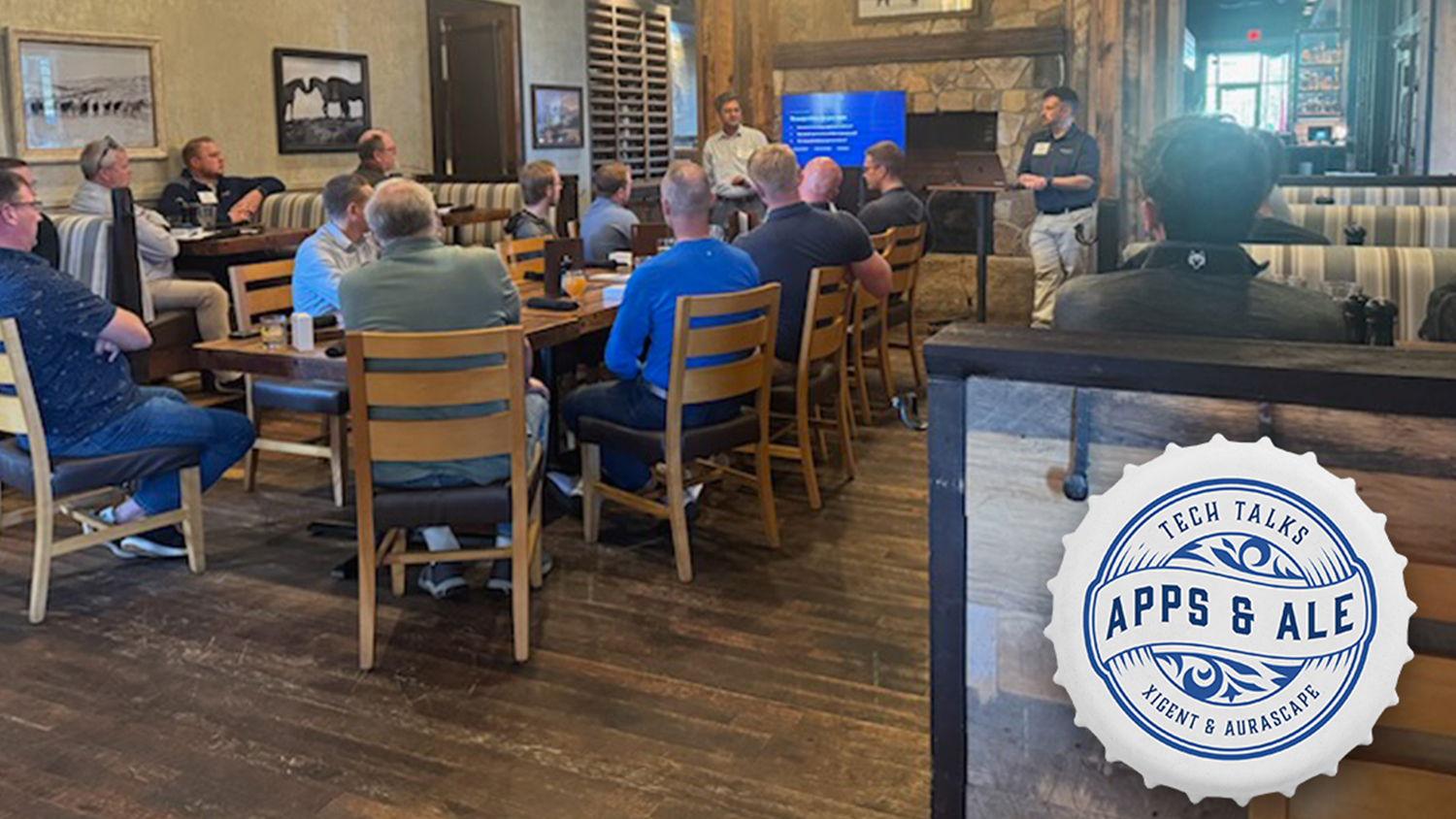
Tech Talks: Apps & Ale SD – AI Security 101
Tech Talks: Apps & Ale brought Sioux Falls IT leaders together to discuss AI security, governance, and the opportunities ahead Bringing AI Security & Governance Into Focus Xigent’s Tech Talks: Apps & Ale series continued in Sioux Falls, where Xigent and Aurascape brought local IT leaders together at ROAM Kitchen + Bar to explore the
Tech Talks: Apps & Ale brought Sioux Falls IT leaders together to discuss AI security, governance, and the opportunities ahead Bringing AI Security & Governance Into Focus Xigent’s Tech Talks: Apps & Ale series continued in Sioux Falls, where Xigent and Aurascape brought local IT leaders together at ROAM Kitchen + Bar to explore the
Read full post on xigentsolutions.com
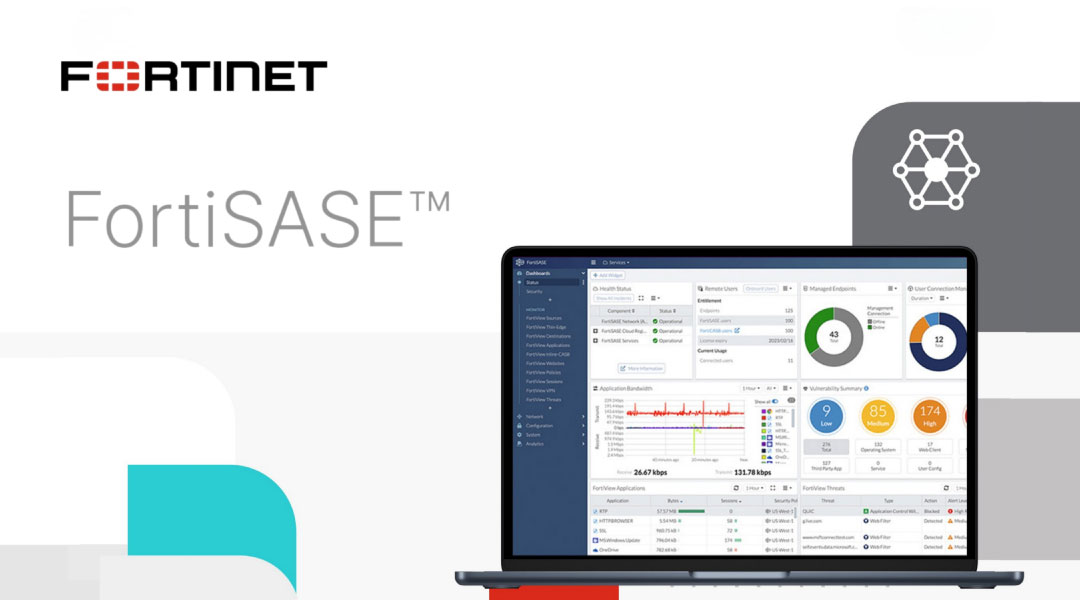
Beyond FortiGate: FortiSASE for Your Hybrid, Remote and On-Prem Workforces Part 2
Image sourced from Fortinet In Part 1, we finally had a way to get rid of the remote access VPN and a way to secure network traffic for your remote …
Image sourced from Fortinet In Part 1, we finally had a way to get rid of the remote access VPN and a way to secure network traffic for your remote …
Read full post on mirazon.com
Just Added to MSPdb™
MSP Jobs
All Jobs
MSP Marketplace
View All

Popular MSPs
View All