Let's solve your IT challenges.
Discover leading Managed IT Service Providers across USA, Canada & the United Kingdom.
- 100s of leading MSPs
- Find a MSP near you
- Latest IT news for SMBs

15 Questions Every Business Should Ask Before Turning On AI
AI adoption is happening fast. In many organizations, employees are already experimenting with tools like Microsoft Copilot, ChatGPT, and Claude, whether an official rollout has happened or not. Ceeva's recent AI readiness and governance materials emphasize the importance of preparing your Microsoft 365 environment, establishing governance, and understanding security implications before deployment. The promise of AI is exciting. Increased productivity, better collaboration, faster decision-making, and less administrative work are all realistic outcomes. But organizations that rush into AI w
AI adoption is happening fast. In many organizations, employees are already experimenting with tools like Microsoft Copilot, ChatGPT, and Claude, whether an official rollout has happened or not. Ceeva's recent AI readiness and governance materials emphasize the importance of preparing your Microsoft 365 environment, establishing governance, and understanding security implications before deployment. The promise of AI is exciting. Increased productivity, better collaboration, faster decision-making, and less administrative work are all realistic outcomes. But organizations that rush into AI without preparation often discover hidden risks, unexpected costs, and security concerns. Before purchasing licenses or enabling AI tools for your team, ask these 15 important questions. 1. Who Can Access What Information Today? AI can only work with the information users already have permission to access. If permissions are overly broad, AI may surface information employees were technically able to access but never knew existed. Now is the time to evaluate SharePoint, Teams, OneDrive, and file-sharing permissions. 2. Is Multi-Factor Authentication Enabled for Every User? One stolen password can become far more impactful when AI tools have access to large volumes of business information. Strong authentication should be considered a prerequisite for any AI deployment. 3. Are Former Employees Still Connected to Company Resources? Many organizations discover legacy accounts, shared credentials, and lingering permissions long after an employee leaves. Before introducing AI, verify your onboarding and offboarding processes are consistently enforced. 4. Where Is Our Business Data Stored? You cannot govern what you cannot locate. Identify where critical company information resides, who owns it, and whether it is appropriately secured. 5. Do We Have a Written AI Usage Policy? Employees need clear guidance regarding: Approved AI platforms Acceptable business use Confidential information restrictions Data retention expectations Security and compliance requirements A policy provides consistency and helps reduce risk. 6. Are Employees Already Using Personal AI Accounts for Work? In many businesses, AI adoption starts long before leadership realizes it. Understanding existing usage patterns helps identify opportunities, security concerns, and training requirements. 7. Have We Reviewed Our SharePoint and Teams Permissions Recently? Organizations often accumulate years of permission changes, shared folders, and inherited access rights. Cleaning up permissions before AI deployment is one of the most impactful steps you can take. 8. What Information Should Never Be Entered Into AI? Not every piece of information belongs in every AI platform. Examples may include: Protected client information Financial records Legal documents Proprietary business information Personally identifiable information Establish guardrails before employees begin experimentation. 9. Does Leadership Understand the Risks as Well as the Benefits? Most executives understand the upside of AI. Fewer understand governance, security responsibilities, compliance implications, and long-term administration requirements. Successful deployments begin with informed leadership. 10. Are We Solving a Business Problem or Chasing a Trend? AI alone is not a strategy. Define the outcomes you want to improve, such as: Reducing administrative work Enhancing customer service Improving document creation Accelerating research Increasing employee productivity Start with business goals rather than technology. 11. How Will We Measure Success? Before implementation, determine how success will be evaluated. Common metrics include: Time saved per employee Increased productivity Faster project completion Reduced manual effort Higher employee satisfaction Without measurable goals, ROI becomes difficult to demonstrate. 12. Which AI Platform Best Fits Our Organization? Microsoft Copilot, ChatGPT Business, Claude Team, and industry-specific tools each serve different purposes. The right platform depends on your data, workflows, security requirements, regulatory obligations, and business objectives. 13. Who Will Own Governance and Administration? AI requires ongoing management. Someone must be responsible for: Licensing Policies Access controls User adoption Security reviews Governance updates Ownership should be established before deployment begins. 14. How Will Employees Be Trained? Providing licenses does not guarantee adoption. Employees need practical guidance on: Effective prompting Security best practices Approved use cases Productivity techniques Responsible AI usage Organizations that invest in training consistently achieve better outcomes. 15. What Happens If We Do Nothing? AI is rapidly becoming a standard business tool. Organizations that ignore it completely may fall behind competitors who successfully combine technology with sound governance and employee enablement. The goal is not to adopt AI recklessly. The goal is to adopt it responsibly. Final Thought The businesses seeing the greatest return from AI are not necessarily the first to deploy it. They are the organizations that take time to prepare their environment, understand their risks, establish governance, and create a roadmap for long-term success. AI is a powerful tool. Like any powerful tool, its value depends on how thoughtfully it is implemented. At Ceeva, we help organizations prepare for AI adoption through readiness assessments, Microsoft 365 optimization, governance planning, security reviews, and employee enablement strategies so they can realize the benefits of AI without introducing unnecessary risk. Looking to plan for AI use cases, planning, governance and security for your organization? Contact us here and we can help.
Read full post on ceeva.com
MSPdb™ News
Sioux Falls Tech Talks: Apps & Ale | AI Security 101
Join us in Sioux Falls for Apps & Ale, featuring drinks, appetizers, networking, and practical conversations about AI security Sioux Falls Tech Talks: Apps & Ale | AI Security 101 Thu, Oct 22, 2026 3:00 PM – 5:00 PM ROAM Kitchen + Bar 4525 W Empire Pl. Sioux Falls, SD 57106 Event link Apps &
Join us in Sioux Falls for Apps & Ale, featuring drinks, appetizers, networking, and practical conversations about AI security Sioux Falls Tech Talks: Apps & Ale | AI Security 101 Thu, Oct 22, 2026 3:00 PM – 5:00 PM ROAM Kitchen + Bar 4525 W Empire Pl. Sioux Falls, SD 57106 Event link Apps &
Read full post on xigentsolutions.com
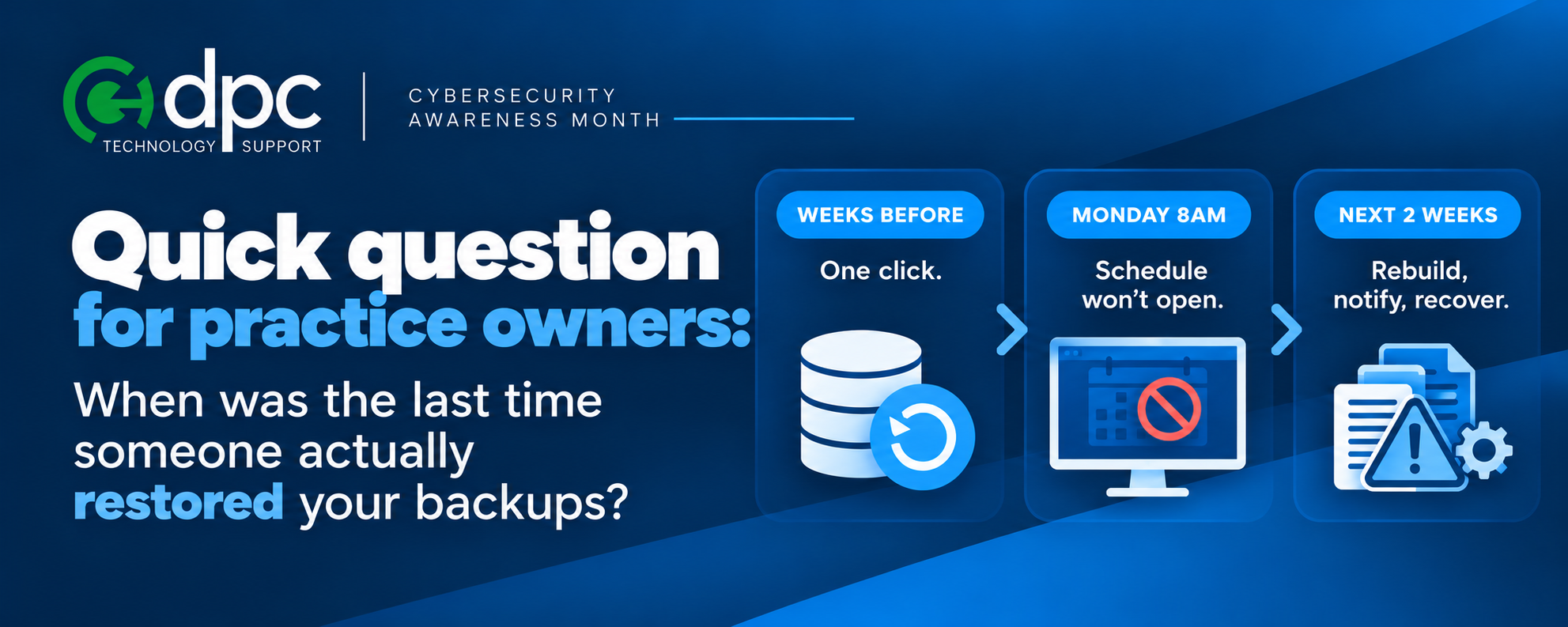
Ransomware Reality: It’s Not If, It’s When
It is a Monday morning. The front desk cannot open the schedule. Files will not open. There is a note on the screen demanding payment. The phones are ringing, but
It is a Monday morning. The front desk cannot open the schedule. Files will not open. There is a note on the screen demanding payment. The phones are ringing, but
Read full post on dpctechnology.com

Office 2021 End of Support: What Boston Businesses Need to Do Now
Office 2021 end of support hit on October 13, 2026, and Microsoft has stopped shipping security patches, bug fixes, and technical support for it. Word, Excel, Outlook, and PowerPoint 2021 still open and still save files normally. What’s gone is the safety net: any flaw discovered in that software from now on stays open, permanently,
Office 2021 end of support hit on October 13, 2026, and Microsoft has stopped shipping security patches, bug fixes, and technical support for it. Word, Excel, Outlook, and PowerPoint 2021 still open and still save files normally. What’s gone is the safety net: any flaw discovered in that software from now on stays open, permanently,
Read full post on bostonmit.com


Cybersecurity in the Age of AI
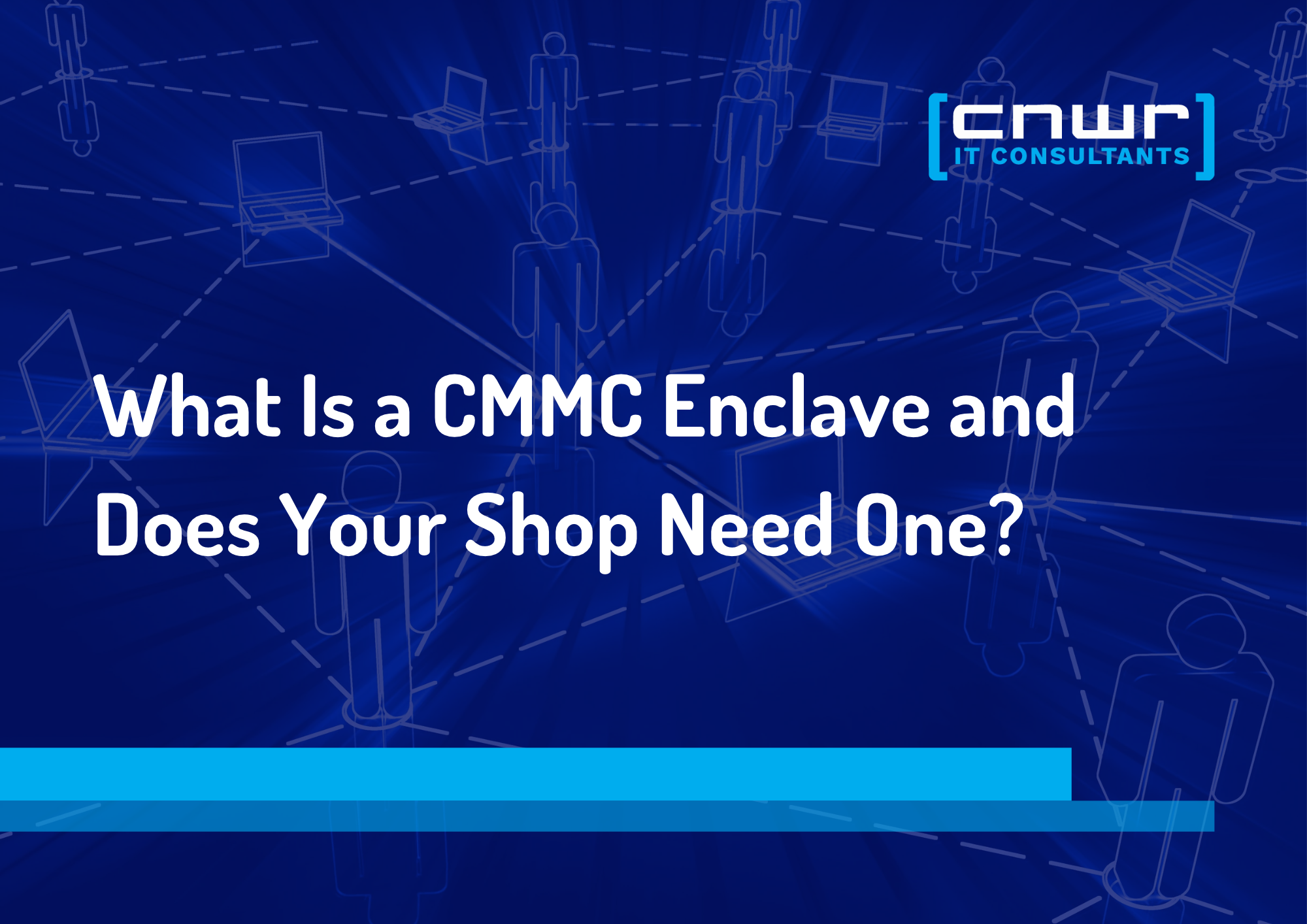
How a CMMC Enclave Keeps Compliance From Taking Over the Whole Shop
Level 2 doesn't have to mean rebuilding the whole shop. See how scoping a CMMC enclave keeps the 110 practices where they belong.
Level 2 doesn't have to mean rebuilding the whole shop. See how scoping a CMMC enclave keeps the 110 practices where they belong.
Read full post on cnwr.com

Can Technology Purchases Lower Your Tax Burden with Section 179?
Planning laptops, servers, security, or infrastructure? Learn how Section 179 may apply and why implementation timing matters.
Planning laptops, servers, security, or infrastructure? Learn how Section 179 may apply and why implementation timing matters.
Read full post on charlesit.com

How Managed IT Services Can Help Your Business Scale Safely in 2027
Article summary: Business growth adds new users, devices, vendors, and locations, increasing security risk if IT processes cannot keep pace. Managed IT services provide consistent onboarding, identity controls, patching, and vendor oversight that scale alongside the business. This helps growing companies expand securely without creating new security gaps at every milestone. Growth feels great until... Source
Article summary: Business growth adds new users, devices, vendors, and locations, increasing security risk if IT processes cannot keep pace. Managed IT services provide consistent onboarding, identity controls, patching, and vendor oversight that scale alongside the business. This helps growing companies expand securely without creating new security gaps at every milestone. Growth feels great until... Source
Read full post on cloudavize.com
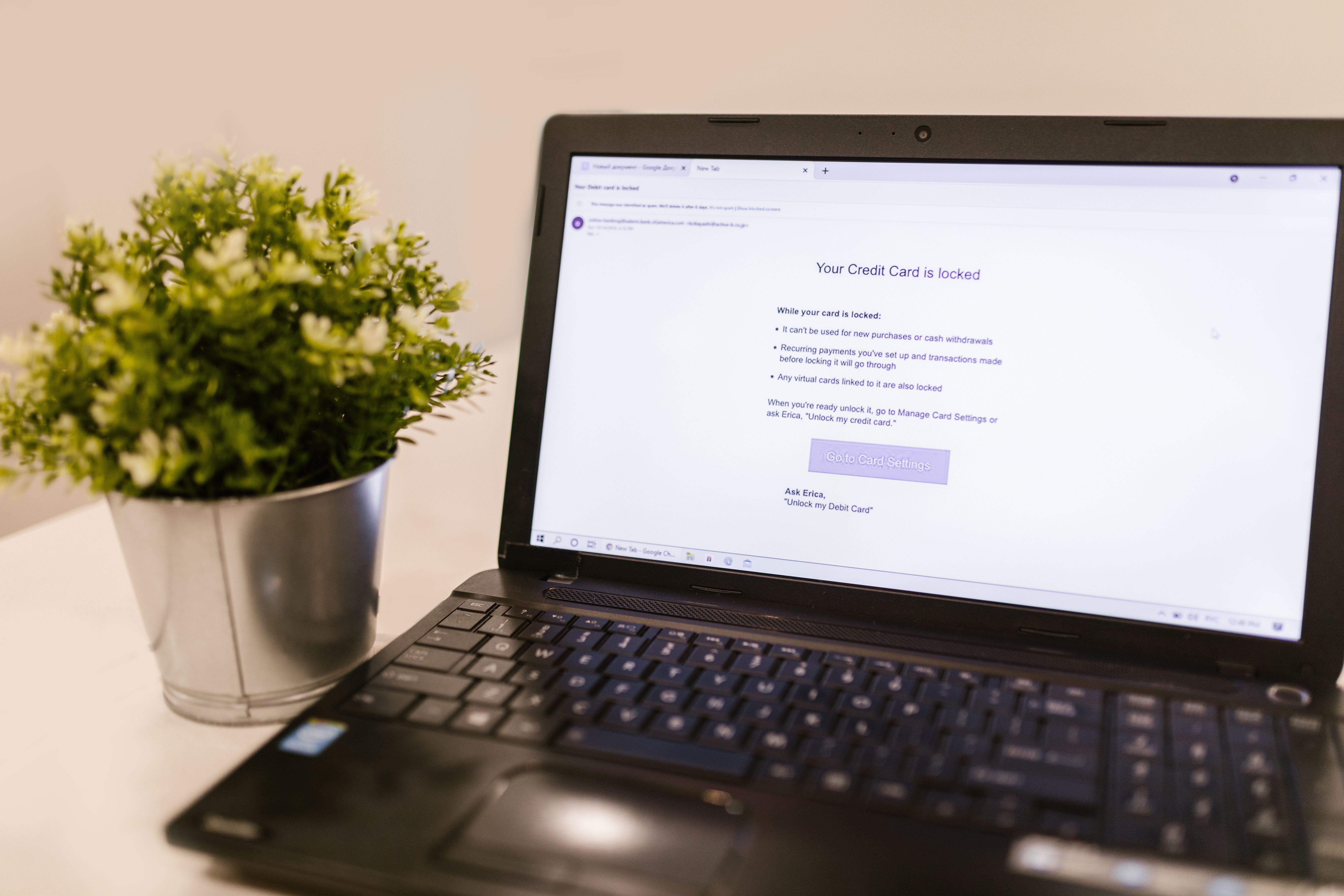
Phishing Drills: How to Run One That Actually Trains Your Team


IT Managed Service Provider: How Manufacturers Choose the Best MSP

Uprite vs Miles IT for San Antonio Managed IT (2026)
Uprite vs Miles IT comes down to where your technicians sit. Miles IT is a ... Learn More
Uprite vs Miles IT comes down to where your technicians sit. Miles IT is a ... Learn More
Read full post on uprite.com
Just Added to MSPdb™

MSP Jobs
All Jobs
MSP Marketplace
View All

Popular MSPs
View All