Let's solve your IT challenges.
Discover leading Managed IT Service Providers across USA, Canada & the United Kingdom.
- 100s of leading MSPs
- Find a MSP near you
- Latest IT news for SMBs


Cybersecurity Is Personal: 5 Simple Habits to Protect Your Digital Life
Cybersecurity is Personal 5 Simple Habits to Protect Your Digital Life October is Cybersecurity Awareness Month, but protecting yourself online isn't something that only matters once a year. Cybersecurity isn't just an IT issue, and it isn't something that only impacts businesses. Today, our lives are deeply connected to technology. Our banking, email, photos, social media, shopping accounts, work information, and personal conversations all live online. The good news is that you don't need to be a cybersecurity expert to better protect yourself. A few simple habits can go a
Cybersecurity is Personal 5 Simple Habits to Protect Your Digital Life October is Cybersecurity Awareness Month, but protecting yourself online isn't something that only matters once a year. Cybersecurity isn't just an IT issue, and it isn't something that only impacts businesses. Today, our lives are deeply connected to technology. Our banking, email, photos, social media, shopping accounts, work information, and personal conversations all live online. The good news is that you don't need to be a cybersecurity expert to better protect yourself. A few simple habits can go a long way toward reducing risk and keeping your digital life secure. 1. Slow Down Before You Click Most cyberattacks don't start with sophisticated technology. They start with someone being rushed. Whether it's an email claiming your account has been compromised, a text message about an undelivered package, or a request for immediate payment, attackers often create a sense of urgency to encourage quick action. Before clicking a link, downloading a file, approving a login request, or sharing personal information, ask yourself: Was I expecting this? Does this make sense? Can I verify this another way? A few extra seconds of caution can prevent a major headache. 2. Verify Requests, Even When They Look Real Artificial intelligence has made it easier than ever to create convincing emails, text messages, images, voice recordings, and videos. A message may be professionally written. A voice may sound familiar. A video may appear authentic. That doesn't mean it's legitimate. If a request involves sensitive information, money, account access, or anything unusual, verify it through a trusted channel before taking action. Call the person directly, use a known contact method, or confirm the request through an established business process. The new cybersecurity motto for the AI era is simple: Pause. Verify. Then act. 3. Protect Your Accounts with Strong Authentication Passwords still matter, but strong account security goes beyond creating a complicated password. A few best practices include: Use unique passwords for important accounts. Store passwords in a trusted password manager. Enable multifactor authentication (MFA) whenever available. Consider using passkeys or authenticator apps for even stronger protection. And don't blindly approve login prompts. If you receive an authentication request you didn't initiate, deny it and investigate further. 4. Keep Devices and Apps Updated Software updates do more than add new features. They often contain important security fixes designed to protect against newly discovered vulnerabilities. Make it a habit to: Keep your computer and smartphone updated. Update web browsers and applications regularly. Enable automatic updates whenever possible. These simple steps help close security gaps before attackers can exploit them. 5. Speak Up Quickly When Something Doesn't Feel Right Nobody is perfect. You might click the wrong link, open a suspicious attachment, or realize after the fact that something doesn't seem right. What matters most is how quickly you respond. If you believe an account may be compromised, change passwords immediately, enable stronger security measures, and notify the appropriate people or organizations. If the situation involves work resources, contact your IT or security team as soon as possible. The earlier an issue is reported, the easier it is to contain. Cybersecurity Is About Protecting People Technology will continue to evolve. New threats will emerge. Artificial intelligence will make some scams more convincing than ever before. But the fundamentals remain remarkably consistent. Take a moment before you click. Verify before you trust. Protect your accounts. Ask questions when you're unsure. Because cybersecurity isn't really about protecting technology. It's about protecting people, their information, and the things that matter most. Need Help Improving Your Cybersecurity? Whether you're protecting a business, nonprofit organization, or your personal information, the strongest security strategies combine technology, training, and good habits. At Ceeva, we help organizations reduce risk through practical cybersecurity solutions, user awareness training, proactive monitoring, and expert guidance. If you'd like to learn more about strengthening your security posture, we're here to help. Contact Us today to start the conversation.
Read full post on ceeva.com
MSPdb™ News
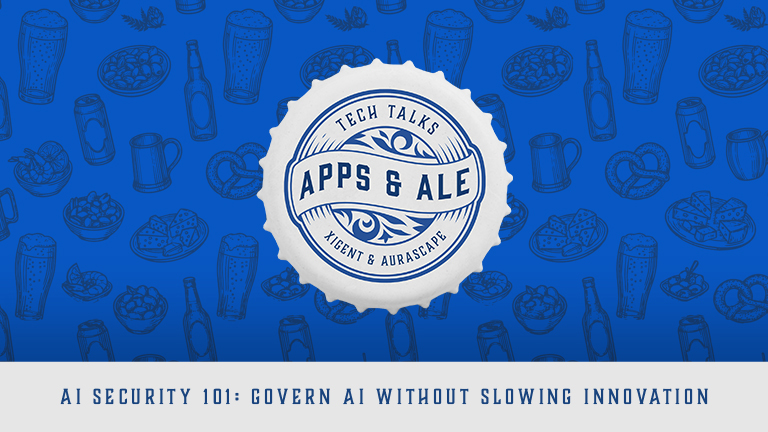
Sioux Falls Tech Talks: Apps & Ale | AI Security 101
Join us in Sioux Falls for Apps & Ale, featuring drinks, appetizers, networking, and practical conversations about AI security Sioux Falls Tech Talks: Apps & Ale | AI Security 101 Thu, Oct 22, 2026 3:00 PM – 5:00 PM ROAM Kitchen + Bar 4525 W Empire Pl. Sioux Falls, SD 57106 Event link Apps &
Join us in Sioux Falls for Apps & Ale, featuring drinks, appetizers, networking, and practical conversations about AI security Sioux Falls Tech Talks: Apps & Ale | AI Security 101 Thu, Oct 22, 2026 3:00 PM – 5:00 PM ROAM Kitchen + Bar 4525 W Empire Pl. Sioux Falls, SD 57106 Event link Apps &
Read full post on xigentsolutions.com
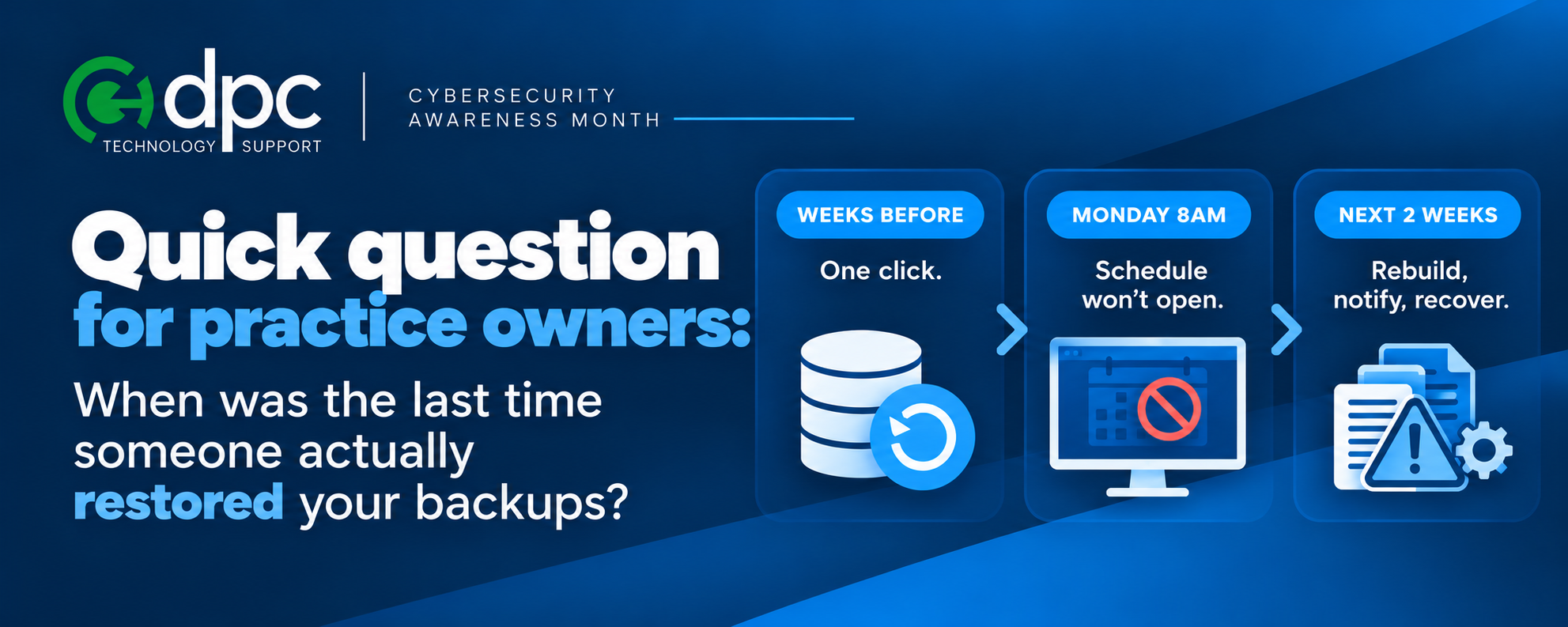
Ransomware Reality: It’s Not If, It’s When
It is a Monday morning. The front desk cannot open the schedule. Files will not open. There is a note on the screen demanding payment. The phones are ringing, but
It is a Monday morning. The front desk cannot open the schedule. Files will not open. There is a note on the screen demanding payment. The phones are ringing, but
Read full post on dpctechnology.com

Office 2021 End of Support: What Boston Businesses Need to Do Now
Office 2021 end of support hit on October 13, 2026, and Microsoft has stopped shipping security patches, bug fixes, and technical support for it. Word, Excel, Outlook, and PowerPoint 2021 still open and still save files normally. What’s gone is the safety net: any flaw discovered in that software from now on stays open, permanently,
Office 2021 end of support hit on October 13, 2026, and Microsoft has stopped shipping security patches, bug fixes, and technical support for it. Word, Excel, Outlook, and PowerPoint 2021 still open and still save files normally. What’s gone is the safety net: any flaw discovered in that software from now on stays open, permanently,
Read full post on bostonmit.com

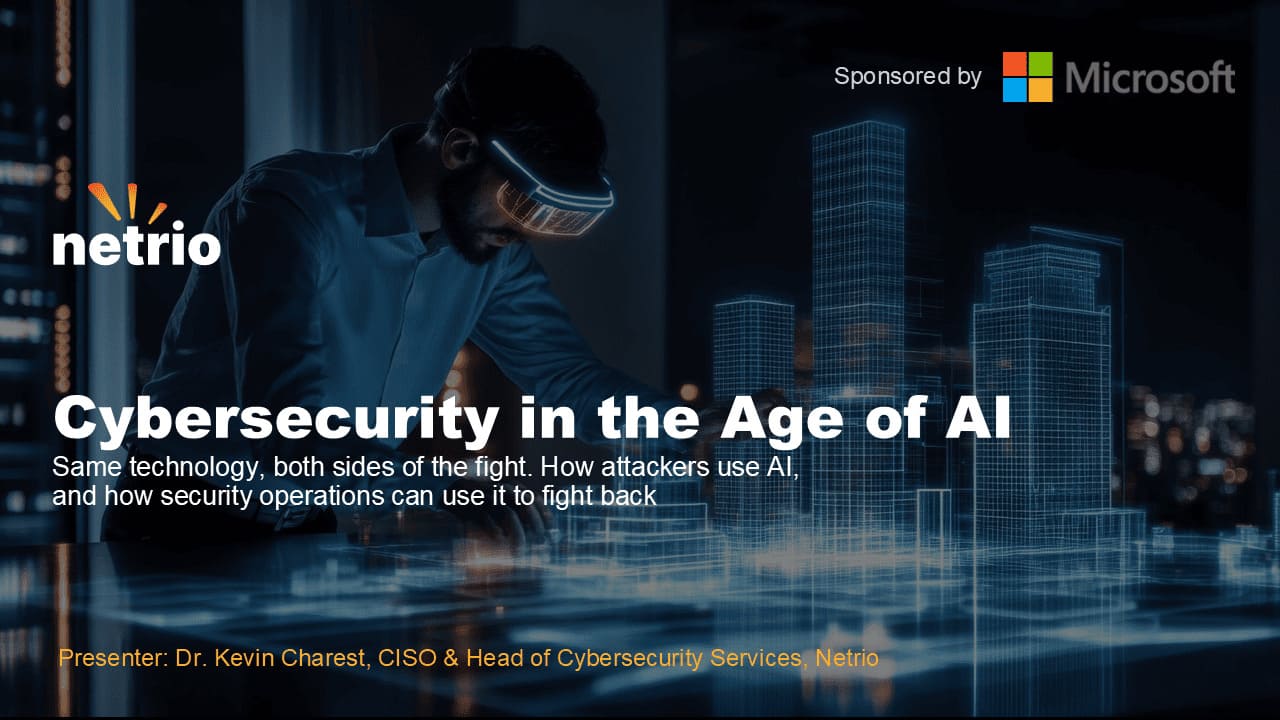
Cybersecurity in the Age of AI
How a CMMC Enclave Keeps Compliance From Taking Over the Whole Shop
Level 2 doesn't have to mean rebuilding the whole shop. See how scoping a CMMC enclave keeps the 110 practices where they belong.
Level 2 doesn't have to mean rebuilding the whole shop. See how scoping a CMMC enclave keeps the 110 practices where they belong.
Read full post on cnwr.com
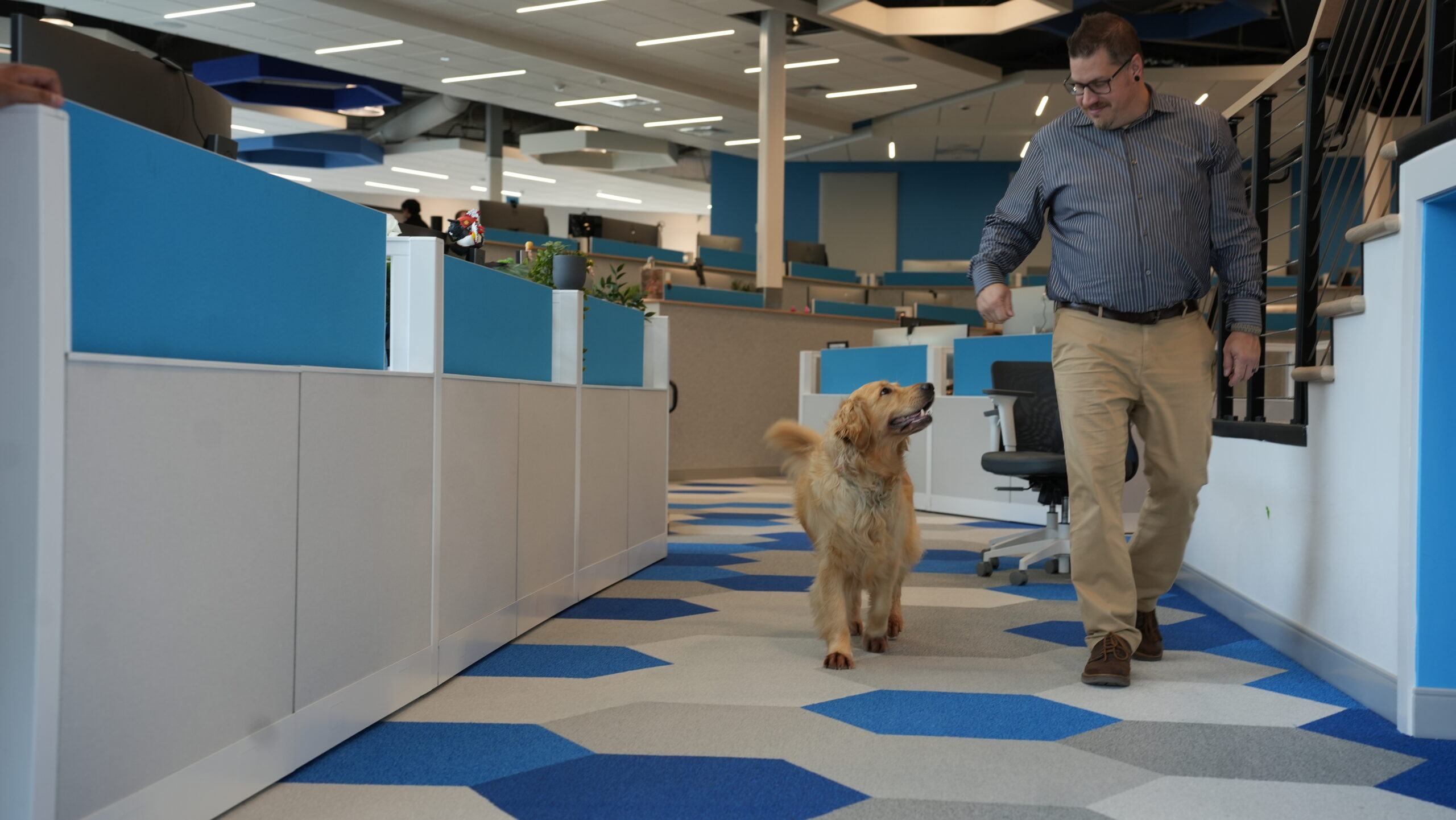
Can Technology Purchases Lower Your Tax Burden with Section 179?
Planning laptops, servers, security, or infrastructure? Learn how Section 179 may apply and why implementation timing matters.
Planning laptops, servers, security, or infrastructure? Learn how Section 179 may apply and why implementation timing matters.
Read full post on charlesit.com
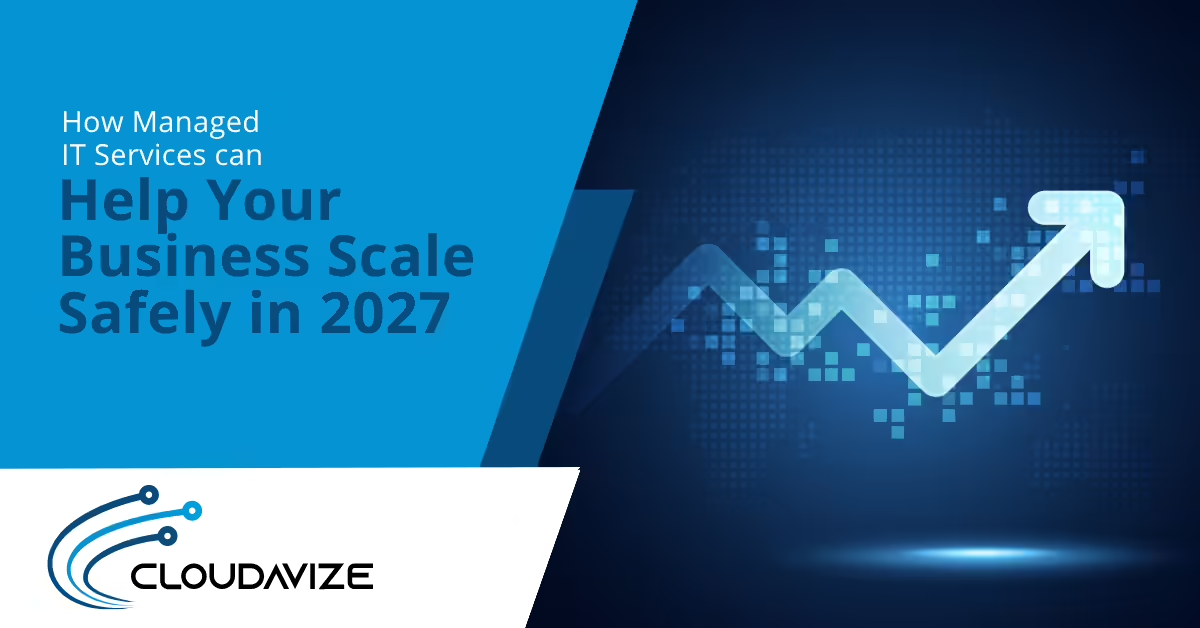
How Managed IT Services Can Help Your Business Scale Safely in 2027
Article summary: Business growth adds new users, devices, vendors, and locations, increasing security risk if IT processes cannot keep pace. Managed IT services provide consistent onboarding, identity controls, patching, and vendor oversight that scale alongside the business. This helps growing companies expand securely without creating new security gaps at every milestone. Growth feels great until... Source
Article summary: Business growth adds new users, devices, vendors, and locations, increasing security risk if IT processes cannot keep pace. Managed IT services provide consistent onboarding, identity controls, patching, and vendor oversight that scale alongside the business. This helps growing companies expand securely without creating new security gaps at every milestone. Growth feels great until... Source
Read full post on cloudavize.com
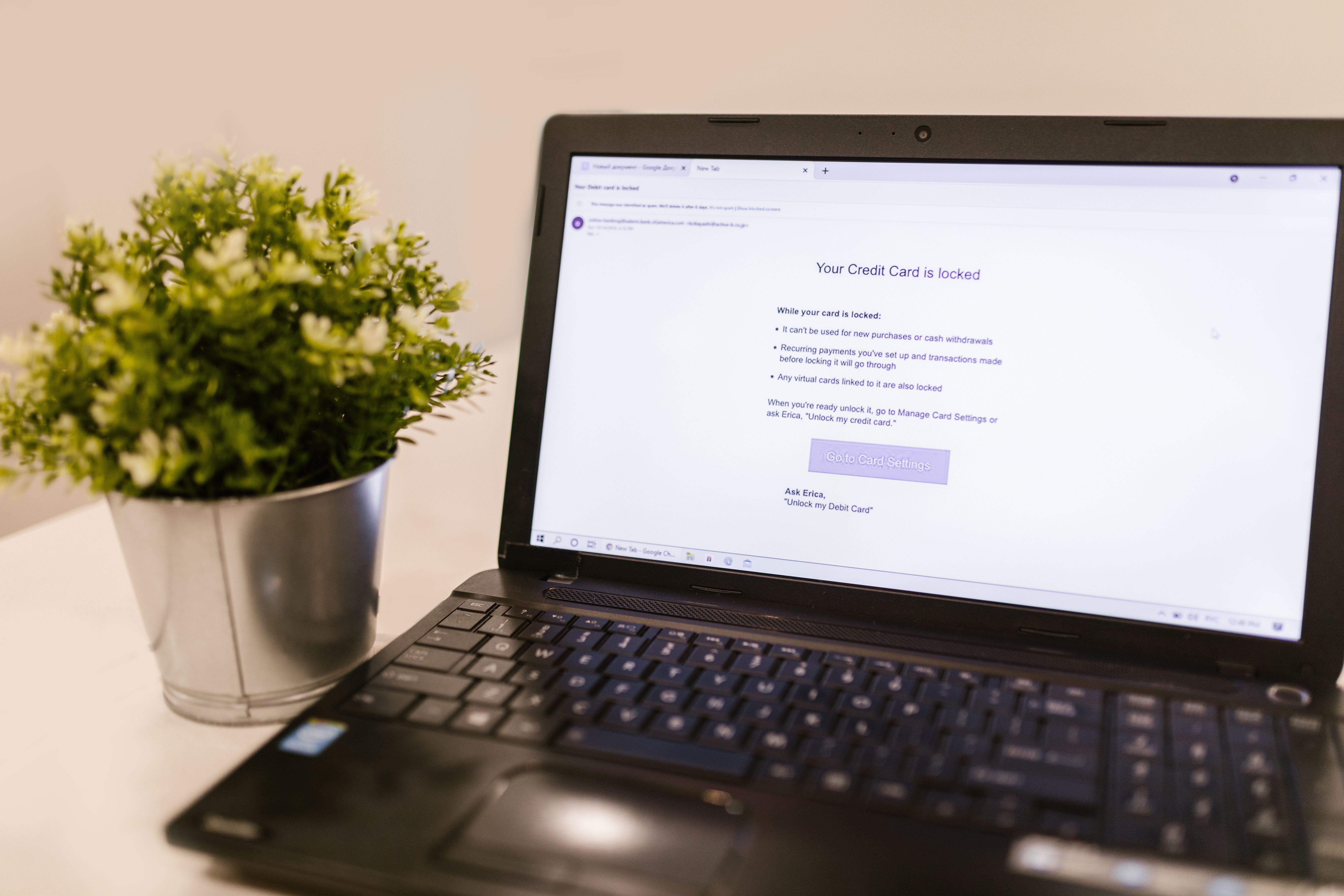
Phishing Drills: How to Run One That Actually Trains Your Team

IT Managed Service Provider: How Manufacturers Choose the Best MSP


Uprite vs Miles IT for San Antonio Managed IT (2026)
Uprite vs Miles IT comes down to where your technicians sit. Miles IT is a ... Learn More
Uprite vs Miles IT comes down to where your technicians sit. Miles IT is a ... Learn More
Read full post on uprite.com
Just Added to MSPdb™

MSP Jobs
All Jobs
MSP Marketplace
View All

Popular MSPs
View All