Got IT?
Discover leading Managed IT Service Providers across USA, Canada & the United Kingdom.
- 100s of leading MSPs
- Find a MSP near you
- Latest IT news for SMBs


Managed IT Services in New Mexico for Construction Firms: Reliable Field Connectivity and Jobsite Security
Construction work in New Mexico is not clean. Sites are spread out, noisy, and always changing. One day work happens in an office, the next it’s a remote jobsite with a weak signal and tight deadlines. Still, tech has to function. Plans, schedules, payroll, and email can’t stop. Most firms ignore IT until something fails. Internet drops. Devices go missing, files won’t load, crews stall, and costs grow. That’s when Managed IT Services in New Mexico become necessary, the practical kind that keeps work moving. Quick Summary Why Construction IT Is Harder in New Mexico Construction firms here face
Construction work in New Mexico is not clean. Sites are spread out, noisy, and always changing. One day work happens in an office, the next it’s a remote jobsite with a weak signal and tight deadlines. Still, tech has to function. Plans, schedules, payroll, and email can’t stop. Most firms ignore IT until something fails. Internet drops. Devices go missing, files won’t load, crews stall, and costs grow. That’s when Managed IT Services in New Mexico become necessary, the practical kind that keeps work moving. Quick Summary Why Construction IT Is Harder in New Mexico Construction firms here face a different IT reality than dense coastal markets. Projects stretch across rural areas. Cellular coverage is inconsistent. Power reliability varies by site. Crews rotate constantly. Devices move between trailers, trucks, and temporary offices. These conditions increase exposure to downtime and security gaps. One lost tablet with blueprints. One unsecured Wi-Fi router at a jobsite. One outage during a concrete pour. The cost isn’t theoretical. Delays cascade fast. That’s why Managed IT Services in New Mexico are built around field reliability and jobsite security, not just office networks. Data and Benchmarks: What the Numbers Show Local MSP benchmarks show firms using Managed IT Services in New Mexico reduce unplanned downtime by 40–60% within the first quarter. How Managed IT Works for Construction Firms Step 1: Assessment (Week 1) Deliverable: Risk and downtime exposure report tied to active projects. Step 2: Stabilization (Weeks 2–3) Result: Fewer disruptions. Predictable access in the field. Step 3: Security Baseline (Week 3) Step 4: Monitoring and Support This is the operating model behind mature Managed IT Services in New Mexico providers. Field Connectivity and Jobsite Security: What Actually Works Connectivity Setup Security Controls This approach supports crews without slowing them down. Compliance and Risk in New Mexico Construction firms handle employee records, contracts, and sometimes healthcare or government data. State breach laws require notification when personal data is exposed. HIPAA applies when working in healthcare facilities or handling related documentation. Common gaps: IT support in New Mexico tailored for construction closes these gaps before incidents trigger legal and financial fallout. Infrastructure Realities You Can’t Ignore Managed providers design around these limits instead of pretending every site looks like an office. Cost Breakdown: What Construction Firms Actually Pay Monthly Managed Plans One-Time Costs Hidden Cost Drivers Transparent Managed IT Services in New Mexico providers spell this out upfront. Comparisons That Matter Break/Fix vs Managed In-House vs MSP Cheap vs Mature Providers For construction, cutting corners usually costs more later. Local Case Example: Civil Contractor in New Mexico A civil contractor with about 45 employees was running three rural projects at the same time. The Internet kept dropping almost every week. Crews had to wait around more than they should have. Two tablets with updated plans were lost on site. No one knew where the files went. Backups existed, but no one ever tested them. It worked until it didn’t, and delays started piling up during critical work phases. They shifted to Managed IT Services in New Mexico, built for construction sites. Jobsite connectivity was planned properly. Cellular failover went in. Devices were encrypted and locked down. Cloud backups were tested and monitored. Downtime dropped by 55 percent. There were zero data loss incidents after the change. Productivity improved, especially during peak concrete pours when timing matters most. Final Thoughts Construction doesn’t pause for IT problems. Crews need access now. Plans must sync. Devices must be secure even when lost or stolen. Managed IT Services in New Mexico built for field environments give construction firms stability, security, and predictable costs. With the right partner, IT fades into the background where it belongs, while projects move forward. FAQs 1. How much does managed IT cost in New Mexico for construction firms? Most construction firms spend $120–$185 per user per month, depending on job-site complexity. 2. What response times should construction firms expect? Remote support within 30 minutes. On-site support same day in metro areas. 3. Do construction firms need on-site IT support? Not full-time. Proper setup and monitoring handle most issues. 4. Is compliance really a concern for construction? Yes. Employee data, contracts, and healthcare projects trigger legal obligations. 5. What services are included in Managed IT for construction firms? Connectivity, security, backups, monitoring, and help desk support.
Read full post on gocorptech.com
MSPdb™ News
Cyber Insurance Requirements San Diego: What Small Businesses Must Prove at Renewal
Cyber insurance requirements San Diego small businesses face at renewal: MFA, tested backups, EDR, training, and proof your controls actually work.
Cyber insurance requirements San Diego small businesses face at renewal: MFA, tested backups, EDR, training, and proof your controls actually work.
Read full post on fitsolutions.biz

Root Access Costs $1279


Best vCISO Providers in Dallas (2026)
GXA leads our 2026 list of the best vCISO providers in Dallas with a Security ... Learn More
GXA leads our 2026 list of the best vCISO providers in Dallas with a Security ... Learn More
Read full post on uprite.com
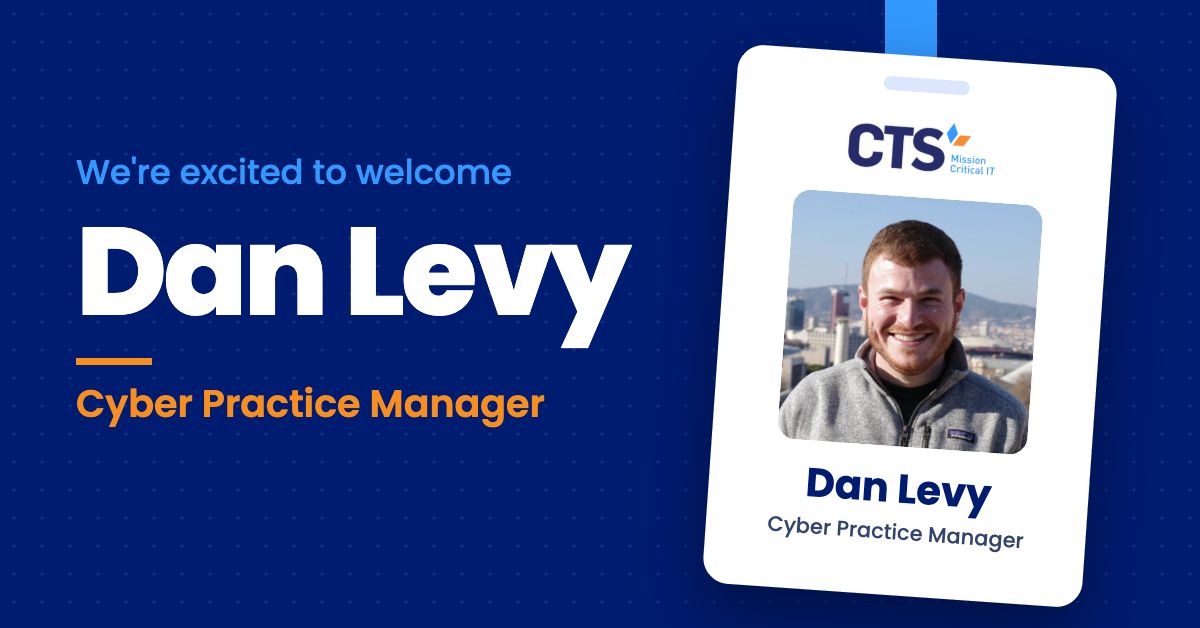
CTS Names Dan Levy Cyber Practice Manager to Lead Its Cybersecurity Program
Security engineering leader joins to guide CTS’s managed security, SOC, and cyber advisory services For Immediate ReleaseNovember 13, 2026 BROOKLYN, NY – CTS, an IT and cybersecurity solutions provider dedicated to helping K-12 schools, nonprofits, and businesses thrive through smart, secure and cost-effective technology, today announced that Dan Levy has joined the company as Cyber
Security engineering leader joins to guide CTS’s managed security, SOC, and cyber advisory services For Immediate ReleaseNovember 13, 2026 BROOKLYN, NY – CTS, an IT and cybersecurity solutions provider dedicated to helping K-12 schools, nonprofits, and businesses thrive through smart, secure and cost-effective technology, today announced that Dan Levy has joined the company as Cyber
Read full post on charterts.com
Confirm Your IT Provider Tests Backup Restores Effectively
In today’s fast-paced digital landscape, partnering with a reliable IT provider is essential for business continuity. A critical component that often gets overlooked is the provider’s backup and restore testing procedures. It’s insufficient to merely ask if backups are performed; you must validate their effectiveness against real-world scenarios. So, how do you confirm whether your... <p>
In today’s fast-paced digital landscape, partnering with a reliable IT provider is essential for business continuity. A critical component that often gets overlooked is the provider’s backup and restore testing procedures. It’s insufficient to merely ask if backups are performed; you must validate their effectiveness against real-world scenarios. So, how do you confirm whether your... <p>
Read full post on xitx.com
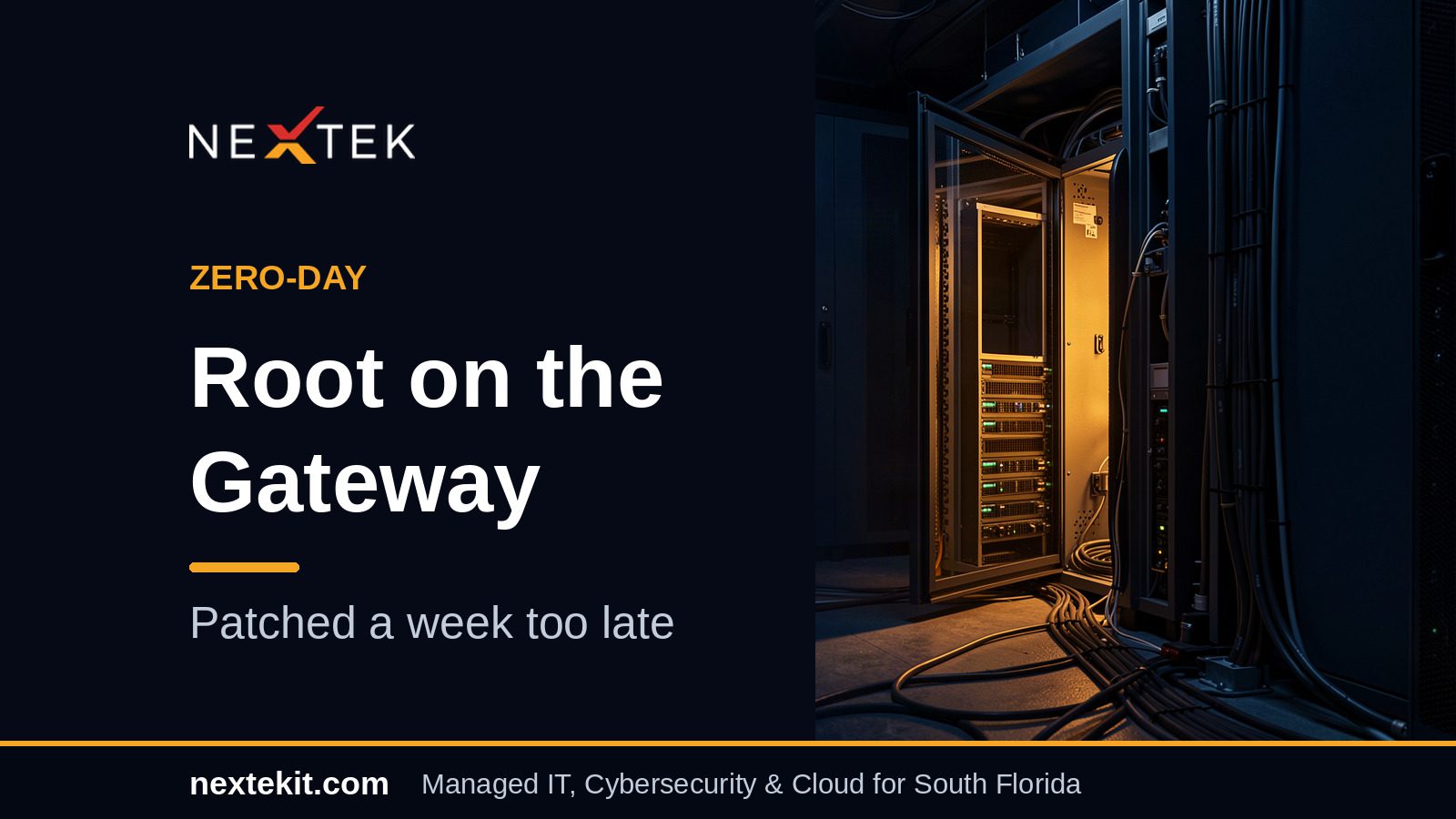
Check Point Zero-Day Lets Attackers Take Root — and One Case Ended in a Wipe
Check Point spent this week notifying customers that someone had turned its own gateways against them. The flaw at the centre of it, Check Point...
Check Point spent this week notifying customers that someone had turned its own gateways against them. The flaw at the centre of it, Check Point...
Read full post on nextekit.com

Personal Devices for Work: Key Decisions Before You Allow Them
A BYOD policy, short for bring your own device, sets the rules for when employees can use personal devices like phones, tablets, and computers for work. Many businesses already allow it informally, often without ever deciding to. It usually starts with email on a personal phone. Then someone finishes a report on a home computer,
A BYOD policy, short for bring your own device, sets the rules for when employees can use personal devices like phones, tablets, and computers for work. Many businesses already allow it informally, often without ever deciding to. It usually starts with email on a personal phone. Then someone finishes a report on a home computer,
Read full post on rbsit.com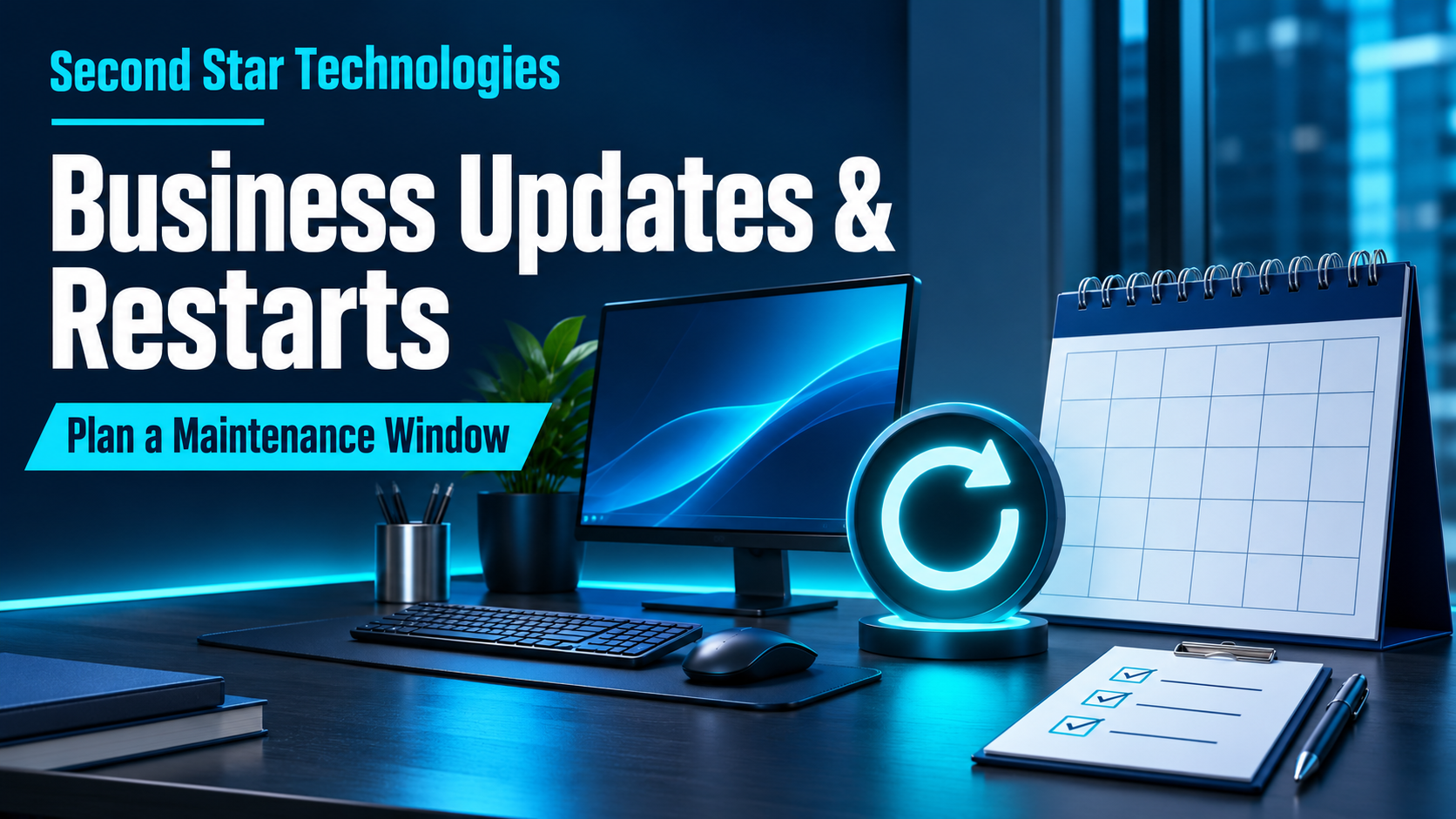
Business Updates and Restarts: How to Plan a Maintenance Window
An update can interrupt payroll, a customer call, or a shared application when nobody has agreed on the timing. A maintenance window gives the business and IT provider a defined period to do the work, handle exceptions, and check that people can resume their tasks.
An update can interrupt payroll, a customer call, or a shared application when nobody has agreed on the timing. A maintenance window gives the business and IT provider a defined period to do the work, handle exceptions, and check that people can resume their tasks.
Read full post on secondstartechnologies.com

Dental IT Support Has a Scheduling Problem, and Clinics Are Paying for It
If you run a dental practice in Victoria, on Vancouver Island, or anywhere in Greater Vancouver, your daily success depends on a carefully orchestrated schedule. Every appointment in the operatory is timed to the minute. Your hygienists, dental assistants, and front-desk coordinators work in sync to ensure patients receive exceptional care. Yet, many practices find...
If you run a dental practice in Victoria, on Vancouver Island, or anywhere in Greater Vancouver, your daily success depends on a carefully orchestrated schedule. Every appointment in the operatory is timed to the minute. Your hygienists, dental assistants, and front-desk coordinators work in sync to ensure patients receive exceptional care. Yet, many practices find...
Read full post on daxtech.ca

Microsoft 365 Service Disruption
Just Added to MSPdb™



MSP Jobs
All Jobs

MSP Marketplace
View All


Popular MSPs
View All