Got IT?
Discover leading Managed IT Service Providers across USA, Canada & the United Kingdom.
- 100s of leading MSPs
- Find a MSP near you
- Latest IT news for SMBs


Microsoft Outlook and Office 365 for productivity (SMB)
Even in a small office, you need productivity software. You have several options on the market, but the most convenient and popular on the market is Microsoft 365 with Outlook as your email client. You should note that having an Office subscription and a Microsoft Office 365 subscription are two different services, but you can have both for productivity. This article covers what you get for your subscription and how Office 365 (now called Microsoft 365) can help make your small business office more productive. What’s Included with Office 365? If you’re a fan of Microsoft products, you probably
Even in a small office, you need productivity software. You have several options on the market, but the most convenient and popular on the market is Microsoft 365 with Outlook as your email client. You should note that having an Office subscription and a Microsoft Office 365 subscription are two different services, but you can have both for productivity. This article covers what you get for your subscription and how Office 365 (now called Microsoft 365) can help make your small business office more productive. What’s Included with Office 365? If you’re a fan of Microsoft products, you probably already know of the Office suite. You get several popular applications like PowerPoint, Word, Excel, and Outlook included in its subscription. These applications are included in the 365 subscription version, but you get a few more services. They are: You pay monthly or yearly for Office 365, and you are limited to the number of installations you get. Business plans support up to 300 users. Each plan has its own benefits and pricing structure, so check out Microsoft’s plan comparison to figure out which one is right for your business. Benefits of Microsoft Outlook with Office 365 Microsoft Outlook is an email client, but it works alongside your Office 365 subscription to support your business email with your domain. Many small business owners settle for a gmail account or a free Hotmail or Outlook account. Unfortunately, some potential customers see this as unprofessional, and you lose trust from people expecting you to have your own domain if you are a serious business. Outlook runs on your mobile or desktop computer, and you can receive your business email after you set up your email service for your domain. Microsoft 365 integrates with your business domain, so you can connect Outlook and your other productivity applications. You can then share documents with other employees without email documents back and forth. It’s a much more secure way to share documents. You can set up Outlook to retrieve multiple email addresses, so you can download (for example) your customer service email messages and your business email addressed to you. Outlook also lets you organize messages, set events, and back up messages. When it comes to business communication, you need a client that provides business-level services like Outlook. Teams Communication and Productivity Teams is Microsoft’s chat and video conferencing. It quickly gained popularity during COVID and became a key tool for collaboration in Microsoft-based environments. You might not think it’s necessary for a small business, but having collaboration and video conferencing tools can be helpful. Let’s say that a staff member is on vacation or they are working from home. They can still join a quick video call during the day with Teams. Teams lets you connect to people outside of the business as well. Human resources use Teams to interview, and staff members can create videos meant to explain products and services. What used to be Skype or Zoom is now a function for Teams. What makes Teams a preferred method to other video conferencing tools is that it integrates with Microsoft 365 and uses identity management for security. With something like Zoom, anyone can join provided that the user has a link to the conferencing software. With Teams, you have more granular control over security and who has access to video conferences. Microsoft Office but with Sharing Features Most people are familiar with Microsoft Office products, but having a 365 subscription is what helps with your business productivity. First, let’s take a look at Word. You probably use it for documentation and product information. When you create a document, you need someone to review it. Usually, you want multiple people to review it. The old style was to pass the document around in email, but Office 365 lets you store the document in the cloud and then share it with specific people. People you want to share it with could be in the office or an outside consultant. With standard Word, you’d have to pass around the document in email and turn on tracked changes. With Office 365, you share it to a registered email and have everyone edit the document from a central location. Productivity is improved when you work with collaboration tools like Office 365, because you no longer risk overwriting changes, losing documents in an email chain, or having unsynched changes to a single document. The same can be done for all the other Office Suite of applications including Excel and PowerPoint. Microsoft gives Office 365 users 1TB of cloud storage per user, depending on your plan. Enterprise subscriptions have higher limits, but a basic business subscription gives you 1TB. This means that each user can store business documents in the cloud rather than host them locally. From a productivity perspective, it lowers the risk of losing files from a local infrastructure crash or data corruption from a failing device. Disaster recovery becomes much easier when you have files available in the cloud. Getting Started with Office 365 Fortunately, Office 365 is just a subscription payment away, but you might need help integrating it into your small business infrastructure. Microsoft makes it easy to implement, but if you do it incorrectly you could come across issues. Also, you need to configure Outlook and your domain to handle any custom handles. If you don’t have the right staff to set up Office 365 or you simply don’t have the time to do it yourself, a managed service provider can help. Let Corporate Technologies help make your business more productive, and let us configure Office 365 to work for you. Contact us today to find out what we can do for you. FAQ
Read full post on gocorptech.com
MSPdb™ News
Cyber Insurance Requirements San Diego: What Small Businesses Must Prove at Renewal
Cyber insurance requirements San Diego small businesses face at renewal: MFA, tested backups, EDR, training, and proof your controls actually work.
Cyber insurance requirements San Diego small businesses face at renewal: MFA, tested backups, EDR, training, and proof your controls actually work.
Read full post on fitsolutions.biz

Root Access Costs $1279


Best vCISO Providers in Dallas (2026)
GXA leads our 2026 list of the best vCISO providers in Dallas with a Security ... Learn More
GXA leads our 2026 list of the best vCISO providers in Dallas with a Security ... Learn More
Read full post on uprite.com
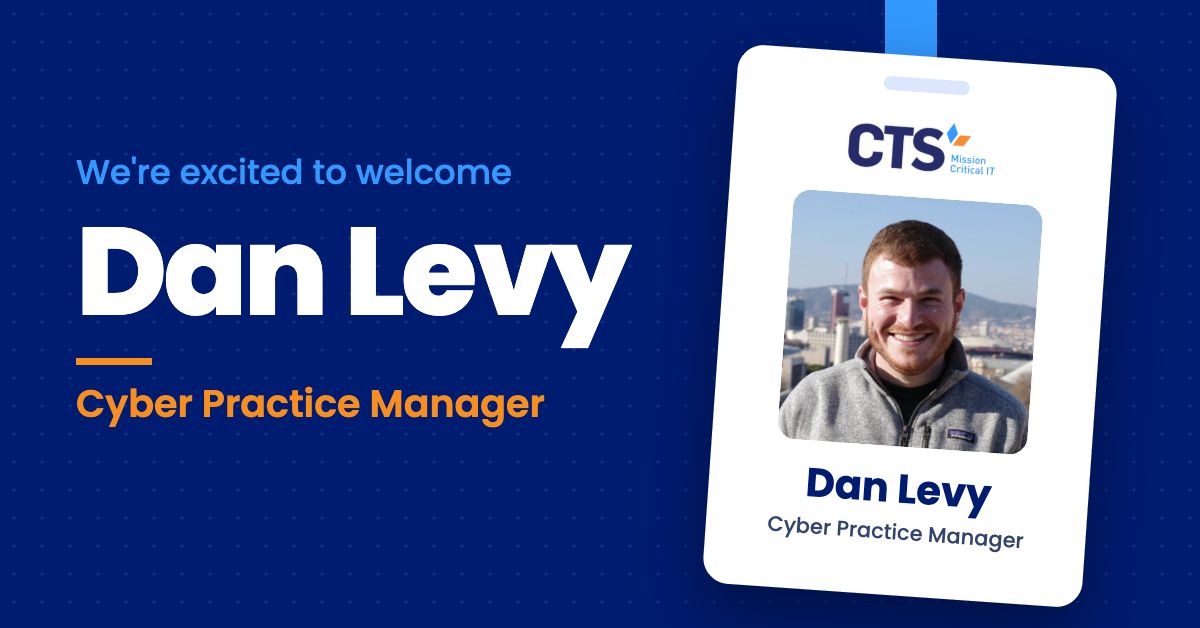
CTS Names Dan Levy Cyber Practice Manager to Lead Its Cybersecurity Program
Security engineering leader joins to guide CTS’s managed security, SOC, and cyber advisory services For Immediate ReleaseNovember 13, 2026 BROOKLYN, NY – CTS, an IT and cybersecurity solutions provider dedicated to helping K-12 schools, nonprofits, and businesses thrive through smart, secure and cost-effective technology, today announced that Dan Levy has joined the company as Cyber
Security engineering leader joins to guide CTS’s managed security, SOC, and cyber advisory services For Immediate ReleaseNovember 13, 2026 BROOKLYN, NY – CTS, an IT and cybersecurity solutions provider dedicated to helping K-12 schools, nonprofits, and businesses thrive through smart, secure and cost-effective technology, today announced that Dan Levy has joined the company as Cyber
Read full post on charterts.com
Confirm Your IT Provider Tests Backup Restores Effectively
In today’s fast-paced digital landscape, partnering with a reliable IT provider is essential for business continuity. A critical component that often gets overlooked is the provider’s backup and restore testing procedures. It’s insufficient to merely ask if backups are performed; you must validate their effectiveness against real-world scenarios. So, how do you confirm whether your... <p>
In today’s fast-paced digital landscape, partnering with a reliable IT provider is essential for business continuity. A critical component that often gets overlooked is the provider’s backup and restore testing procedures. It’s insufficient to merely ask if backups are performed; you must validate their effectiveness against real-world scenarios. So, how do you confirm whether your... <p>
Read full post on xitx.com
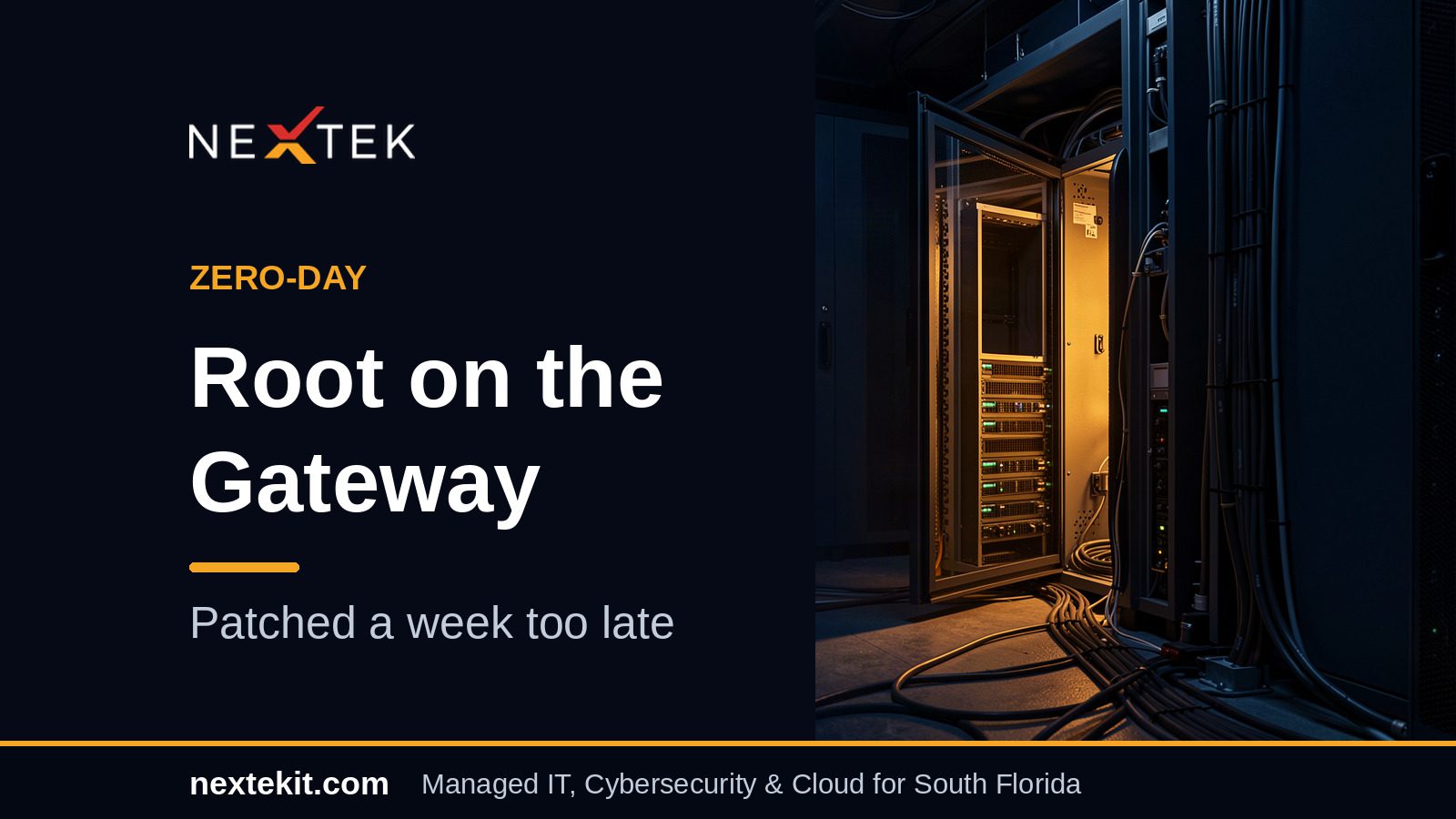
Check Point Zero-Day Lets Attackers Take Root — and One Case Ended in a Wipe
Check Point spent this week notifying customers that someone had turned its own gateways against them. The flaw at the centre of it, Check Point...
Check Point spent this week notifying customers that someone had turned its own gateways against them. The flaw at the centre of it, Check Point...
Read full post on nextekit.com

Personal Devices for Work: Key Decisions Before You Allow Them
A BYOD policy, short for bring your own device, sets the rules for when employees can use personal devices like phones, tablets, and computers for work. Many businesses already allow it informally, often without ever deciding to. It usually starts with email on a personal phone. Then someone finishes a report on a home computer,
A BYOD policy, short for bring your own device, sets the rules for when employees can use personal devices like phones, tablets, and computers for work. Many businesses already allow it informally, often without ever deciding to. It usually starts with email on a personal phone. Then someone finishes a report on a home computer,
Read full post on rbsit.com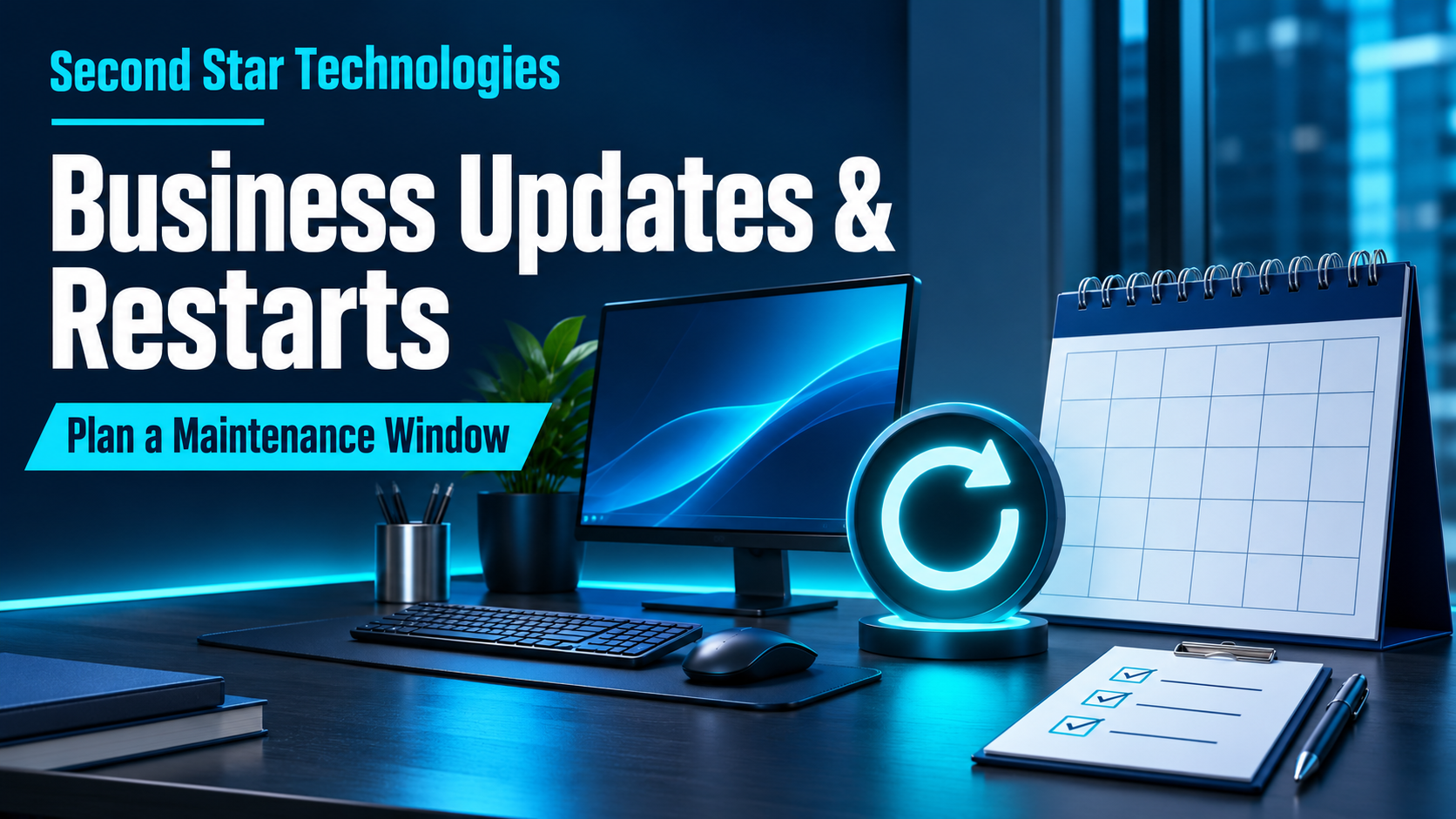
Business Updates and Restarts: How to Plan a Maintenance Window
An update can interrupt payroll, a customer call, or a shared application when nobody has agreed on the timing. A maintenance window gives the business and IT provider a defined period to do the work, handle exceptions, and check that people can resume their tasks.
An update can interrupt payroll, a customer call, or a shared application when nobody has agreed on the timing. A maintenance window gives the business and IT provider a defined period to do the work, handle exceptions, and check that people can resume their tasks.
Read full post on secondstartechnologies.com

Dental IT Support Has a Scheduling Problem, and Clinics Are Paying for It
If you run a dental practice in Victoria, on Vancouver Island, or anywhere in Greater Vancouver, your daily success depends on a carefully orchestrated schedule. Every appointment in the operatory is timed to the minute. Your hygienists, dental assistants, and front-desk coordinators work in sync to ensure patients receive exceptional care. Yet, many practices find...
If you run a dental practice in Victoria, on Vancouver Island, or anywhere in Greater Vancouver, your daily success depends on a carefully orchestrated schedule. Every appointment in the operatory is timed to the minute. Your hygienists, dental assistants, and front-desk coordinators work in sync to ensure patients receive exceptional care. Yet, many practices find...
Read full post on daxtech.ca


Microsoft 365 Service Disruption
Just Added to MSPdb™



MSP Jobs
All Jobs

MSP Marketplace
View All


Popular MSPs
View All