Let's connect you with the right MSP.
Discover leading Managed IT Service Providers across USA, Canada & the United Kingdom.
- 100s of leading MSPs
- Find a MSP near you
- Latest IT news for SMBs

Storm-Tested Infrastructure: Building IT That Holds Up When the Power Doesn't
Storm-tested IT infrastructure means geographic data redundancy, tested failover systems, verified backups, and a communications plan you can execute without power or internet. The decisions that protect your business have to be made before the storm, not during it. What the Storm Data Actually Says About Business Survival Here's the number that doesn't get enough attention: 40% of small businesses never reopen after a natural disaster.1 And of those that do manage to get back up, another 25% close permanently within the following year.1 That's not a technology statistic. That's a survivab
Storm-tested IT infrastructure means geographic data redundancy, tested failover systems, verified backups, and a communications plan you can execute without power or internet. The decisions that protect your business have to be made before the storm, not during it. What the Storm Data Actually Says About Business Survival Here's the number that doesn't get enough attention: 40% of small businesses never reopen after a natural disaster.1 And of those that do manage to get back up, another 25% close permanently within the following year.1 That's not a technology statistic. That's a survivability statistic. The Southeast Coast bears an outsized share of this risk. Small businesses make up 84.3% of all establishments along the southeastern coastline2 — and during 2017's back-to-back hurricane season, three storms (Harvey, Irma, and Maria) accounted for 92% of all small business disaster losses nationwide.2 Florida isn't a footnote in this story. Florida is the story. The good news: these are not random acts of fate. They are largely the result of IT decisions — or the lack of them — made long before the first tropical depression forms in the Atlantic. What Does Storm-Ready IT Infrastructure Actually Look Like? "Storm-ready" isn't a product you buy. It's an architectural posture — a set of layered decisions about where your data lives, how your systems fail over, and what your team does when the power goes out. The foundation rests on three pillars: 1. Geographic data redundancy. Your data should never live in only one physical location. Cloud backups stored in geographically separate data centers ensure that even if your office — and your local data center — takes a direct hit, your information survives. The 3-2-1 rule remains the baseline: three copies of your data, on two different media types, with one stored off-site. 2. Verified, tested backups. A backup that has never been restored is a theory, not a protection. Industry data shows that 58% of data backups fail when it counts.3 The test isn't whether the backup ran — it's whether the restore worked. If you haven't verified a full recovery recently, you don't actually have a backup plan. 3. Documented failover systems. Failover is the process that keeps your business running when primary systems go down. That might mean secondary internet connections (cellular backup or a second ISP), cloud-hosted phone systems that route calls when your office is offline, or a defined remote-work protocol that activates automatically when the building is inaccessible. The IT Decisions You Can't Make After Landfall This is the section that matters most. There is a category of IT decision that has a hard deadline — and that deadline is whenever the National Hurricane Center upgrades the advisory to a watch. After that point, you're executing a plan. You're not building one. Before the season peaks — ideally before June, certainly before September — your team should have confirmed: Cloud backup is active, automated, and the most recent restore has been tested Critical systems can be accessed remotely, and your team knows how Your internet failover (secondary connection or cellular) is operational Employee contact lists, vendor contacts, and client notification templates are documented and accessible offline Your IT provider has your emergency contact protocol and a defined response SLA for post-storm situations Hardware critical to operations (laptops, external drives) has a pre-storm relocation plan Only 54% of organizations have a documented disaster recovery plan.3 If your business is in the other 46%, that gap is the risk. Not the storm. How Do You Actually Test Failover Before a Storm? Testing failover sounds complicated. It isn't. It requires intention and a calendar, not a big IT budget. Start with a tabletop exercise: gather your key stakeholders, define a scenario ("It's 48 hours after a Category 3 landfall. Your office has no power and no internet."), and walk through every system and process. Who calls whom? How does payroll run? How do clients reach you? Where is your data? From there, escalate to a live drill. Actually fail over to your backup internet connection. Actually restore data from your cloud backup. Actually test remote access for every role that needs it. What fails in a drill costs you an afternoon. What fails during a storm costs you your business. If your managed IT provider isn't conducting these exercises with you — or can't tell you the last time your backups were verified — that's a conversation worth having now. Don't Forget the IT Asset You're Most Likely to Overlook Infrastructure gets the attention. Communications plans don't. After a major hurricane, cell towers are degraded, landlines are unreliable, and internet service can be out for days or weeks. Your ability to reach employees, vendors, and clients in those first 72 hours will define your recovery trajectory as much as any technical system. Before peak season, build and distribute a communications plan that answers: How will you notify employees about office status? Who is the primary point of contact for clients, and what's the backup if that person is unreachable? What's your protocol for communicating a service disruption to customers? How will your team coordinate if messaging apps and email are down? A printed contact sheet stored off-site. A pre-drafted client notification email ready to send from a mobile hotspot. A designated off-state contact who can relay messages. These aren't sophisticated IT solutions — they're the unglamorous details that separate businesses that recover quickly from those that don't. Is Your IT Ready for Peak Season? September 18 is statistically one of the most active weeks of Atlantic hurricane season. If you're reading this and you're not confident your infrastructure would hold up, that confidence gap is the most important thing on your to-do list this week. Sentry Technology Solutions works with Florida businesses to build, test, and maintain the IT infrastructure and continuity plans that don't just survive storm season — they keep operations running through it. Start with a conversation. Talk to Sentry About Your Business Continuity Plan → sentryitsolutions.com References 1. Federal Emergency Management Agency (FEMA). Small business disaster recovery statistics. Cited via IWINS and Access Corp. https://www.iwins.com/blog/fema-over-one-third-of-small-businesses-do-not-reopen-after-a-disaster/ 2. U.S. Small Business Administration Office of Advocacy. "The Eye of the Storm: Small Businesses and Natural Disasters." October 2024. https://advocacy.sba.gov/wp-content/uploads/2024/10/Small-Businesses-and-Natural-Disasters_FINAL.pdf 3. Computing Research (2021) and Veeam (2021). Cited via Invenio IT Disaster Recovery Statistics. https://invenioit.com/continuity/disaster-recovery-statistics/
Read full post on sentrytechsolutions.com
MSPdb™ News

5 Signs You're About to Get Hacked (And What Your Business Should Do About It)
Cyberattacks don’t always start with a dramatic system shutdown or a message demanding a ransom. In many cases, attackers rely on small vulnerabilities, stolen credentials, or a single employee clicking the wrong link to gain access to a business’s systems. For business owners, recognizing the warning signs early can make a significant difference. Unusual account
Cyberattacks don’t always start with a dramatic system shutdown or a message demanding a ransom. In many cases, attackers rely on small vulnerabilities, stolen credentials, or a single employee clicking the wrong link to gain access to a business’s systems. For business owners, recognizing the warning signs early can make a significant difference. Unusual account
Read full post on litechadvisors.com

10 Common Medical Office Network Problems in Lodi, CA: Causes, Fixes & Prevention
Healthcare practices depend on reliable technology to manage appointments, access electronic health records (EHRs), process billing, and coordinate daily operations. When network connectivity becomes unreliable, even routine tasks can take longer and interrupt the work of medical and dental teams. Medical practices in Lodi, CA, may experience network slowdowns, unstable Wi-Fi, software connectivity issues, and
Healthcare practices depend on reliable technology to manage appointments, access electronic health records (EHRs), process billing, and coordinate daily operations. When network connectivity becomes unreliable, even routine tasks can take longer and interrupt the work of medical and dental teams. Medical practices in Lodi, CA, may experience network slowdowns, unstable Wi-Fi, software connectivity issues, and
Read full post on rj-pro.net

Why Does Outlook Keep Crashing?
Microsoft Outlook is central to everyday communication for many businesses, so repeated crashes can quickly become more than a minor inconvenience. Outlook may freeze during
Microsoft Outlook is central to everyday communication for many businesses, so repeated crashes can quickly become more than a minor inconvenience. Outlook may freeze during
Read full post on pc-net.com
NIST 800-171 Compliance: How to Scope CUI and Build an Enclave That Holds Up
NIST 800-171 compliance starts with scoping CUI correctly. Learn how to build a defensible enclave, close POA&M gaps, and stay assessment-ready.
NIST 800-171 compliance starts with scoping CUI correctly. Learn how to build a defensible enclave, close POA&M gaps, and stay assessment-ready.
Read full post on fitsolutions.biz
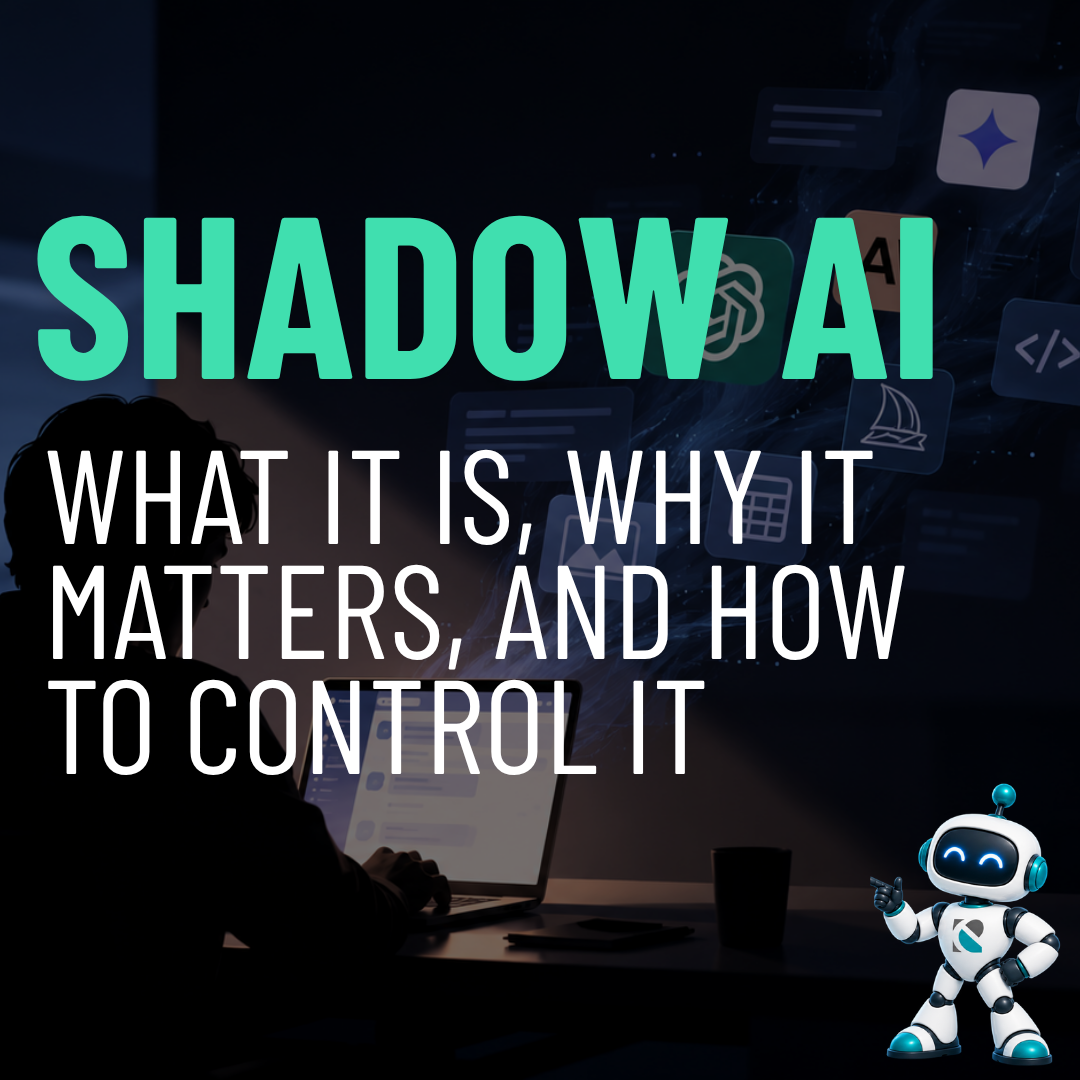
Shadow AI: What It Is, Why It Matters, and How to Control It
Shadow AI: What It Is, Why It Matters, and How to Control It Shadow AI is when employees use AI tools, like ChatGPT, Gemini, Claude or AI browser extensions, for
Shadow AI: What It Is, Why It Matters, and How to Control It Shadow AI is when employees use AI tools, like ChatGPT, Gemini, Claude or AI browser extensions, for
Read full post on ecreekit.com

TKS Newsletter – 2026 October
We’re entering the era of agentic AI. Smart, autonomous systems that don’t only assist people, but act on their behalf. Unlike traditional tools that wait for someone to click, type or browse, agentic AI can read data, talk to other systems, and complete entire tasks end-to-end.
We’re entering the era of agentic AI. Smart, autonomous systems that don’t only assist people, but act on their behalf. Unlike traditional tools that wait for someone to click, type or browse, agentic AI can read data, talk to other systems, and complete entire tasks end-to-end.
Read full post on turnkeysol.com


VoIP for Small Business: Complete Guide to Choosing a Phone System
Learn how VoIP for small business works, what to look for in a phone system, and how to choose the right solution for your business needs and budget.
Learn how VoIP for small business works, what to look for in a phone system, and how to choose the right solution for your business needs and budget.
Read full post on centriworks.com

The Compliance Requirements Most Arizona Medical Practices Miss
TL;DR: Compliance violations often hide in overlooked IT details that no one takes responsibility for. Medical IT services can help Arizona practices meet compliance requirements without the cost of enterprise-level solutions. It’s easy to forget about an old router. It sits on a shelf. It gathers dust. It hasn’t been patched in…how long? It doesn’t
TL;DR: Compliance violations often hide in overlooked IT details that no one takes responsibility for. Medical IT services can help Arizona practices meet compliance requirements without the cost of enterprise-level solutions. It’s easy to forget about an old router. It sits on a shelf. It gathers dust. It hasn’t been patched in…how long? It doesn’t
Read full post on onboardit.com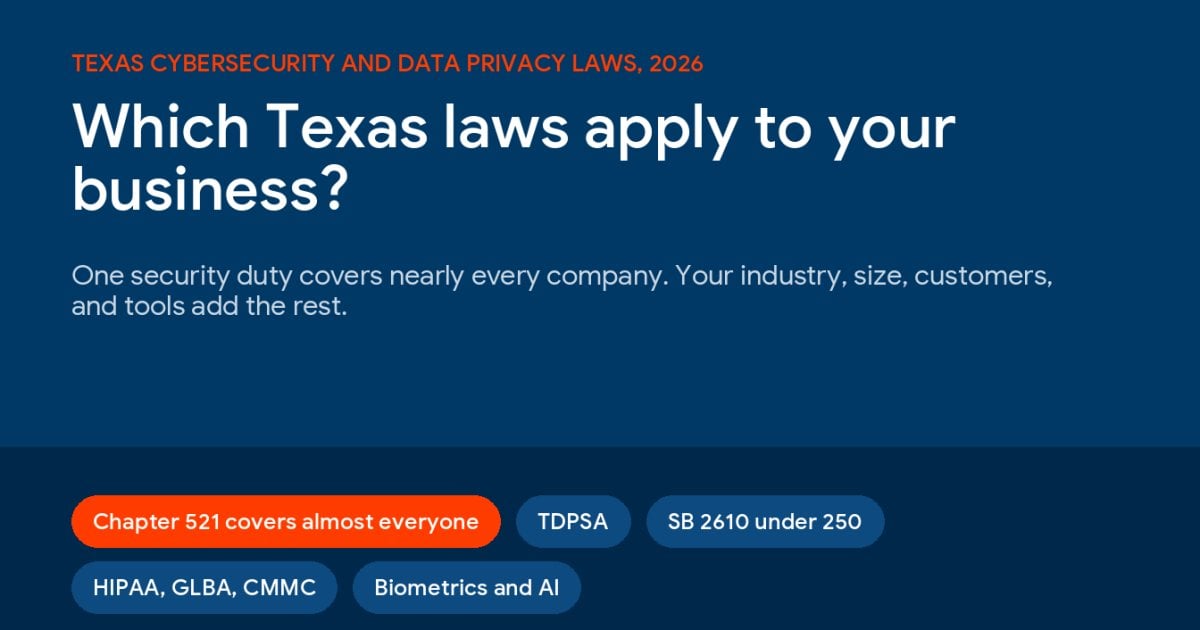
Texas Cybersecurity and Data Privacy Laws for Businesses: Which Ones Apply to You (2026)
Texas cybersecurity laws for businesses start with a single duty that covers nearly every company, ... Learn More
Texas cybersecurity laws for businesses start with a single duty that covers nearly every company, ... Learn More
Read full post on uprite.com
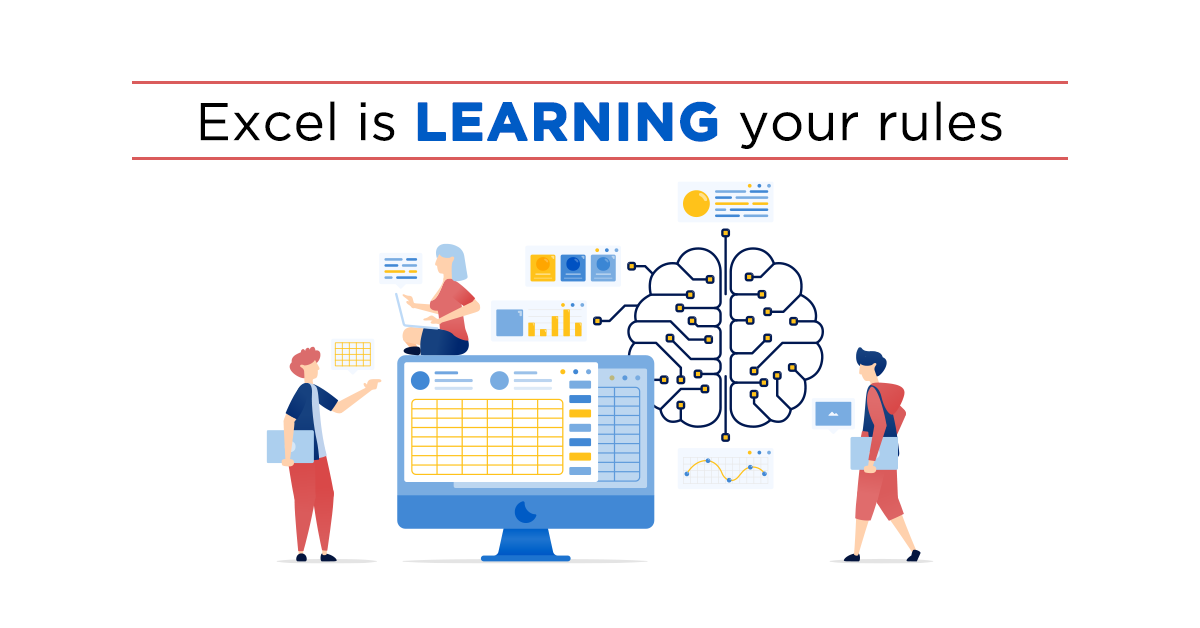
Copilot in Excel Update: How AI Now Learns Your Formatting Rules
Most people think AI in Excel is about formulas and number crunching. But it's starting to learn the way your business works. That could mean less time fixing spreadsheets and more time using the information inside them…
Most people think AI in Excel is about formulas and number crunching. But it's starting to learn the way your business works. That could mean less time fixing spreadsheets and more time using the information inside them…
Read full post on skysailtechnologies.com
Just Added to MSPdb™


MSP Jobs
All Jobs

MSP Marketplace
View All


Popular MSPs
View All