Is IT hitting the fan? Call an MSP.
Discover leading Managed IT Service Providers across USA, Canada & the United Kingdom.
- 100s of leading MSPs
- Find a MSP near you
- Latest IT news for SMBs


Why Website Accessibility and Inclusivity Matters
Inclusivity and accessibility are essential to building an equitable society. With more than 6 million Canadians living with disabilities, it’s critical to create digital spaces that everyone can use. This commitment to accessibility is not just about being inclusive—it’s also becoming a legal requirement. Starting May 1, 2025, businesses in Manitoba must comply with the Accessible Information and Communication Standard, part of The Accessibility for Manitobans Act. This legislation ensures that everyone, regardless of ability, has equal access to digital information and services. The Import
Inclusivity and accessibility are essential to building an equitable society. With more than 6 million Canadians living with disabilities, it’s critical to create digital spaces that everyone can use. This commitment to accessibility is not just about being inclusive—it’s also becoming a legal requirement. Starting May 1, 2025, businesses in Manitoba must comply with the Accessible Information and Communication Standard, part of The Accessibility for Manitobans Act. This legislation ensures that everyone, regardless of ability, has equal access to digital information and services. The Importance of Inclusivity and Accessibility Equity and Human Rights: At the heart of accessibility is the belief that everyone deserves equal access to information. Ensuring your website is accessible means removing barriers that can prevent individuals with disabilities from fully participating in society. Disabilities such as vision impairments, hearing loss, mobility challenges, and cognitive disabilities can all impact how users navigate online content. Accessibility empowers them to engage, learn, and interact with your website without difficulty. Legal Requirements: The new standards outlined by Manitoba’s legislation are based on WCAG 2.1 Level AA guidelines. Websites must be perceivable, operable, understandable, and robust to meet these requirements. Failure to comply can lead to penalties and legal consequences. Preparing now can help avoid compliance headaches in the future. Economic Benefits: Accessibility opens doors to a broader audience, including a significant market of individuals with disabilities. Businesses that prioritize accessible design can improve their reputation, enhance customer loyalty, and attract more clients. By investing in accessibility, you’re not only doing what’s right but also positioning your business for growth. Social Responsibility: Organizations that embrace accessibility signal a strong commitment to social responsibility. This effort fosters goodwill and builds trust with customers, employees, and the community at large. Demonstrating that your brand values inclusivity sets a positive example for others to follow. Preparing Your Organization for Compliance: Actionable Steps Audit Your Current Communication Channels: Start with a thorough review of your site’s current accessibility status. This includes ensuring that all content is usable by individuals with disabilities, such as providing text alternatives for images, offering keyboard-only navigation, and ensuring clear, simple language is used throughout. Implement Accessible Formats: Be prepared to offer alternative formats such as braille, large print, or digital documents that are compatible with screen readers. This step ensures that all users, regardless of ability, can access the information they need. Use Assistive Technology: Ensure your website and digital assets are compatible with tools like screen readers, magnifiers and voice recognition software. These technologies assist individuals with disabilities in navigating your website effectively. Educate Your Team: Train your staff on how to identify and remove barriers to accessibility. They should be well-versed in the new standards and know how to implement them across all digital platforms. The Broader Impact of Accessibility Prioritizing inclusivity and accessibility helps create a more just society where everyone can fully participate. This benefits not only individuals with disabilities but also enriches our communities and collective experiences. Organizations that lead in accessibility set a positive example, contributing to a more inclusive digital world. The upcoming implementation of The Accessibility for Manitobans Act highlights the growing importance of accessibility. This legislation mandates that businesses and organizations make their websites and digital content accessible to all, reinforcing the need for immediate and thoughtful action. Building accessible digital spaces is about more than just compliance; it’s about recognizing and embracing diversity. It ensures that every person, regardless of ability, can access the information and services they need. By committing to accessibility, we take a significant step toward a more inclusive and equitable world for all. Let's Start Now Evident IT is here to help. We specialize in conducting accessibility audits and making necessary adjustments to ensure your website complies with the WCAG 2.1 Level AA guidelines. Our team will identify the areas that need improvement and implement fixes to create a seamless, accessible experience for all users. Whether you need a comprehensive audit or targeted website updates, Evident IT ensures that your business is ready for the May 2025 deadline. Don’t wait until the last minute—prepare now and ensure your website is compliant. Contact Evident IT today for a consultation, and let us help you build an inclusive digital space that meets all legal requirements and enhances your customer experience.
Read full post on evidentit.ca
MSPdb™ News


What Your Next Cleveland Managed IT Service Contract Should Cover
See what Cleveland managed IT service contracts should include. Find the red flags to watch for before you sign a contract with any managed service provider. In This Article: Signing a managed IT services contract isn’t like buying software or hiring a contractor for a defined project. It’s closer to hiring a business partner. This
See what Cleveland managed IT service contracts should include. Find the red flags to watch for before you sign a contract with any managed service provider. In This Article: Signing a managed IT services contract isn’t like buying software or hiring a contractor for a defined project. It’s closer to hiring a business partner. This
Read full post on infinit.us

Declutter Your Browser: How to Regain Lost Productivity
These days, the vast majority of our day-to-day business work happens entirely inside a web browser like Google Chrome or Microsoft Edge. Because we practically live in these applications, they quietly accumulate massive piles of background data, unvetted plugins, and tracking cookies over time.You do not always need to throw money at a sluggish computer to solve a performance problem. Sometimes, it is just a matter of using the technology you already have in better, more effective ways. Let us look at how to take the load off your hardware and get your systems back up to speed.
These days, the vast majority of our day-to-day business work happens entirely inside a web browser like Google Chrome or Microsoft Edge. Because we practically live in these applications, they quietly accumulate massive piles of background data, unvetted plugins, and tracking cookies over time.You do not always need to throw money at a sluggish computer to solve a performance problem. Sometimes, it is just a matter of using the technology you already have in better, more effective ways. Let us look at how to take the load off your hardware and get your systems back up to speed.
Read full post on coretechllc.com

Church Printing Solutions: Bulletins, Booklets & More
Churches print more than people realize. Weekly bulletins, sermon notes, study guides, event flyers, children’s ministry materials, outreach mailers, and the occasional large booklet for a special service all add up. For many congregations, printing is a constant, behind-the-scenes task that lands on a small staff or a faithful volunteer. The right setup makes that
Churches print more than people realize. Weekly bulletins, sermon notes, study guides, event flyers, children’s ministry materials, outreach mailers, and the occasional large booklet for a special service all add up. For many congregations, printing is a constant, behind-the-scenes task that lands on a small staff or a faithful volunteer. The right setup makes that
Read full post on novatech.net
What California’s New Cybersecurity Rules Mean for Salinas Businesses
Direct Answer: California’s updated CPRA rules now require mandatory annual cybersecurity audits for many businesses and compress breach notification deadlines to 30 days. Monterey County SMBs need to act before something goes wrong. Most business owners in Salinas and across Monterey County didn’t get into their industry to become cybersecurity experts. A produce distribution company
Direct Answer: California’s updated CPRA rules now require mandatory annual cybersecurity audits for many businesses and compress breach notification deadlines to 30 days. Monterey County SMBs need to act before something goes wrong. Most business owners in Salinas and across Monterey County didn’t get into their industry to become cybersecurity experts. A produce distribution company
Read full post on adaptiveis.net
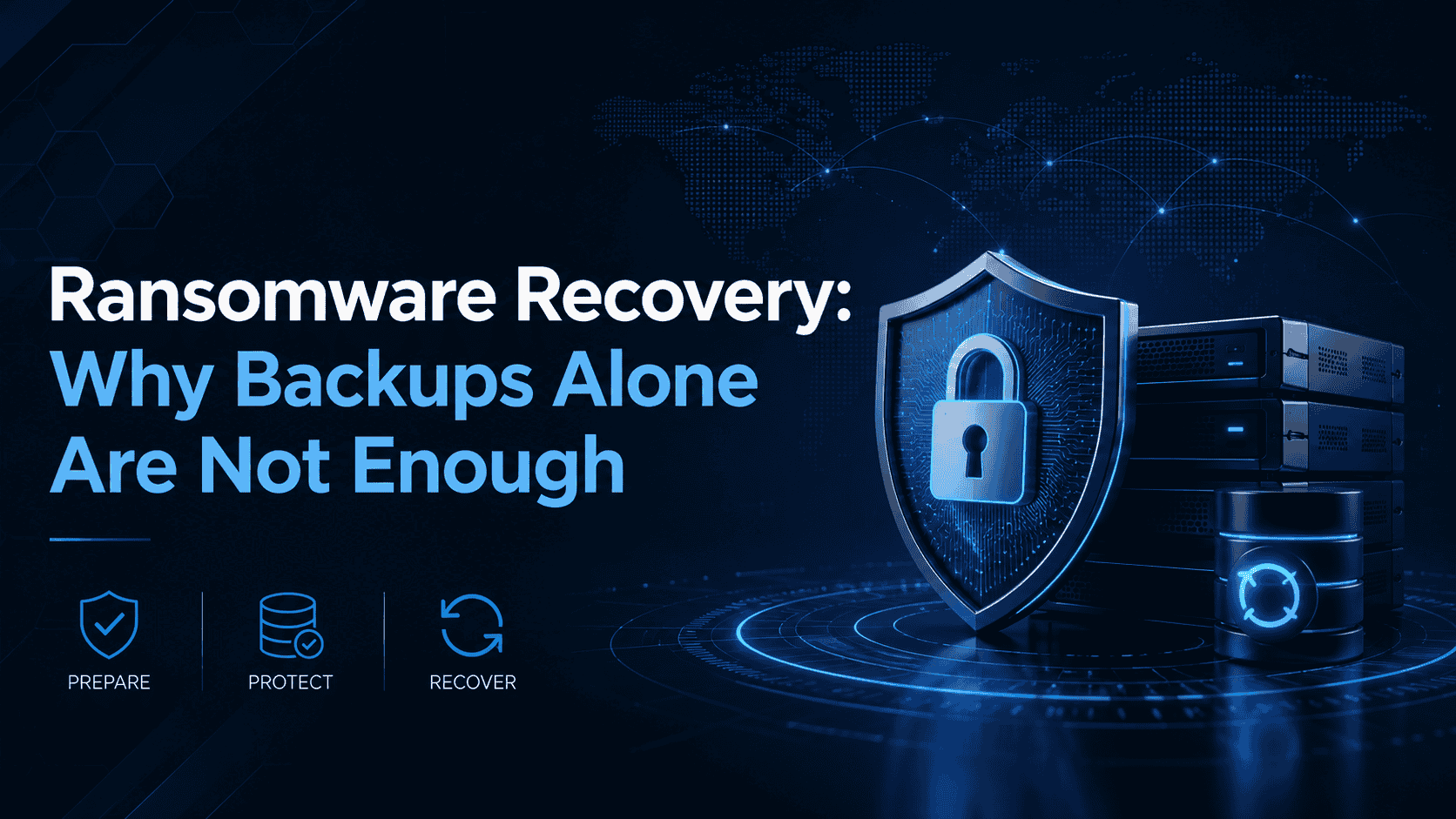
Ransomware Recovery: Why Backups Alone Are Not Enough


The Gentlemen Ransomware: Why This RaaS Threat Is Scaling Fast
The Gentlemen ransomware has moved from affiliate activity into a fast-scaling RaaS operation. Learn why its double-extortion model, SystemBC use, and worm-like propagation risk demand faster containment and recovery planning.
The Gentlemen ransomware has moved from affiliate activity into a fast-scaling RaaS operation. Learn why its double-extortion model, SystemBC use, and worm-like propagation risk demand faster containment and recovery planning.
Read full post on alvaka.net

AI Cost Sprawl: The Spend You Can’t See and How to Get It Under Control
AI Readiness Assessment Download Now Most leaders can tell you what they spend on Microsoft 365, their ERP, or their cybersecurity stack. Ask them what they spend on AI, and the room goes quiet. That silence is the problem. AI tools are multiplying across departments — a ChatGPT subscription here, a Copilot rollout there, a
AI Readiness Assessment Download Now Most leaders can tell you what they spend on Microsoft 365, their ERP, or their cybersecurity stack. Ask them what they spend on AI, and the room goes quiet. That silence is the problem. AI tools are multiplying across departments — a ChatGPT subscription here, a Copilot rollout there, a
Read full post on corsicatech.com
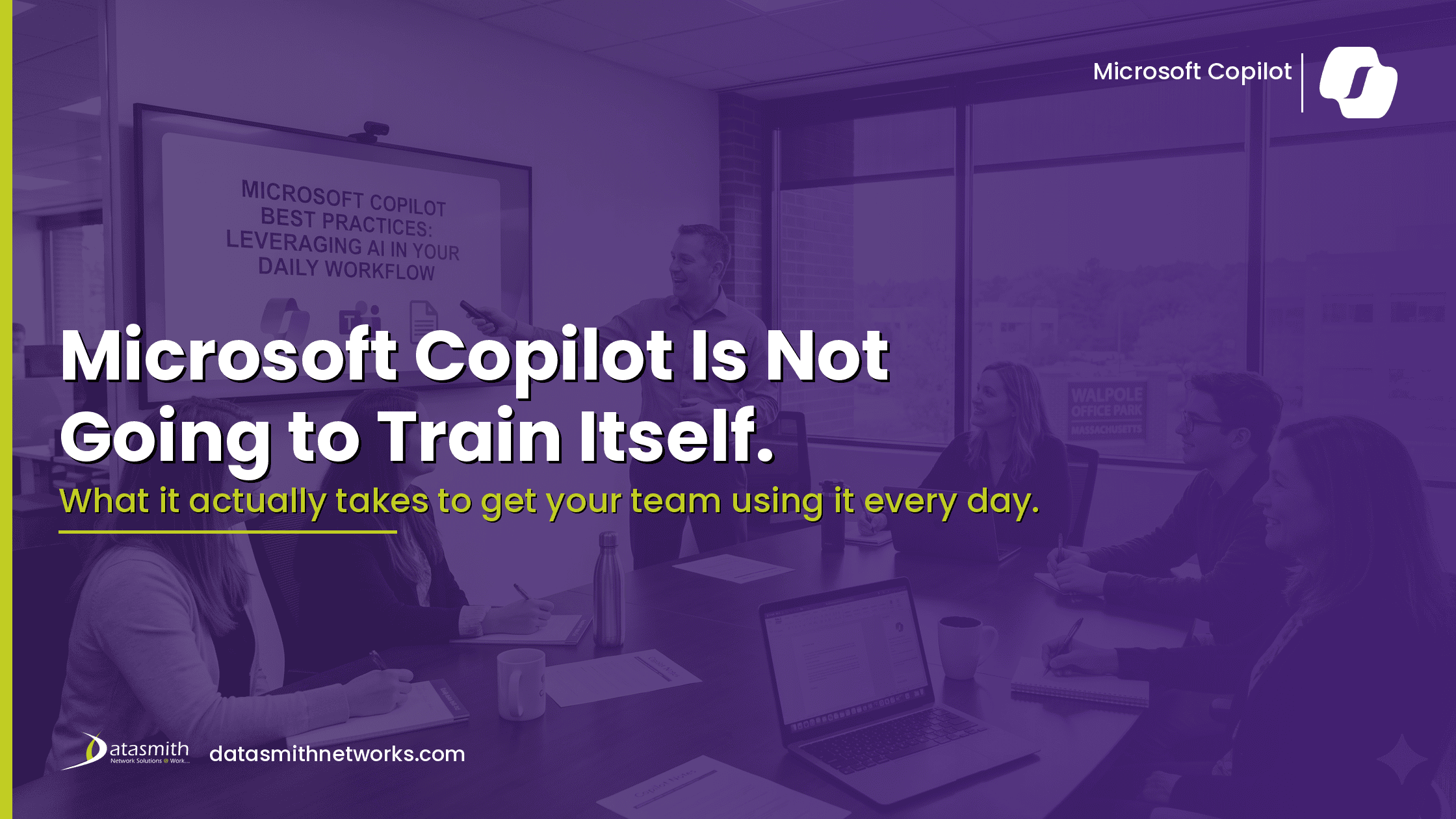
Microsoft Copilot Is Not Going to Train Itself. What It Actually Takes to Get Your Team Using It Every Day.
You activated the licenses, sent the announcement, maybe you even ran a quick walkthrough. Three weeks later, most of
You activated the licenses, sent the announcement, maybe you even ran a quick walkthrough. Three weeks later, most of
Read full post on datasmithnetworks.com

What Does a Cybersecurity Company Actually Do?
For many businesses, cybersecurity feels abstract. It is often seen as a collection of tools or software rather than an ongoing function. Understanding what does a cybersecurity company do helps clarify how protection actually works in practice and why it has become a critical part of modern business operations. A cybersecurity company does not just
For many businesses, cybersecurity feels abstract. It is often seen as a collection of tools or software rather than an ongoing function. Understanding what does a cybersecurity company do helps clarify how protection actually works in practice and why it has become a critical part of modern business operations. A cybersecurity company does not just
Read full post on superion.ca

BlueBird iT Earns a Spot on the 2026 MSP 501
BlueBird iT has once again been named to the MSP 501, the technology industry's most respected ranking of the world's top MSP providers.
BlueBird iT has once again been named to the MSP 501, the technology industry's most respected ranking of the world's top MSP providers.
Read full post on bluebirdinc.com
Just Added to MSPdb™