We have IT covered.
Discover leading Managed IT Service Providers across USA, Canada & the United Kingdom.
- 100s of leading MSPs
- Find a MSP near you
- Latest IT news for SMBs

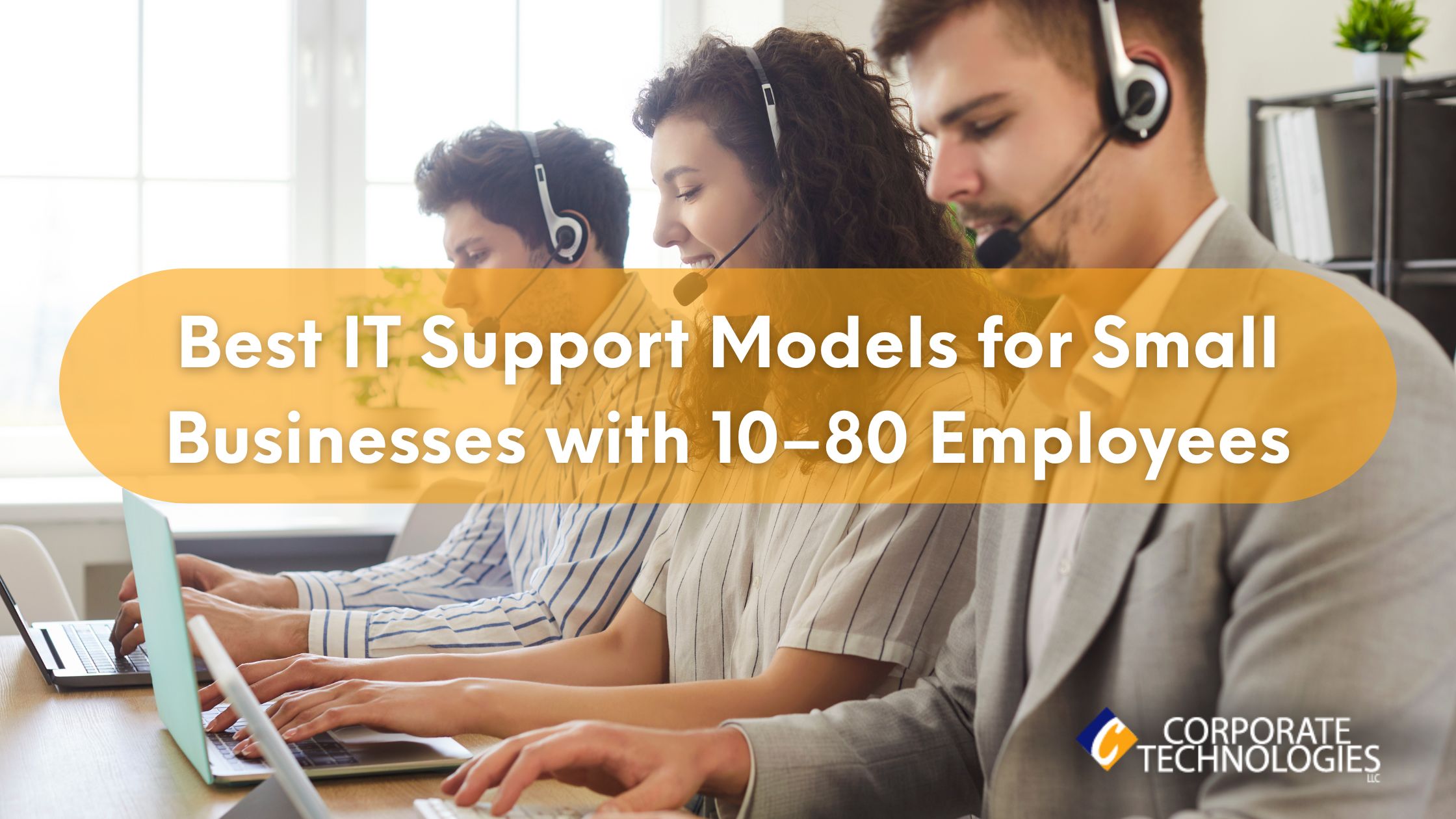
Best IT Support Model for 10–80 Employee Companies
At some point in your company’s growth, you need someone to take care of your IT support. Users need help with technical issues, new hardware must be installed, and hackers are always targeting small businesses for their poor cybersecurity defenses. The best IT support model for 10-80 employees is partnering with a good managed service provider (MSP). Not only does partnering with an MSP take away most of the IT overhead, but you also know your infrastructure and cybersecurity are done right. Here are a few common MSP support models to help small businesses. Completely Outsourced MSP IT Suppor
At some point in your company’s growth, you need someone to take care of your IT support. Users need help with technical issues, new hardware must be installed, and hackers are always targeting small businesses for their poor cybersecurity defenses. The best IT support model for 10-80 employees is partnering with a good managed service provider (MSP). Not only does partnering with an MSP take away most of the IT overhead, but you also know your infrastructure and cybersecurity are done right. Here are a few common MSP support models to help small businesses. Completely Outsourced MSP IT Support Not every business has overnight staff, but it’s common for staff to work late nights or early mornings. If any of your staff travels, they might need support during off-peak hours. Most small business owners don’t stop work when they clock out. Small business owners are on-call days, nights and weekends. At some point, you need support for your IT infrastructure, and you might not find it if you don’t have dedicated support. Whether you need off-peak hours support or simple help with your infrastructure during working hours, an MSP is there to help. A good MSP has a 24/7 helpdesk to answer low-priority calls, but high-priority critical issues can be handled with onsite support. If you need new installations, an MSP’s onsite support will work with you to figure out the best solution, deploy it with minimal interference of business operations, and maintain it with upgrades and patches. Should your network suffer from an outage, an MSP will work with you to get it back up and running as soon as possible. Every MSP has a set service level agreement (SLA) that determines a timeframe for response and resolution. For example, you might be promised a 15-30 minute response for critical issues so that you have immediate support for a fast resolution. You also have the benefit of skilled professionals familiar with IT issues and how to fix them. Outsourcing your IT support to an MSP gives you help with anything software and hardware related. If you have no one with IT experience, this model might be the best choice. Pros: Cons: Co-Managed IT Support For businesses with at least 50 employees, you might prefer to have at least one onsite dedicated IT staff member. This staff member has a relationship with the people working in the office, and it’s easy for employees to quickly ask questions from the person sitting in a cubicle down the hall. A dedicated staff member seems like the more productive choice after your business has several dozen employees. A single staff member can’t handle every issue that presents itself, so you either hire more IT staff or use a co-managed IT support model. For most small businesses, engaging with an MSP is the answer. It’s more cost effective, and it provides help to a small IT department. IT support requires network monitoring, network maintenance, and constant updates to both staff workstations and networking equipment. The entire process of monitoring and managing a network becomes overwhelming for one or two IT people. Having a co-managed support model is a nice balance between onsite staff and expenses and relying on an MSP to remediate critical issues, monitor for any issues, and bring professional support that onsite staff might not have, like cybersecurity, cloud management and deployment, and disaster recovery. The MSP works directly with your onsite dedicated staff and acts as an extension of your IT support team. Pros: Cons: On-call for Intermittent Support Only For very small businesses with less than 10 employees, full-time MSP support might not be necessary. You might have very little IT infrastructure and don’t need support but once or twice a month. If you have little need for full-time support but still need help every once in a while, a more casual contract might be the best option. You still need a contract with an MSP, but you can pay as you go or pay only when you need support. This IT support model has several pitfalls, one of which is that it can get expensive if you need help with a critical issue that takes days to remediate. For example, suppose that you have a major data breach from ransomware. You need help with containing the threat, finding out what happened, and eradicating it from your network. Most businesses also need help with recovering data, if at all possible. Without disaster recovery plans in place, you could lose your data altogether, which is why professional help should be a proactive thought rather than reactive. A good MSP will work with your budget and decide which IT support model is best for your business. If you are thinking about this model, here are a few considerations. Pros: Cons: What MSP Model is Right for You? Every business has its own requirements, and these requirements are what you should focus on when you choose an IT support model. For businesses with a budget, you should carefully consider the right model, and look for an MSP that gives you a flat-rate monthly cost based on metrics like users. It might take you time to find the right provider, but Corporate Technologies can help you find the right IT support that suits your budget and your requirements. Contact us today to see what we can do to help support your IT infrastructure. FAQs
Read full post on gocorptech.com
MSPdb™ News

Thrive and TeamViewer Partner to Redefine Proactive IT and the Digital Workplace
For today’s business leaders, IT performance is no longer just a technical concern, but is a direct driver of productivity, employee experience, and overall business outcomes. As digital environments grow more complex, the traditional ticket-based…
For today’s business leaders, IT performance is no longer just a technical concern, but is a direct driver of productivity, employee experience, and overall business outcomes. As digital environments grow more complex, the traditional ticket-based…
Read full post on thrivenextgen.com

Managed IT Services in New Mexico for Oil, Gas & Energy: Reliable IT for Remote Sites, SCADA, and Harsh Connectivity
Managed IT Services in New Mexico for oil, gas, and energy sites deal with a very different kind of work. Operations are spread across a wide land, far from clean offices or stable networks. Many sites sit behind dirt roads, temporary buildings, and fiber lines that never quite reach where the work actually happens. Still, the technology has to hold up. SCADA systems, field sensors, dispatch tools, cameras, and reporting platforms all need to run without gaps. When IT fails in these conditions, the impact is immediate. Production slows, crews wait, and risks grow. This article explains how man
Managed IT Services in New Mexico for oil, gas, and energy sites deal with a very different kind of work. Operations are spread across a wide land, far from clean offices or stable networks. Many sites sit behind dirt roads, temporary buildings, and fiber lines that never quite reach where the work actually happens. Still, the technology has to hold up. SCADA systems, field sensors, dispatch tools, cameras, and reporting platforms all need to run without gaps. When IT fails in these conditions, the impact is immediate. Production slows, crews wait, and risks grow. This article explains how managed IT really supports energy operations across New Mexico, based on how things work in the field. Quick Summary Energy Operations in New Mexico Energy operations here are spread out, remote, and exposed. Oil and gas fields in the southeast, transmission lines across desert land, solar and wind sites far from urban hubs. Connectivity is inconsistent. Power events are common. And SCADA systems can’t go down without real consequences. For energy firms, Managed IT Services in New Mexico are less about office productivity and more about uptime in the field. One dropped link can mean production loss, safety exposure, or reporting delays. Local risks include: This is where specialized IT support in New Mexico matters. Generic MSP models don’t survive desert realities. Data & Benchmarks: Real Numbers That Matter Energy IT isn’t about theory. It’s about minutes and dollars. Companies using structured Managed IT Services in New Mexico usually see outage reductions of around 30–40% within the first year. Mostly from prevention, not faster repairs. How Managed IT Services Work for Energy Sites 1. Assessment (Week 1–2) 2. Stabilization (Week 2–3) 3. Security Baseline (Week 3–4) 4. Monitoring & Support (Ongoing) This structure forms the foundation of Managed IT Services in New Mexico for energy firms operating in remote conditions. Compliance and Risk You Can’t Ignore Energy companies in New Mexico still fall under: Common compliance gaps seen: Good IT support in New Mexico doesn’t promise perfection. It builds documentation and processes that hold up under pressure. Infrastructure Problems on the Ground Some realities don’t change. Practical setups that work better: This is not a luxury. It’s a survival for energy IT. What Energy MSP Services Cost Monthly Costs One-Time Costs Hidden Costs to Watch Clear Managed IT Services in New Mexico contracts spell these out before problems start. Comparing IT Support Options for Energy Operations Break/Fix In-House IT Managed IT Provider For most energy operators, Managed IT Services in New Mexico sit in the middle. Not cheap. But stable. Local Energy Case Example A regional oil operator in New Mexico was dealing with frequent SCADA dropouts across several remote sites. Each outage slowed field work and delayed reporting back to the main office. Crews often waited hours while issues were traced. The solution focused on strengthening the foundation rather than adding complexity. Secondary connectivity was installed, monitoring was centralized, and networks were properly segmented to protect critical systems. Backup processes were also tested on a set schedule instead of being assumed to work. Within months, outages dropped by about forty percent, response times improved, and compliance records became easier to maintain. This reflects what solid IT support in New Mexico looks like in real energy operations. Final Thoughts The work of energy in New Mexico is very hard on the crews and more challenging on the technology dispersed on remote land. Systems fail quickly when planning is thin or reactive. Strong Managed IT Services in New Mexico do not aim for perfection. They focus on control, stability, and faster recovery. Keeping SCADA systems available, reducing outage frequency, and limiting disruption are what matter most. In remote energy operations, that level of reliability keeps work moving and risks manageable. FAQs 1. What does managed IT usually cost for energy operations in New Mexico? Most spend between $3,000 and $10,000 per month, depending on the number of sites, users, and SCADA systems involved. 2. Is on-site IT support required for remote energy sites? Yes, but it becomes far less frequent once systems are stabilized and properly monitored. 3. Can managed service providers handle SCADA safely? Specialized ones can manage SCADA environments safely, while general office-focused providers often struggle. 4. Is compliance support included with managed IT services? With properly structured Managed IT Services in New Mexico, baseline compliance support is typically included as part of ongoing service.
Read full post on gocorptech.com

How to Run a Bank Incident Response Tabletop Exercise That Actually Improves Readiness
An incident response tabletop exercise is a structured, interactive discussion where a team walks through a simulated security threat to evaluate and improve their incident response plan. It allows staff to practice their roles in a low-stress environment, identifying gaps in communication, technical controls, and procedures before a real crisis occurs. Federal and state examiners
An incident response tabletop exercise is a structured, interactive discussion where a team walks through a simulated security threat to evaluate and improve their incident response plan. It allows staff to practice their roles in a low-stress environment, identifying gaps in communication, technical controls, and procedures before a real crisis occurs. Federal and state examiners
Read full post on resultstechnology.com
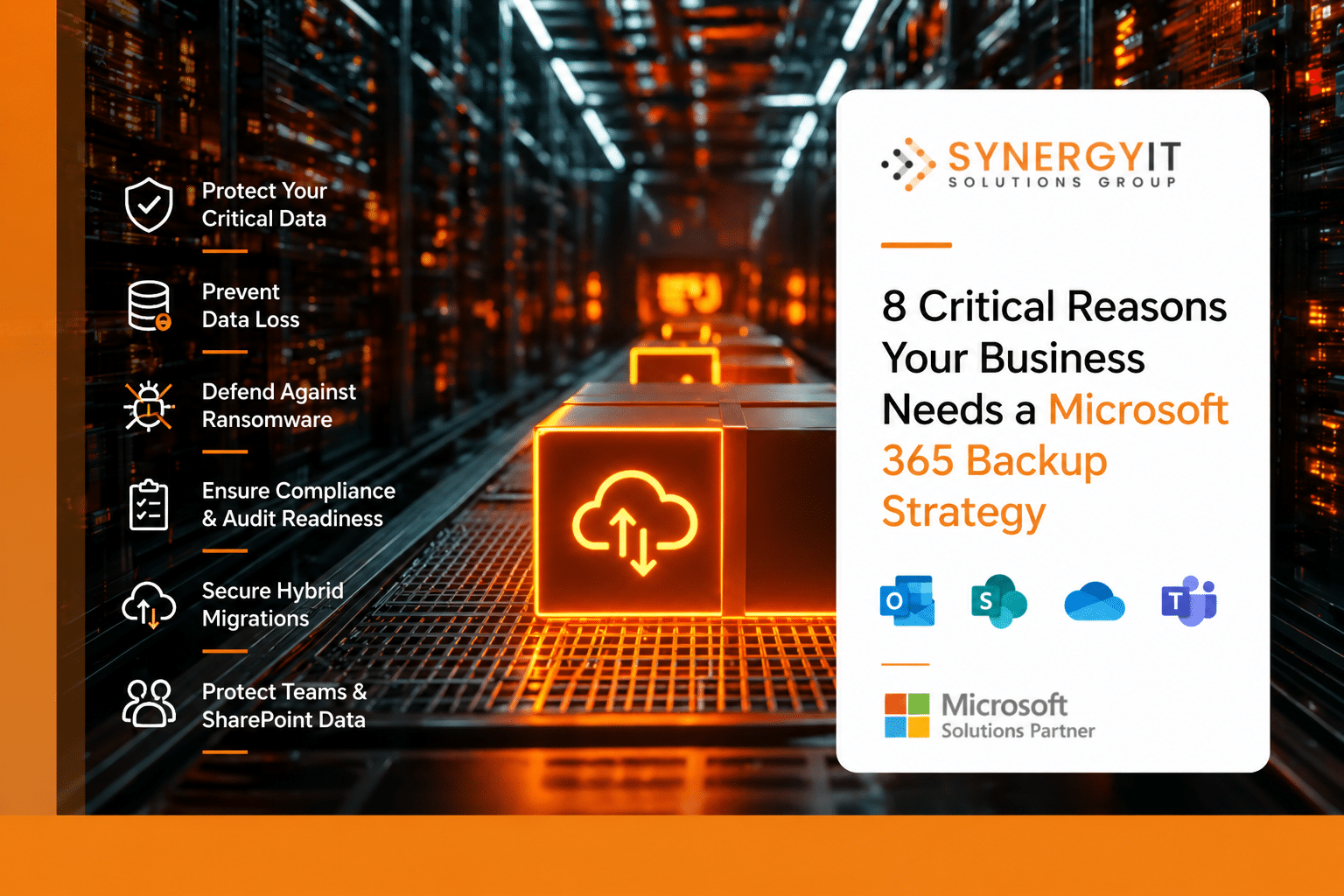
8 Critical Reasons Your Business Needs a Microsoft 365 Backup Strategy
Most business owners sleep soundly believing their data is “in the cloud” and therefore safe.…
Most business owners sleep soundly believing their data is “in the cloud” and therefore safe.…
Read full post on blog.synergyit.ca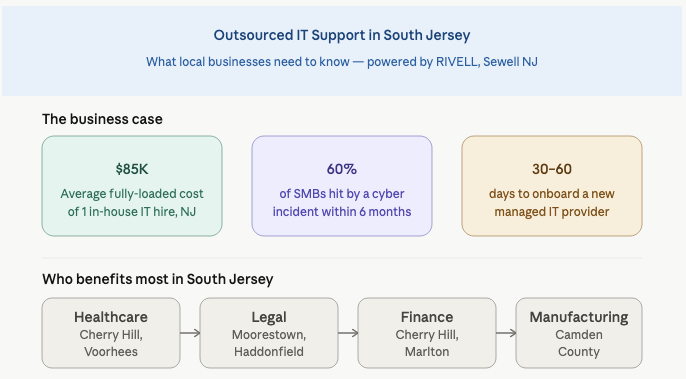
Outsourced IT Support In New Jersey
Outsourced IT Support in New Jersey: What South Jersey Businesses Need to Know Before They Hire You’re running a 30-person company in Cherry Hill. Your in-house “IT guy” just gave two weeks notice, and you’ve got a server acting up, three employees who can’t access the VPN, and a compliance audit coming up next quarter.
Outsourced IT Support in New Jersey: What South Jersey Businesses Need to Know Before They Hire You’re running a 30-person company in Cherry Hill. Your in-house “IT guy” just gave two weeks notice, and you’ve got a server acting up, three employees who can’t access the VPN, and a compliance audit coming up next quarter.
Read full post on rivell.com

How to Use Claude AI for Document Analysis



Claude Mythos Preview: The AI That Hunts Zero-Days and What It Means for Cybersecurity in 2026
Anthropic's Claude Mythos Preview achieved a 100% pass rate on Cybench, solved a 10-hour corporate network attack, and autonomously found zero-days in Firefox 147. Here's what this AI breakthrough means for vulnerability management and how NSOCIT is keeping organizations protected.
Anthropic's Claude Mythos Preview achieved a 100% pass rate on Cybench, solved a 10-hour corporate network attack, and autonomously found zero-days in Firefox 147. Here's what this AI breakthrough means for vulnerability management and how NSOCIT is keeping organizations protected.
Read full post on nsocit.com
AI Consulting
AI Consulting AI consulting for small businesses is about getting practical results for fast—automating repetitive
AI Consulting AI consulting for small businesses is about getting practical results for fast—automating repetitive
Read full post on wolftg.com

AI Governance at Work: Is Your Business in Control?
Quick question: Do you know how your team is using AI at work? Not how you think they’re using it, but how they’re really using it? Most businesses don’t. And that’s where the risk creeps in…
Quick question: Do you know how your team is using AI at work? Not how you think they’re using it, but how they’re really using it? Most businesses don’t. And that’s where the risk creeps in…
Read full post on skysailtechnologies.com
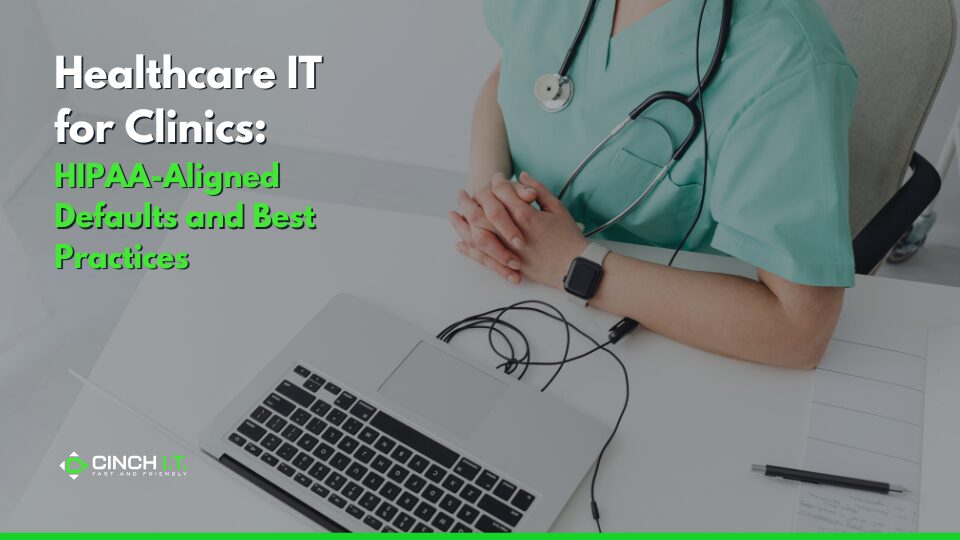
Healthcare IT for Clinics: HIPAA-Aligned Defaults
Healthcare providers across the country, from small clinics and dental offices to therapy practices, operate in a uniquely demanding environment where patient trust and data protection go hand in hand. Every system they rely on handles highly sensitive information, and with that comes the responsibility of meeting strict HIPAA requirements. The challenge? Many of these
Healthcare providers across the country, from small clinics and dental offices to therapy practices, operate in a uniquely demanding environment where patient trust and data protection go hand in hand. Every system they rely on handles highly sensitive information, and with that comes the responsibility of meeting strict HIPAA requirements. The challenge? Many of these
Read full post on cinchit.com
Just Added to MSPdb™


MSP Jobs
All Jobs
MSP Marketplace
View All


Popular MSPs
View All